vidIQ workflow comparison: keyword research, AI Coach and Optimize
Choose a starting point for an unknown topic, clearer wording or an existing video without confusing suggestions with applied changes.
Read articleThe archive
201 articles · Page 6 of 17
Choose a starting point for an unknown topic, clearer wording or an existing video without confusing suggestions with applied changes.
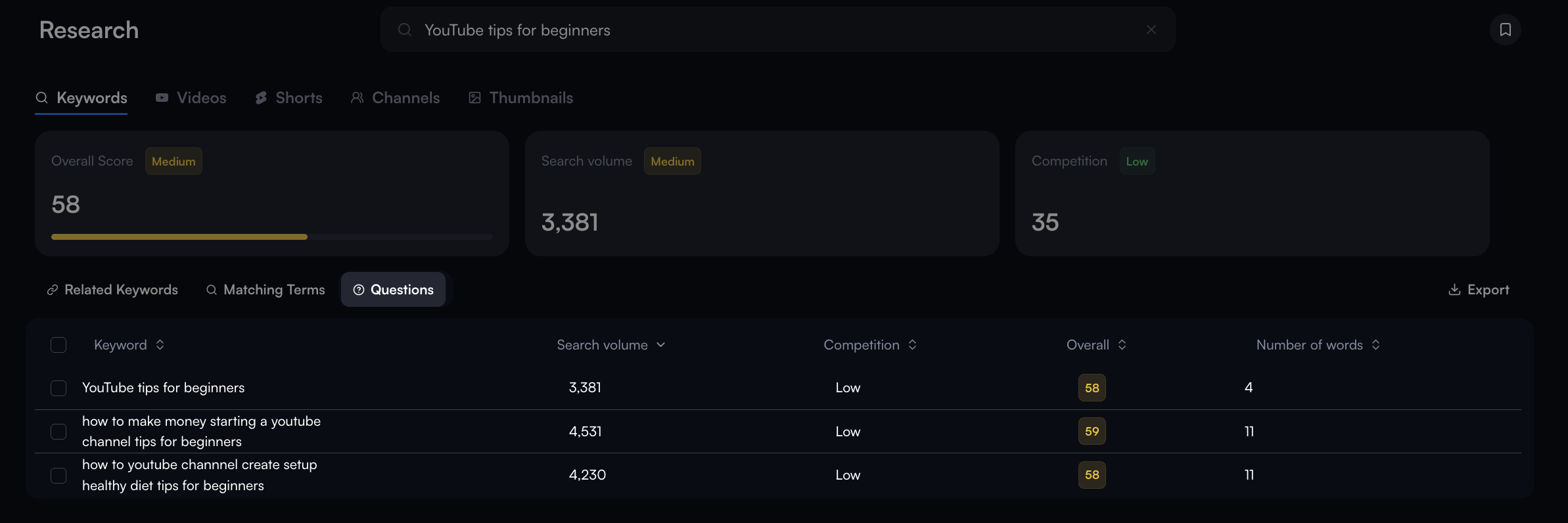
Read articleOpen Research → Keywords, compare related terms and questions, then leave with three candidates and one realistic video title. Includes official interface examples.
Read articleSeparate keyword research, wording suggestions and changes to an existing video, with clear limits on what scores can tell you.
Read articleChoose a caption starting point based on the material you already have, then inspect the same delivery criteria.
Read articlePlan a browser-based caption task, distinguish transcription from checking, and choose between a captioned video and a subtitle file.
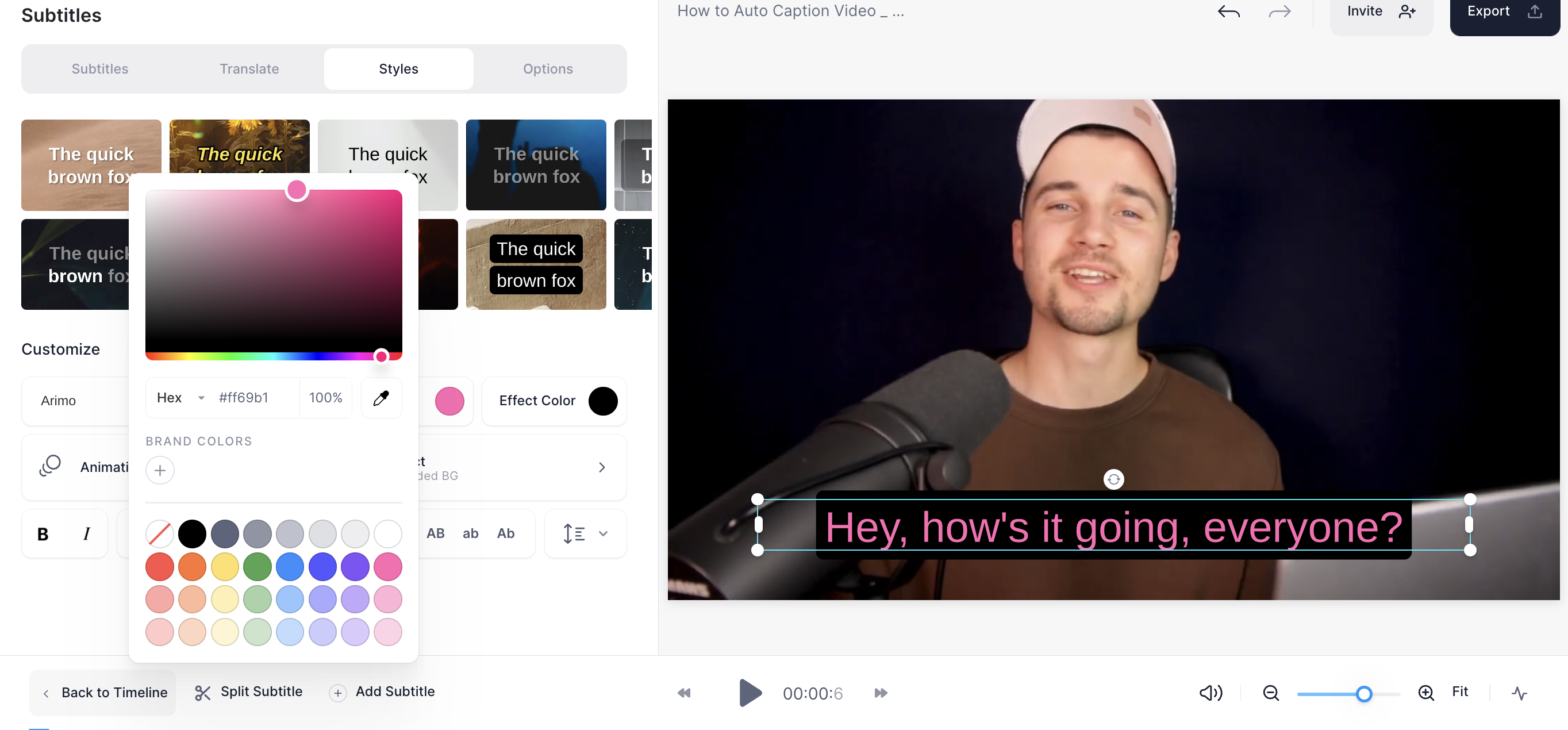
Read articleUpload through Edit Video, generate captions with Auto-subtitle, correct the text and styling, then save through Done and Download. Includes official interface examples.
Read articleCompare manual work, an inspectable test and a recurring scenario using the same personal ideas sheet.
Read articleUnderstand scenarios, modules and connections, then decide what is worth automating in a personal workflow.
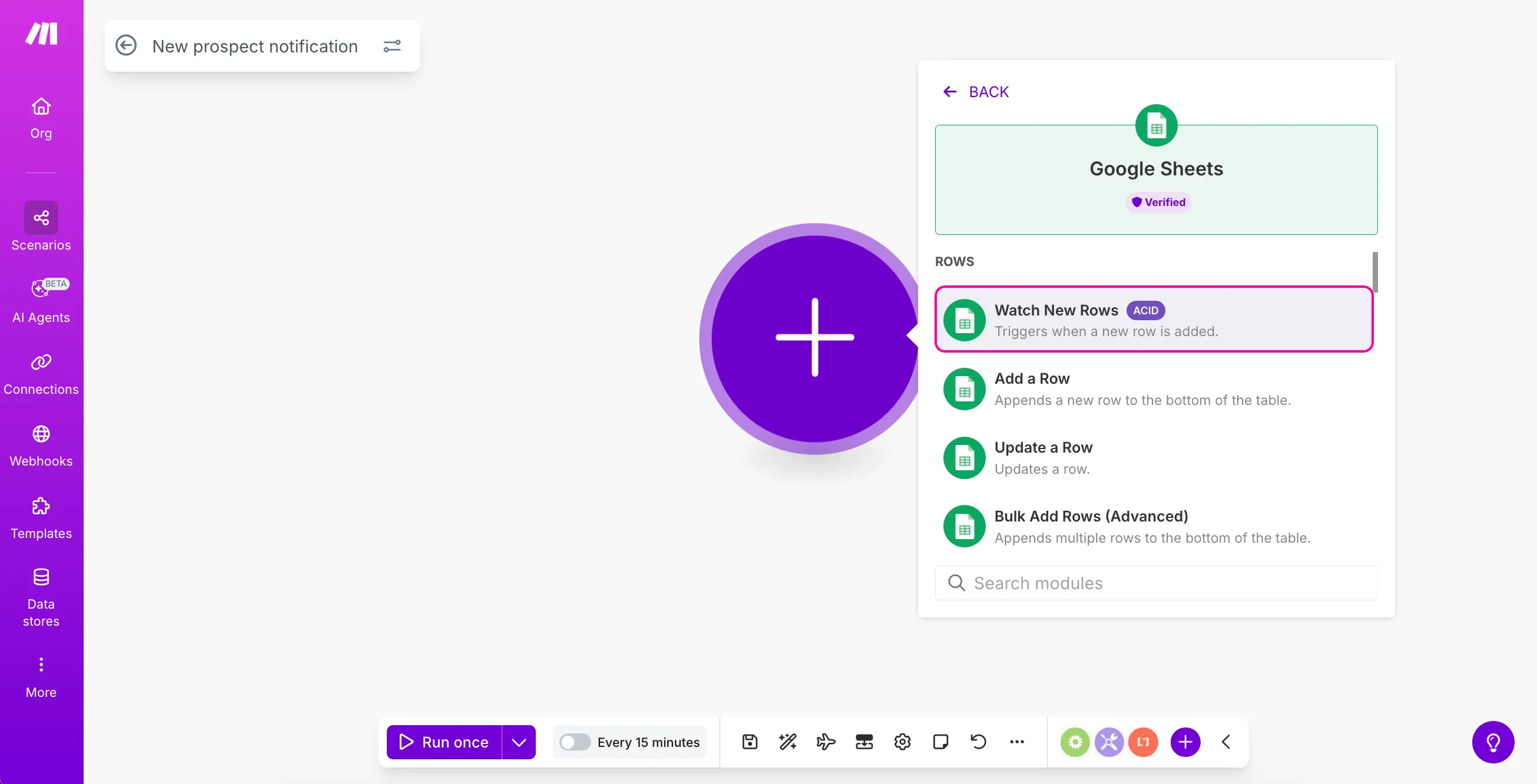
Read articleFollow seven official example screenshots to create a Make scenario, connect Google Sheets, configure Watch New Rows and inspect your first output.
Read articleCompare how to plan preset changes, prompt changes and a simple still-image treatment without inventing generated test results.
Read articleUnderstand the image, camera preset and prompt in Higgsfield DoP, then decide whether a generated shot fits your project.
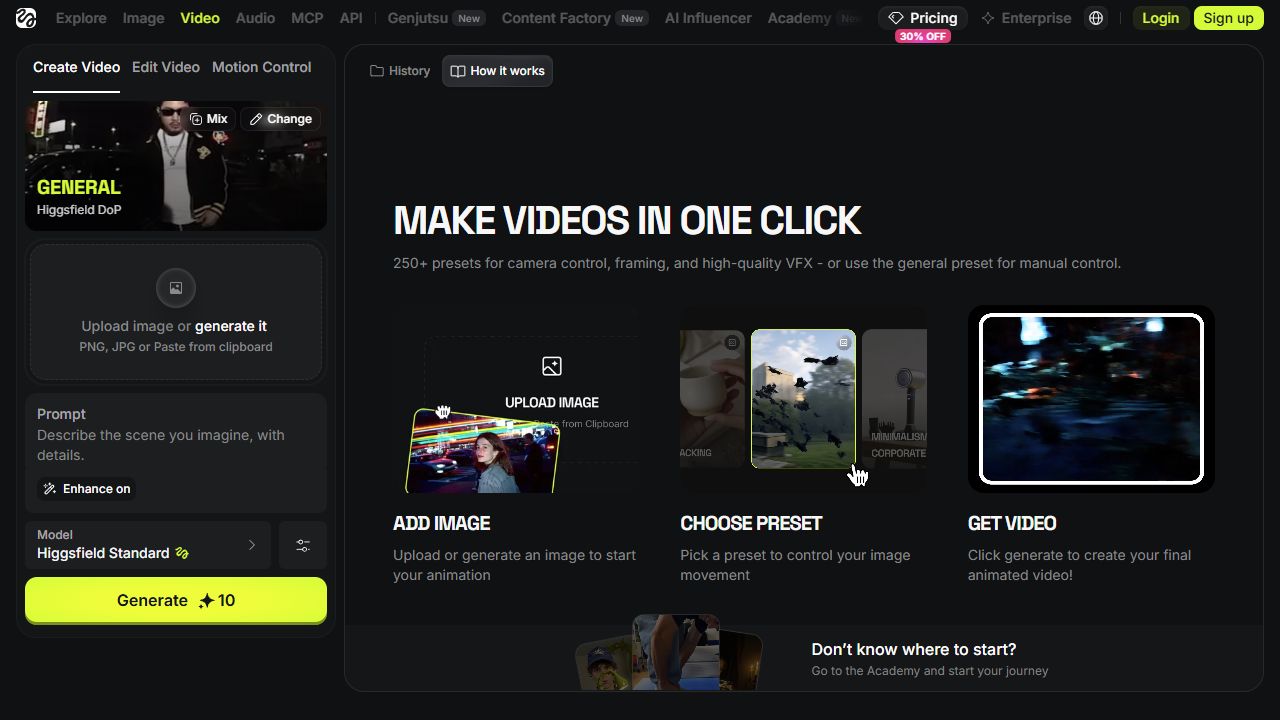
Read articleFollow seven real Higgsfield screenshots from Login and Video to model selection, image upload, DOLLY IN and duration settings.
Read article