VEED caption workflow comparison: automatic transcription, manual text and SRT import
Choose a caption starting point based on the material you already have, then inspect the same delivery criteria.
Last updated
Menus and supported features can change. Compare the source-check date below with your current app version.
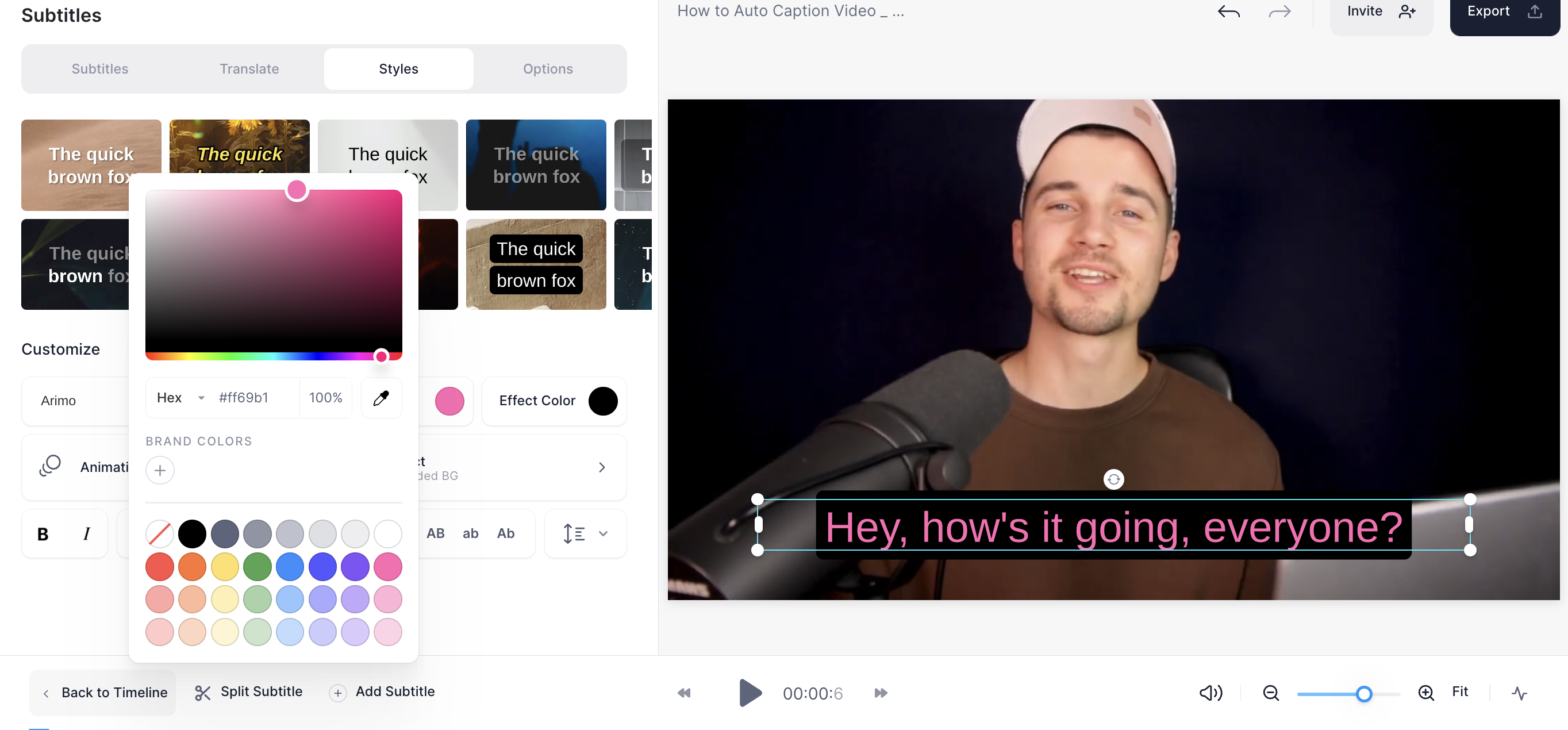
Automatic generation is one starting point for captions, not the only one. A checked script or an existing timed file changes what you need to do. This comparison considers the same short explanatory video with automatic transcription, manual text and a subtitle-file import.
It uses official caption and file documentation checked on October 26, 2026. We did not benchmark speed or accuracy. Keep delivery requirements identical when comparing the approaches.
Identify the material already available
Distinguish speech alone, a verified script and a timed SRT or VTT. Treating all three as a blank transcription task can repeat work that is already complete.
| Starting point | Existing material | First inspection |
|---|---|---|
| Automatic captions | Spoken media | Language and recognized wording |
| Manual text | Short, defined wording | Content and display timing |
| SRT or VTT import | Timed subtitle file | Format and match to the video version |
Use generation when you need a draft
The official subtitle guide describes language selection, generation and text correction. When you have speech without a transcript, this is a route to inspect. Check names, numbers and expressions that change meaning rather than assuming clear audio means a perfect result.
If you later compare productivity, record correction effort and final accuracy as well as the received text. We did not collect those measurements, so this article does not call generation universally faster. A usable draft is the immediate question.
Consider manual input for defined wording
Manual input is another documented option. A short script whose display moments are already planned may not need a new transcription draft. Distinguish a faithful speech caption from additional explanatory text so the purpose stays clear.
You still need to inspect when each line appears, how much can be read and how it connects to the next. Short wording does not remove the review step. It does provide a clear reference for recording what you changed.
Import a file when its timing belongs to this edit
The documentation supports SRT and VTT import. An SRT contains text and timestamps, not footage or font styling. Check that the file belongs to the same video revision. Cutting an opening segment can make previously correct timestamps unsuitable.
A file that opens successfully is not proof of synchronization. Replay the beginning, middle and end for missing lines and drift. In a shared workflow, record the video filename and subtitle revision together.
Compare the actual delivery
Use the same checks for all paths: accurate wording, readable timing and placement, and the file the recipient needs. Inspect a captioned MP4 as video and a separate subtitle file as text and timing. Check current account conditions for the required export or download.
Our editorial starting rule is a generated draft for untranscribed speech, manual input for short defined wording and import for a reliable timed file. Playback remains necessary in every case. Choose for the existing material and delivery brief rather than the degree of automation alone.
Continue with the step-by-step task guide for the interface instructions.
Sources & further reading
- https://support.veed.io/en/articles/11172739-how-to-add-subtitles-to-your-video-automatically
- https://support.veed.io/en/articles/10531327-how-to-export-your-project
- https://support.veed.io/en/articles/11884721-how-srt-files-work
- https://www.veed.io/learn/how-to-add-subtitles-or-captions-to-a-video
- https://www.veed.io/pricing