Make workflow comparison: manual copying, one-time tests and scheduled runs
Compare manual work, an inspectable test and a recurring scenario using the same personal ideas sheet.
Last updated
Menus and supported features can change. Compare the source-check date below with your current app version.
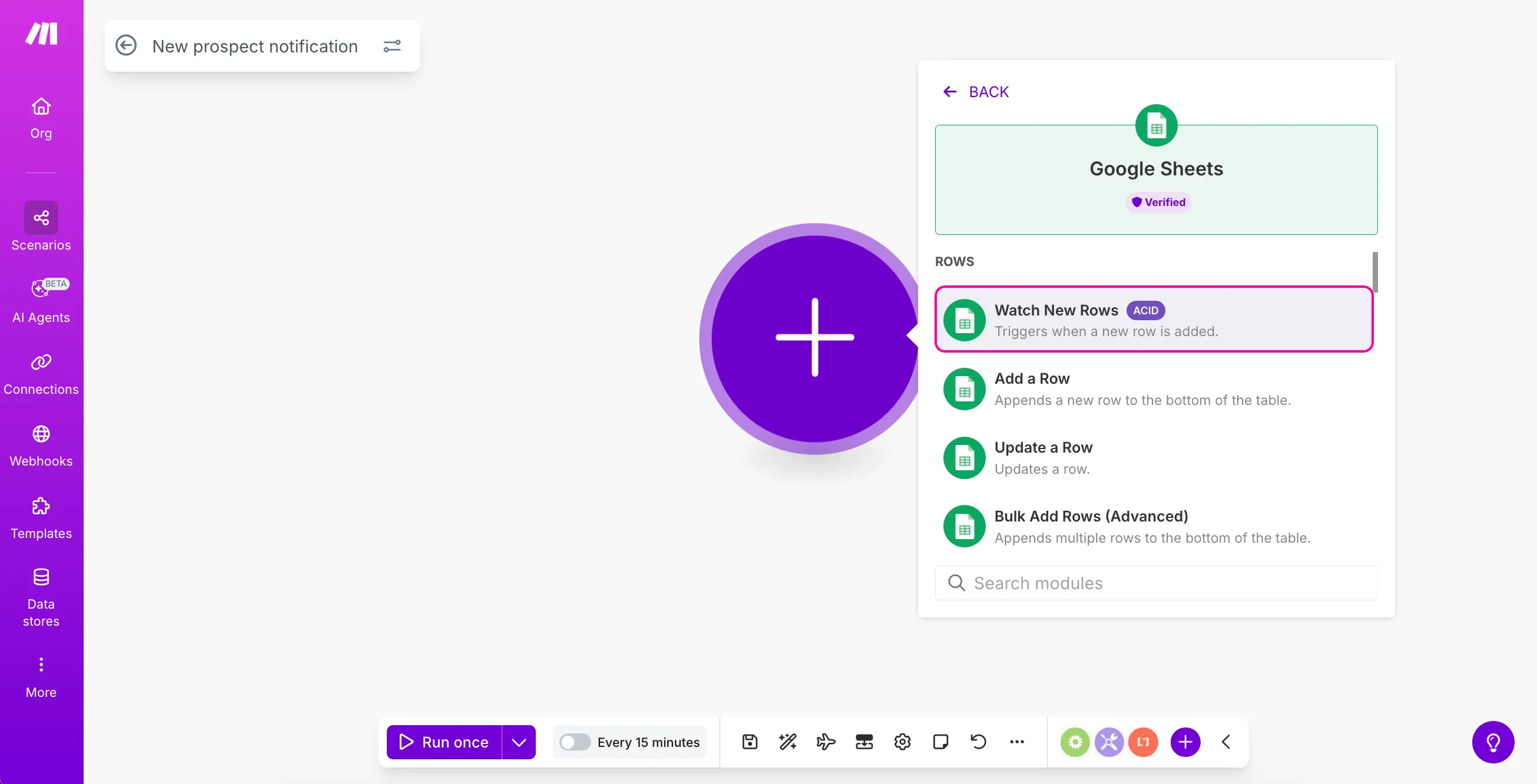
Does moving one idea justify an automation? Compare how often the task repeats and who checks its result before deciding. This article uses one personal ideas sheet to contrast direct inspection, a one-time Make test and scheduled operation.
The comparison is based on documentation checked on October 26, 2026. We did not benchmark the approaches or collect operating costs. The focus is the responsibility each approach introduces, not an invented time-saving figure.
Keep the expected information identical
Use the same title and notes as input. The output is an inspectable pair of matching values; no downstream app is attached yet. Comparing a person reading the original with an automation doing several additional jobs would hide the actual tradeoff.
| Approach | Initial preparation | Ongoing check |
|---|---|---|
| Read the sheet directly | Location and consistent columns | Remembering to inspect it |
| Read once with Make | Connection, file and sample | Matching output to source |
| Run on a schedule | Verified flow and interval | History, errors and usage |
Direct inspection can fit occasional work
If you gather ideas occasionally and choose them in the original file, a second output may offer little benefit. Include the time needed to learn and maintain another tool in your assessment. That is a judgment about the task, not a claim that the product lacks features.
Consistent naming, columns and a review routine also improve manual work. They make a later automation easier to define. Connecting an unclear routine does not automatically establish its purpose.
Use a one-time run to inspect the connection
Make’s Google Sheets onboarding recommends testing the module and comparing returned values with the source. This is a way to inspect the selected account, file, tab and header interpretation before adding another action.
Record the sample and the returned title and note. A correct sample does not establish every future row’s structure. When the input changes, give the next test a specific question rather than repeating the button without a reason.
Schedule only when regular operation matters
The official schedule guide separates frequency from activation and discusses credit usage. Decide how quickly information must be available before choosing an interval. A daily planning list and a time-sensitive notification have different requirements.
Also define how to interpret a missing result. No new data and a broken connection are different situations. We have not tested recovery here; knowing how you would notice a problem is a proposed operating criterion. A practice scenario can remain inactive after the exercise.
Compare the whole responsibility
Check actual run history, account usage and any downstream actions rather than estimating every scenario’s cost from one trigger setting. No monthly bill or break-even claim is measured in this article.
Keep direct inspection when it meets the need, use a one-time read to learn the connection and schedule it when the recurring result has a purpose. The meaningful outcome is a flow whose input, output and failure checks you can explain.
Continue with the step-by-step task guide for the interface instructions.
Sources & further reading
- https://help.make.com/create-your-first-scenario
- https://help.make.com/step-2-get-your-apps-ready
- https://help.make.com/step-3-add-your-first-app
- https://help.make.com/step-4-create-a-connection
- https://help.make.com/step-5-set-up-the-trigger
- https://help.make.com/step-6-test-the-module
- https://help.make.com/step-10-schedule-your-scenario