Unity project preparation: a new project versus existing source
Compare setup, versions, dependencies, permissions, and completion checks without inventing benchmark results.
Last updated
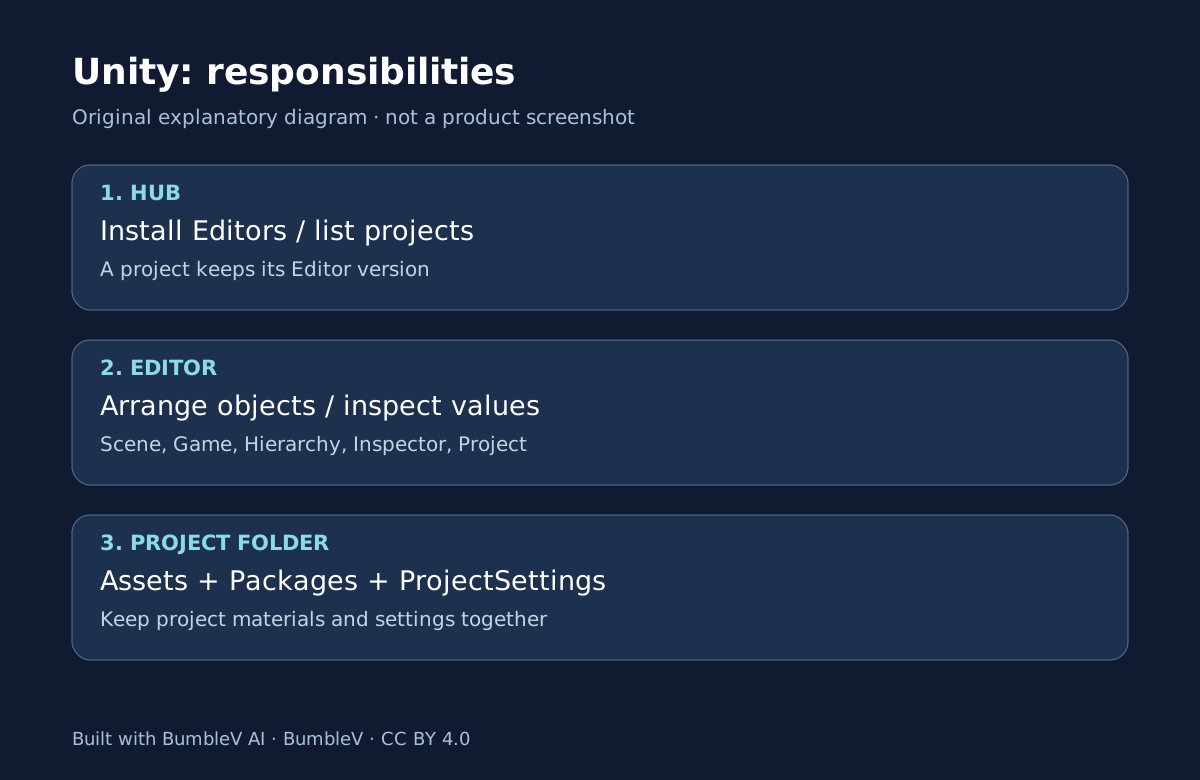
This is engine preparation, not an AI tool review. The course below covers the separate CoplayDev MCP for Unity integration.
Opening the source of an AI-assisted game is tempting, but it is a different learning task from creating a new Unity practice project. One asks whether you can arrange and preserve a scene. The other asks whether you can reproduce somebody else’s dependencies and environment. This comparison uses official documentation and the public source discussed in our game articles; it contains no measured installation times or success rates.
Choose the outcome before the project
If you want to learn the windows and save a scene, begin with the floor-and-cube exercise. If you want to study a game’s implementation, read its README, version file, and package manifest first. Combining those tasks immediately makes an installation issue harder to distinguish from a problem specific to the game.
| Question | New practice project | Existing game project |
|---|---|---|
| Intended result | A small scene you placed yourself | An understanding of existing structure and connections |
| Editor choice | The 6.3 LTS line chosen for the exercise | Start with ProjectVersion.txt |
| Required material | Files created by the template | Original project folders and external dependencies |
| Likely friction | Selection, camera, save location | Old packages, missing assets, licensing, version mismatch |
| Cost check | Your Unity license eligibility | Original services, assets, and subscriptions as well |
| Automation | Manual editing in this exercise | Inspect each script’s input and output first |
| Time | Not measured | Not measured |
What a new project lets you isolate
A new project avoids inheriting a game’s entire configuration, although a template still includes settings and packages. Record the complete Editor version, template, and local folder path. Follow the official project creation procedure rather than assuming that every tutorial uses the same template.
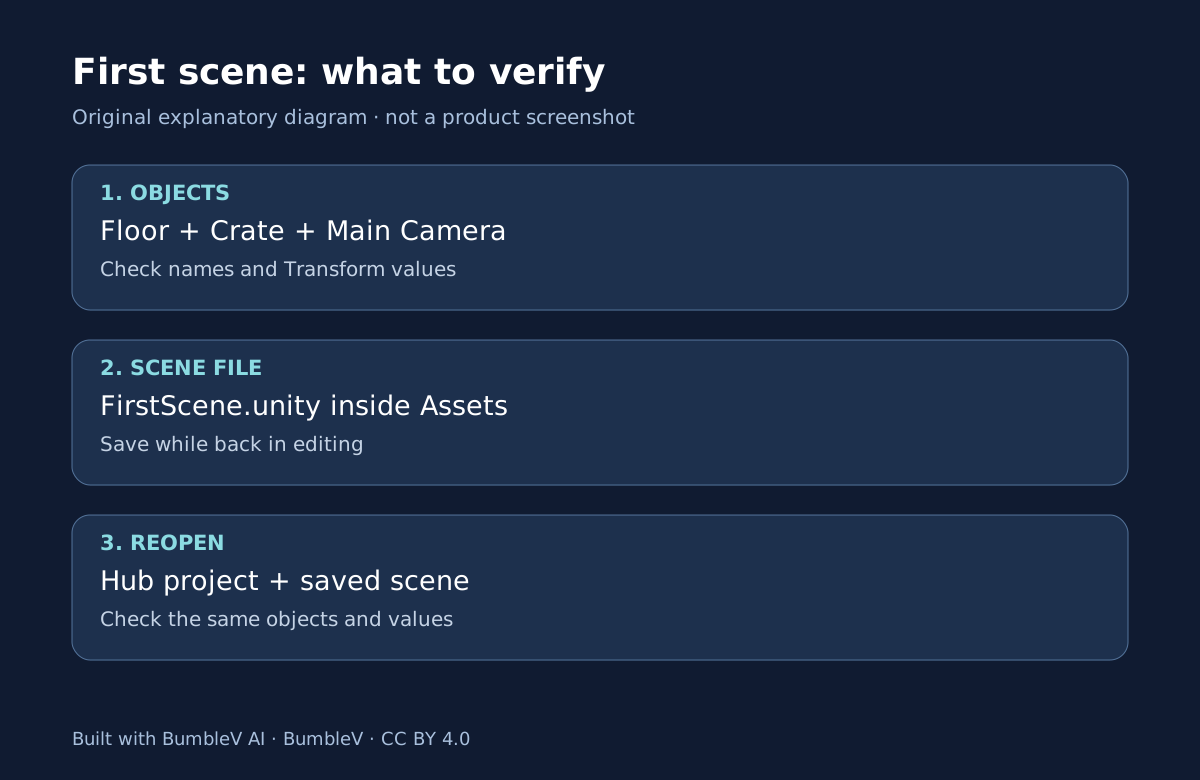
Use concrete completion checks: Floor and Crate have the intended Transform values, the camera shows them, and reopening the saved scene preserves the arrangement. Attractive generated art is unnecessary for that learning objective. A screenshot alone is insufficient if you cannot find and reopen the working project.
Read three files before opening existing source
The README explains the project’s purpose and setup. ProjectSettings/ProjectVersion.txt identifies its Editor version. Packages/manifest.json identifies package dependencies. The fixed source examined in our SpAIceRocks analysis records 6000.0.24f1 and historical Muse packages. That is evidence of the source environment, not proof that today’s Editor and services reproduce it unchanged.
Keep the original and make a separate working copy. In Hub Projects, use Add → Add project from disk and select the project root, not just Assets. Before choosing a different Editor, check availability of the recorded version and any author-provided migration instructions. A conversion can change files and make comparison with the original harder. Project management
Generated material still needs integration
An image must become an appropriate file with dimensions and transparency suited to its role. Code must match the project’s classes and references. Audio needs a connection to the event that should play it. Obtaining a generated output and using it successfully in Unity are distinct steps, separated by import, references, saving, and another execution check.
Change one material at a time when learning. For your own replacement image, record its file path, the object that uses it, and whether it remains visible after reopening. If a problem appears, compare with the pre-change state. This is a proposed validation method, not a claim that we successfully modified or ran one of the featured games.
Track licensing separately from availability
A free game may have used paid generation services. A publicly readable repository may have different terms for code, images, fonts, and audio. Inspect the root license and material-specific notices; do not fill missing permission with an assumption of commercial reuse. Unity’s license and the source materials’ permissions are separate questions.
Keep a short record of the chosen project path, Editor version, source commit, missing files, and steps actually completed. Preserve real error messages instead of attributing a failure to AI authorship before diagnosing it. Use the Unity introduction for terminology and first-scene tutorial for an independent, reproducible starting objective.
For a later version-change experiment, distinguish the pre-change copy from the converted folder. Opening, scene display, input behavior, and reopening a saved scene are separate checks. An opening screen does not pass them all. Record the last confirmed step and remaining error to preserve a starting point for the next test.
Sources & further reading
- https://docs.unity.com/en-us/hub/install-hub-win-mac
- https://docs.unity.com/en-us/hub/add-editor
- https://docs.unity.com/en-us/hub/manage-license
- https://docs.unity.com/en-us/hub/project-create
- https://docs.unity.com/en-us/hub/project-manage
- https://unity.com/products/unity-personal
- https://docs.unity.com/en-us/engine/6000.3/manual/working-with-gameobjects/gameobject-fundamentals/primitive-objects
- https://docs.unity.com/en-us/engine/6000.3/manual/working-with-gameobjects/gameobject-fundamentals/class-transform
- https://docs.unity.com/en-us/engine/6000.3/manual/working-with-scenes/scenes-working-with
- https://docs.unity.com/en-us/engine/6000.3/manual/unity-editor
- https://unity.com/legal/docs-terms