Midjourney workflow comparison: a new prompt, Vary, or the Edit Model?
Choose a documented workflow for a background brief and check outputs without claiming untested performance.
Last updated
Menus and supported features can change. Compare the source-check date below with your current app version.
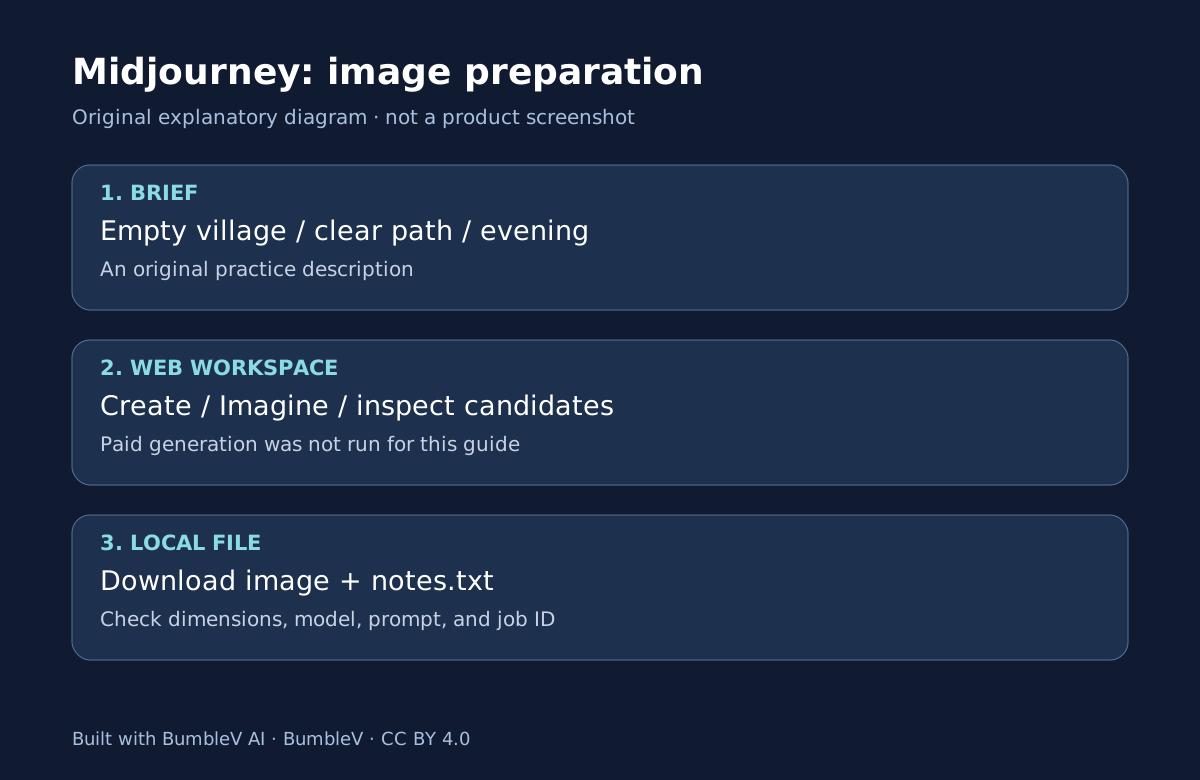
When a Midjourney background misses the brief, should you always start over? First identify whether you want a different scene, alternatives close to one candidate, or an edit based on an existing image. This documentation comparison considers a new prompt, Vary, and the Edit Model against one objective: an empty coastal-village background. It is not a hands-on quality or speed benchmark.
The reference is the checked V8.2 version documentation and the official modification overview. Historical game-production articles may describe different models and tools. We compare responsibilities and completion checks rather than inventing matching outputs, processing times, or a winner.
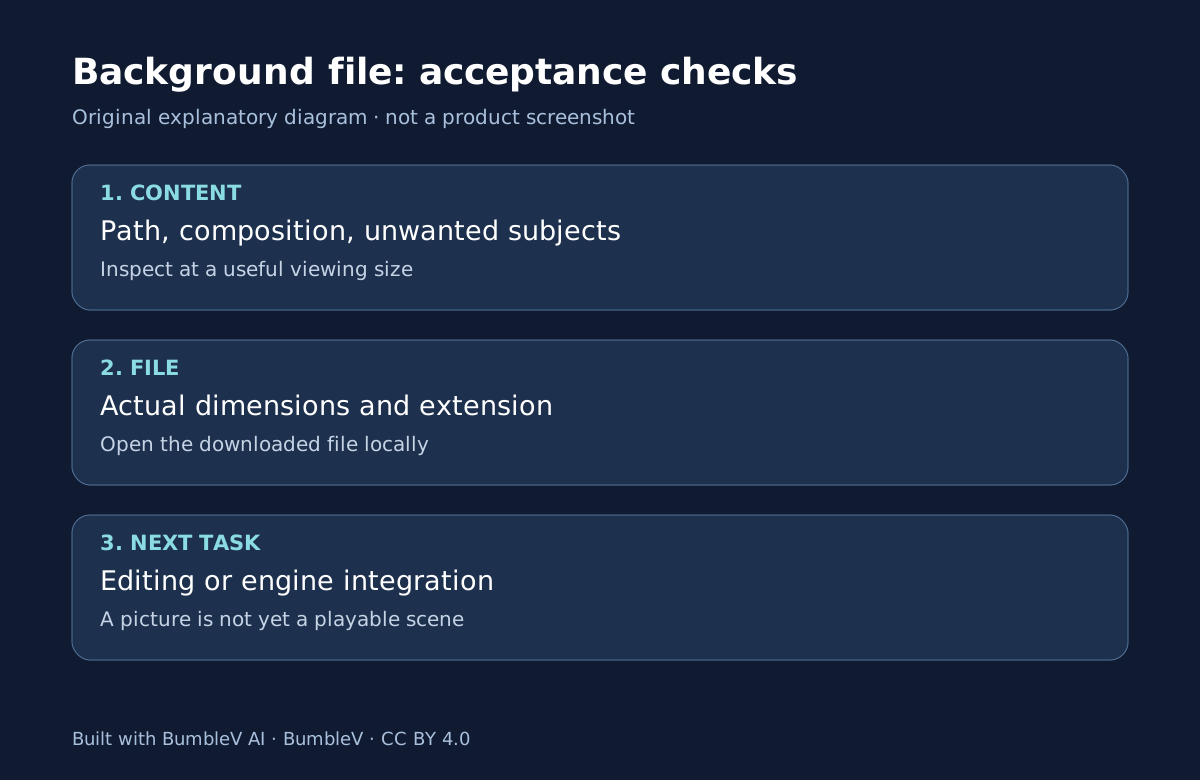
Three questions that guide the choice
If the task needs a village but the output is an interior, reconsider the description. If the village and path already fit but you want related candidates, inspect variation options. If you want a change based on an image, check the current editing workflow and supported inputs. These are selection criteria, not guarantees that a feature will preserve every requirement.
| Question | New prompt | Vary | Edit Model |
|---|---|---|---|
| Starting material | A scene description | A selected generated candidate | An image and intended change |
| Useful decision | Redefine what to make | Explore nearby alternatives | Specify a change to existing material |
| Output check | Scene, composition, subject | Changed and retained features | Intended and unintended changes |
| Potential friction | Composition may shift again | Small changes can affect game layout | Old reference tutorials can be misleading |
| Time and allowance | Not measured | Not measured | Not measured |
Rewrite the brief when the concept is wrong
Instead of piling conflicting requirements onto a prompt, restate the scene and the space it needs. For a background behind a player character, a usable empty area may matter more than decorative detail. In our exercise, the central path and absence of people are priority checks. The full optional prompt is in the first-background tutorial.
Changing color, time of day, buildings, and viewpoint at once makes comparison harder. Record the original conditions and the one you changed. A pleasing result does not establish that one language always outperforms another; that would need a separate controlled evaluation.
Vary starts from a close candidate
Open a promising candidate and inspect its Vary options. Subtle and Strong offer different scales of variation, but should not be interpreted as pixel-locked preservation of a path or building. Compare the original and variation for the central route, edges, and lighting direction before accepting a new file. Modification overview
Use distinct filenames such as village-original and village-variation-01. Overwriting the first picture makes it harder to judge what changed. Check the account’s allowance before additional work. This guide describes human-operated web choices, not an automated generation script.
Do not mix the Edit Model with old reference instructions
The Version documentation describes the Edit Model in V8.X and changes from Omni Reference, Character Reference, and Retexture. Copying an older reference parameter into a V8.2 prompt is not a reliable substitute for checking the current workflow. Versions and compatibility
We have not inspected Edit Model controls inside a signed-in account, so this article does not invent a button-by-button editing tutorial. Before choosing it, establish rights to the source image, visibility requirements, the intended change, and what should remain intact. If the goal is changing one door, inspect the path and neighboring buildings as well as the door afterward.
End the comparison with a usable record
Record only the paths actually used. Keep the original files, selection conditions, and differences from the previous candidate. If measuring time later, distinguish generation waiting from human selection and correction. This document comparison contains neither measurement. Confirm actual dimensions and local readability before marking background-file preparation complete.
Engine compatibility is another check. A static background is not automatically a transparent sprite or animation-ready asset. Our SpAIceRocks article examines background removal and naming; Echoes examines perspective, occlusion, and shadows. Read the Midjourney introduction for payment and visibility, then start with the first-background guide.
Instead of writing only “better,” describe visible differences: “The central path is wider, but the building on the right changed.” Keeping the selection reason and sacrificed conditions makes the next revision more precise. Preserve the original and notes so later candidates can be compared against the same objective.
Sources & further reading
- https://docs.midjourney.com/hc/en-us/articles/33329261836941-Getting-Started-Guide
- https://docs.midjourney.com/hc/en-us/articles/33390732264589-Creating-on-Web
- https://docs.midjourney.com/hc/en-us/articles/33390994570509-Logging-In-Connecting-Accounts
- https://docs.midjourney.com/hc/en-us/articles/27870484040333-Comparing-Midjourney-Plans
- https://docs.midjourney.com/hc/en-us/articles/31974654274573-How-to-Subscribe
- https://docs.midjourney.com/hc/en-us/articles/31894244298125-Aspect-Ratio
- https://docs.midjourney.com/hc/en-us/articles/32199405667853-Version
- https://docs.midjourney.com/hc/en-us/articles/33329329805581-Modifying-Your-Creations
- https://docs.midjourney.com/hc/en-us/articles/32083055291277-Terms-of-Service