PCBCraft: an MCP-first path from schematic to board
Explore PCBCraft’s schematic, board, library and checking tabs, with its documented MCP tools and early limitations.
Last updated
Menus and supported features can change. Compare the source-check date below with your current app version.
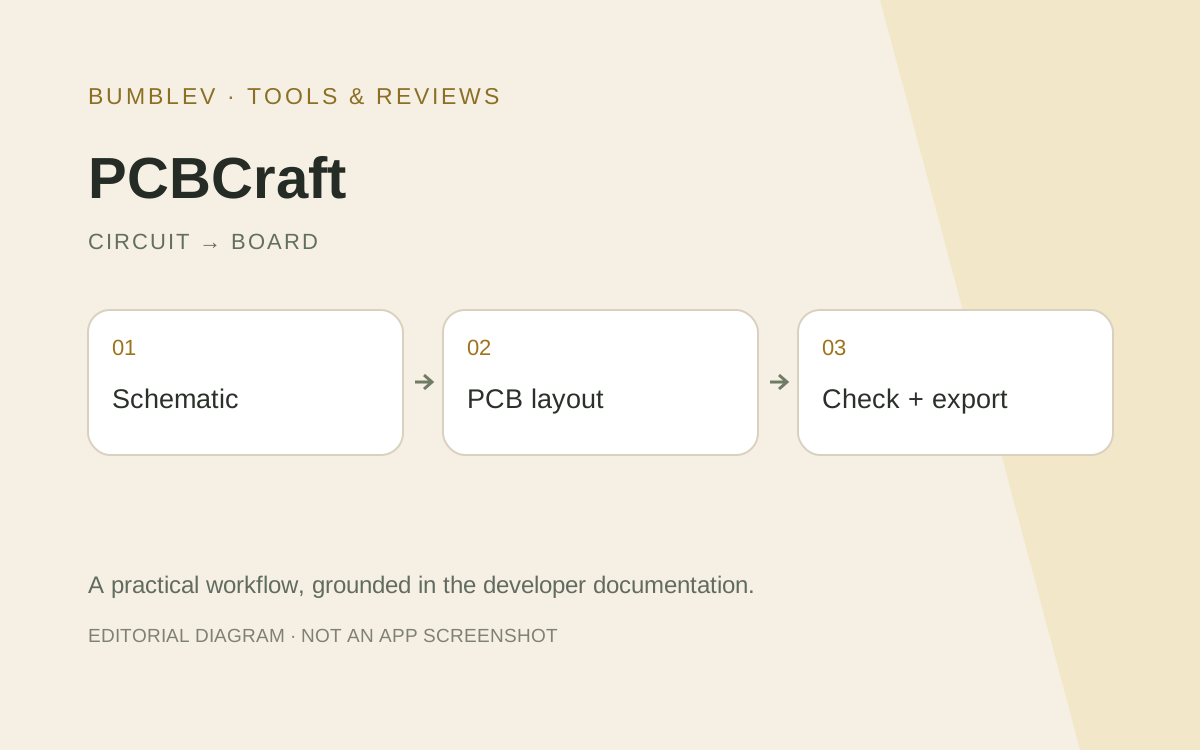
A circuit symbol and a physical board pad describe different parts of the same design. PCBCraft connects schematic editing, PCB layout, libraries and checks through tabs in one Rust application. Its architecture is MCP-first, exposing structured operations to AI agents as well as the desktop interface.
What is available
Tangency Labs describes a first working foundation: a flat schematic, assigned footprints, basic routing, checks and KiCad board export. This is an independent project, not a newly announced entry in ArtCraft’s official thirteen-app list. Shared UI libraries and architectural references do not establish common product ownership.
The README documents original basic symbols and searching supported KiCad symbols and footprints. A footprint is the physical arrangement of pads and holes for a component. Matching a schematic symbol does not automatically establish correct package pins.
Reading the public material
The checked repository supplies commands and examples but no suitable developer screenshot. We have not invented an interface image. The cover is a workflow illustration, while the tutorial follows actual documented tabs and sample paths.
Logical nets and physical tracks require separate checks. Crossing schematic wires do not implicitly create a connection. The basic route tool does not avoid obstacles, and moving a footprint does not drag tracks along with it. These limits matter even for a small demonstration.
AI and local execution
The documented MCP tools expose engine commands, inspection, persistence, checks, exports and previews. Agents can work headlessly or connect to the running desktop. A useful record includes the selected component, numbered pins, net and footprint rather than just the assistant’s completion message.
For a first task, use the official LED sample. Asking an agent to “make an LED circuit” otherwise leaves electrical assumptions unspecified. Successfully arranging objects is not evidence that a new circuit has been electrically validated.
Access and files
The README gives source-based Linux/WSL setup with Rust 1.95 or later and system libraries, plus a native Windows run path. A browser entry compiles, but browser host-file opening, saving and export are explicitly unfinished. This series therefore uses the documented native workflow rather than promising an install-free browser deliverable.
The application is GPL-3.0-or-later. External AI service costs are separate. Keep .pcbcraft as the editable source, .pcbcraft-lib for reusable library collections and .kicad_pcb for board exchange.
A KiCad board export is not a complete KiCad project, schematic and fabrication package. Reopen the result in KiCad and inspect outlines, pads, nets, tracks and remaining checks. I would begin with that small round trip before considering a real board order. Record export creation, reopening and preserved connectivity as separate outcomes.
Sources and scope
Checked 19 October 2026. This introduction, tutorial and comparison use the primary sources below. They contain no claim of our own app execution or measured performance. Development builds may differ from the pinned source.
Sources & further reading
- https://github.com/tangency-labs/pcbcraft/blob/31138579e5ce1c9d9ba4ee1f83f9253581c1c689/README.md
- https://github.com/tangency-labs/pcbcraft/blob/31138579e5ce1c9d9ba4ee1f83f9253581c1c689/docs/mcp.md
- https://github.com/tangency-labs/pcbcraft/blob/31138579e5ce1c9d9ba4ee1f83f9253581c1c689/examples/led-indicator.json
- https://github.com/tangency-labs/pcbcraft/blob/31138579e5ce1c9d9ba4ee1f83f9253581c1c689/docs/kicad-libraries.md
- https://github.com/tangency-labs/pcbcraft/blob/31138579e5ce1c9d9ba4ee1f83f9253581c1c689/ROADMAP.md
- https://github.com/tangency-labs/pcbcraft/blob/31138579e5ce1c9d9ba4ee1f83f9253581c1c689/LICENSE
- https://github.com/tangency-labs/pcbcraft/blob/31138579e5ce1c9d9ba4ee1f83f9253581c1c689/NOTICE
- https://docs.kicad.org/10.0/en/getting_started_in_kicad/getting_started_in_kicad.html