ArtCraft Web Launcher tutorial: a local PhotoCraft check
Follow the documented Docker Compose route for a local catalog, app loading and a separate saved-file check.
Last updated
Menus and supported features can change. Compare the source-check date below with your current app version.
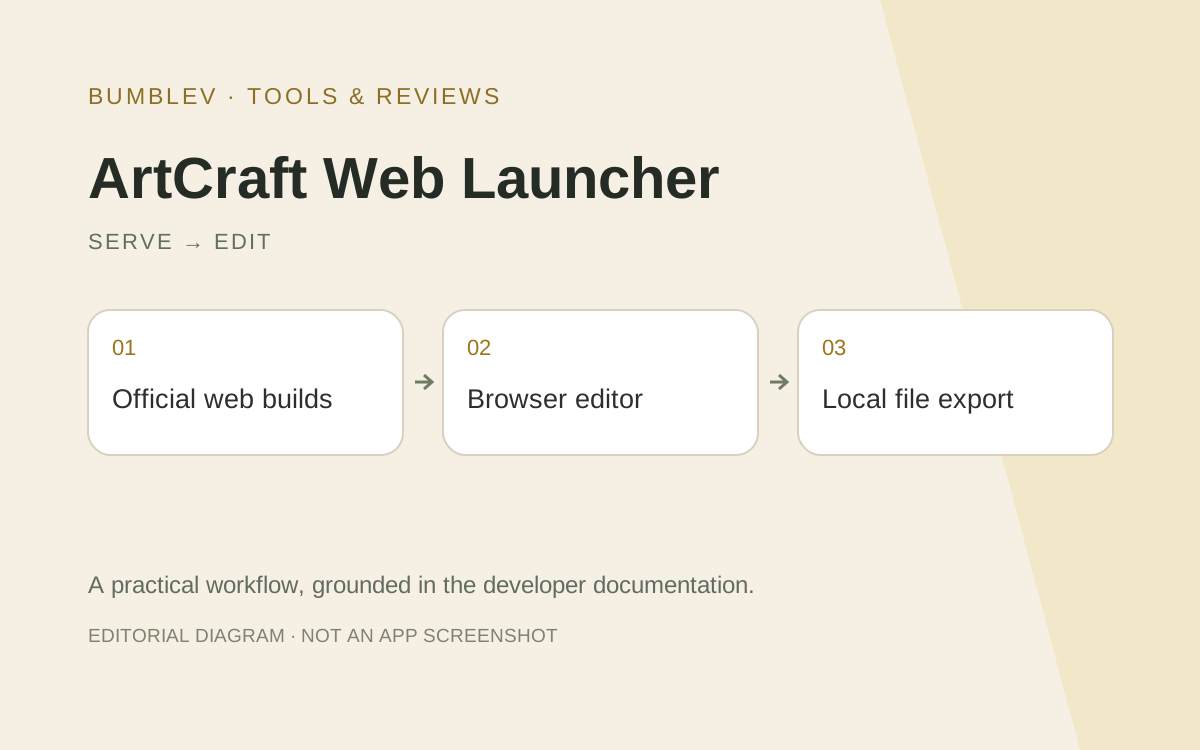
The goal is to open PhotoCraft from a local test catalog and verify a saved file. This does not turn the server into document storage. The steps summarize the project’s Docker Compose documentation; they are not an installation log.
Prepare
Use a test environment with Docker and Compose v2, network access and disk space for app releases. Understand container user/group IDs, host paths and ports. Keep the test separate from existing services.
| Item | Target |
|---|---|
| Project | AurelioB/artcraft-web-launcher |
| Reference | v0.4.0 and pinned documentation |
| Access | Same-computer local test |
| Editor | PhotoCraft |
| Completion | Catalog, app loading, external save and reopening |
1. Record repository and version
Read the community README and install guide. A release tag and the current main-branch documentation may describe different revisions. Record both the image tag and source reference before proceeding.
2. Prepare the environment file
The quick start clones the repository and copies .env.example to .env. Check runtime user/group IDs, directories and port against the actual test system. Do not blindly copy example ownership values onto an existing service.
git clone https://github.com/AurelioB/artcraft-web-launcher.git
cd artcraft-web-launcher
cp .env.example .env
3. Prepare directories and configuration
The guide uses config, data, state, cache and work directories plus config.toml. Match ownership to the environment file. Read config.example.toml and start with only the settings needed for the local test.
4. Start and read preparation status
The README uses docker compose pull and docker compose up -d. Apps download in the background on first start. Inspect docker compose logs -f host to distinguish normal preparation from checksum, permission or network failures.
5. Open the catalog and editor
For the same computer, inspect http://localhost:8080/, adjusted if the port changed. Open PhotoCraft once its release is ready. Plain HTTP from another computer has different browser restrictions, so do not confuse a local test with a remote deployment.
6. Save outside browser storage
Use a small image copy, download a file through the editor and reopen it. Verify the real downloaded file before clearing browser state. A login account does not imply document backup on the host.
Expected outcome and troubleshooting
Record catalog availability, editor loading and file delivery separately. None is an observed success from this article. For missing apps, inspect background downloads, API limits and validation errors. For permission failures, compare IDs and host directory ownership.
For an editor-only failure, inspect browser, app version and HTTPS requirements. The documented craft-host status and doctor commands help inspect the host. A later shared deployment needs its own access, HTTPS, update and backup decisions; completing this local exercise does not establish production operation.
Sources and scope
Checked 19 October 2026. This introduction, tutorial and comparison use the primary sources below. They contain no claim of our own app execution or measured performance. Development builds may differ from the pinned source.
Sources & further reading
- https://github.com/AurelioB/artcraft-web-launcher/blob/72fa25615b5eae70164571bc47ec0ff7a89a2e5c/README.md
- https://github.com/storytold/craft-launcher/blob/7c7271e5f62975326d0add2dcf31f03096be4189/README.md
- https://github.com/AurelioB/artcraft-web-launcher/blob/72fa25615b5eae70164571bc47ec0ff7a89a2e5c/docs/install.md
- https://github.com/AurelioB/artcraft-web-launcher/blob/72fa25615b5eae70164571bc47ec0ff7a89a2e5c/docs/apps.md
- https://github.com/AurelioB/artcraft-web-launcher/blob/72fa25615b5eae70164571bc47ec0ff7a89a2e5c/docs/operations.md
- https://github.com/AurelioB/artcraft-web-launcher/blob/72fa25615b5eae70164571bc47ec0ff7a89a2e5c/docs/configuration.md
- https://github.com/AurelioB/artcraft-web-launcher/blob/72fa25615b5eae70164571bc47ec0ff7a89a2e5c/compose.yaml
- https://github.com/AurelioB/artcraft-web-launcher/blob/72fa25615b5eae70164571bc47ec0ff7a89a2e5c/config.example.toml
- https://github.com/AurelioB/artcraft-web-launcher/releases/tag/v0.4.0