ArtCraft Web Launcher vs the official launcher: browser builds or native installs
Compare server-hosted browser builds with native package management, keeping document storage and app updates distinct.
Last updated
Menus and supported features can change. Compare the source-check date below with your current app version.
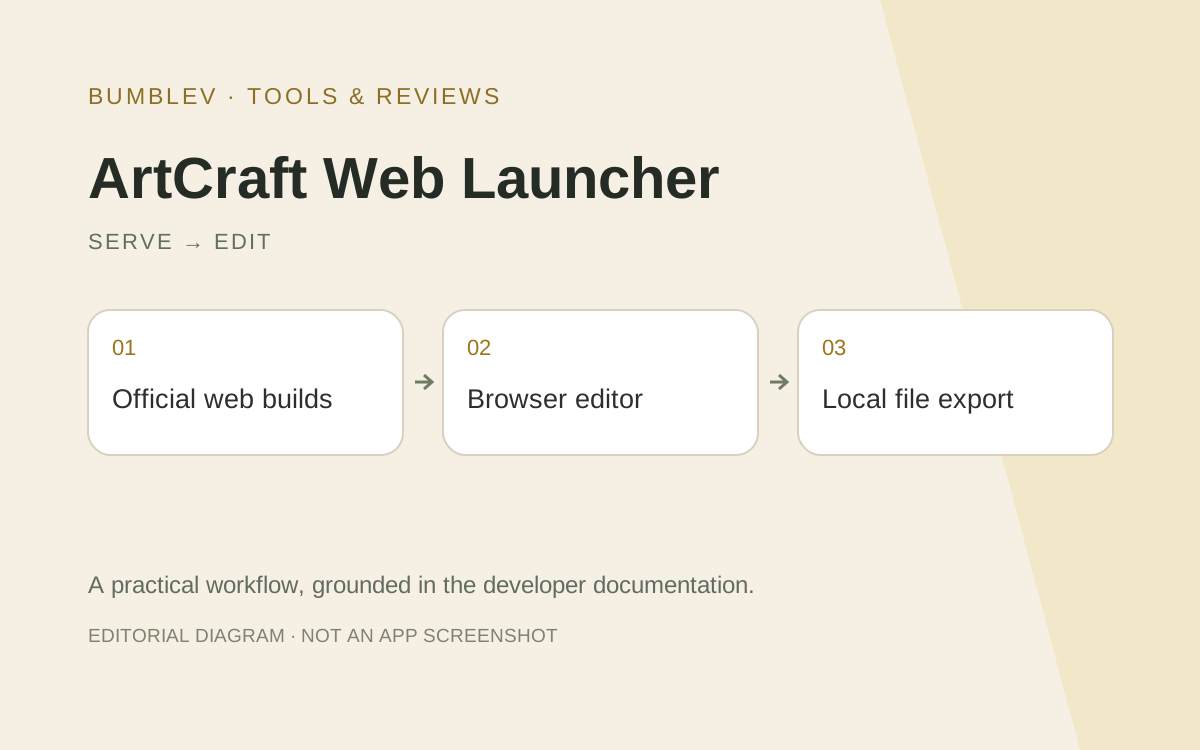
The official ArtCraft Launcher manages applications installed on a computer. The community ArtCraft Web Launcher manages web builds served by a host. Similar names obscure different installation locations, execution environments and storage responsibilities.
Documented differences
| Topic | Official native launcher | Community web host |
|---|---|---|
| Managed files | Native application packages | Browser release files |
| Editing runs | Installed device | Visitor’s browser |
| Operator concerns | OS, CPU and install path | Directories, permissions, ports and HTTPS |
| Documents | Editor-managed local files | Browser storage and external downloads |
| Versions | Installed/latest app versions | Active/retained releases, pins and rollback |
Sharing access is not sharing documents
The web host says it stores no user documents. Sign-in controls who may open the applications; it does not synchronize projects. A shared address should not be described as a shared creative workspace without another documented mechanism.
The native launcher is not a document-backup utility either. In both workflows, preserve editable sources separately from final outputs and inspect what uninstalling or updating the application affects.
No server GPU does not mean no client requirements
The web host serves static application files without server-side graphics computation. The browser still performs editing, so client memory, graphics support and permissions remain relevant. External AI providers are not supplied simply by hosting the catalog.
Native and browser versions can share source while differing in file access, clipboard and browser security restrictions. A familiar screen should not be taken as proof of equivalent completion behavior.
Updating a release is not migrating work
The native manager updates installed packages; the web host switches active served releases. Rolling a web application back does not automatically undo changes already saved in a user’s document. Keep an external copy and record actual versions instead of just “latest.”
An existing browser tab may also differ from a newly opened tab after activation. Native installations require their own running-process and install-path checks. These are different operational questions from the quality of the editor itself.
A small comparison protocol
Target the same PhotoCraft version and image copy where matching builds exist. Record version differences explicitly. Open the input, change one title or layer and preserve both source and output.
Close and reopen the application or tab. For the browser, distinguish downloaded files from browser-private storage. For native editing, inspect the actual filesystem path. Neither should be assumed to store personal work on the launcher’s server.
Then compare updates and diagnosis: server download, permissions, HTTPS and editor failures should remain separate categories. Catalog loading time alone is not an editing benchmark.
I would inspect the official launcher for managing native apps and the community host when an operator needs to serve browser builds. A one-time trial does not require building a server. This documentation comparison reports no deployed shared service, multi-user performance measurement or blanket license for the community host’s original code.
Sources and scope
Checked 19 October 2026. This introduction, tutorial and comparison use the primary sources below. They contain no claim of our own app execution or measured performance. Development builds may differ from the pinned source.
Sources & further reading
- https://github.com/AurelioB/artcraft-web-launcher/blob/72fa25615b5eae70164571bc47ec0ff7a89a2e5c/README.md
- https://github.com/storytold/craft-launcher/blob/7c7271e5f62975326d0add2dcf31f03096be4189/README.md
- https://github.com/AurelioB/artcraft-web-launcher/blob/72fa25615b5eae70164571bc47ec0ff7a89a2e5c/docs/install.md
- https://github.com/AurelioB/artcraft-web-launcher/blob/72fa25615b5eae70164571bc47ec0ff7a89a2e5c/docs/apps.md
- https://github.com/AurelioB/artcraft-web-launcher/blob/72fa25615b5eae70164571bc47ec0ff7a89a2e5c/docs/operations.md
- https://github.com/AurelioB/artcraft-web-launcher/blob/72fa25615b5eae70164571bc47ec0ff7a89a2e5c/docs/configuration.md
- https://github.com/AurelioB/artcraft-web-launcher/blob/72fa25615b5eae70164571bc47ec0ff7a89a2e5c/compose.yaml
- https://github.com/AurelioB/artcraft-web-launcher/blob/72fa25615b5eae70164571bc47ec0ff7a89a2e5c/config.example.toml
- https://github.com/AurelioB/artcraft-web-launcher/releases/tag/v0.4.0