ArtCraft Web Launcher: serving Craft browser apps yourself
Explore the community host for official Craft web releases, including updates, access control and the browser’s role in document storage.
Last updated
Menus and supported features can change. Compare the source-check date below with your current app version.
Could the Craft apps be opened from one browser address instead of installing each one on every computer? ArtCraft Web Launcher downloads official browser releases to a server and serves them with a catalog. It is a community project from AurelioB, distinct from Storytold’s official native launcher.
What it manages
The repository describes release download and validation, updates, pins, rollback, optional sign-in and administration. The checked published release is v0.4.0. These operations manage web-application files, not the user’s creative documents.
The README explicitly says the server stores no documents and the apps cannot open server folders. Editing happens in the visitor’s browser. Sharing a server address does not automatically share projects or synchronize work between users.
Storage and execution
Browser storage, an exported file and server release data are separate locations. Login controls access; it does not create a personal-document backup. Check each editor’s download and reopening behavior before clearing browser data or switching profiles.
The documented deployment routes include Docker Compose and Linux binaries. Operators need to understand host directories, user/group permissions, ports and configuration. This is not a prerequisite for a person who only wants to try one editor.
The server needs no GPU to serve files, but editing still uses the visitor’s browser and device. Graphics and memory requirements do not disappear. External AI connections and inference costs are also separate from hosting the launcher.
HTTPS and versions
Browsers treat localhost differently from plain HTTP on another machine. The project documents restrictions on WebGPU, file storage and clipboard over remote plain HTTP, and recommends HTTPS for regular use. A visible catalog is not proof that editing and saving work.
Pins and rollback concern application releases. They do not automatically reverse a document-format change made in a user’s browser. Record the active version and keep external copies of work before checking an update.
Public source and media
The checked root does not provide a project-wide license file. Included vendor material has its own terms, which should not be treated as a blanket license for the host’s original code. This series describes the public functionality and leaves redistribution terms unasserted.
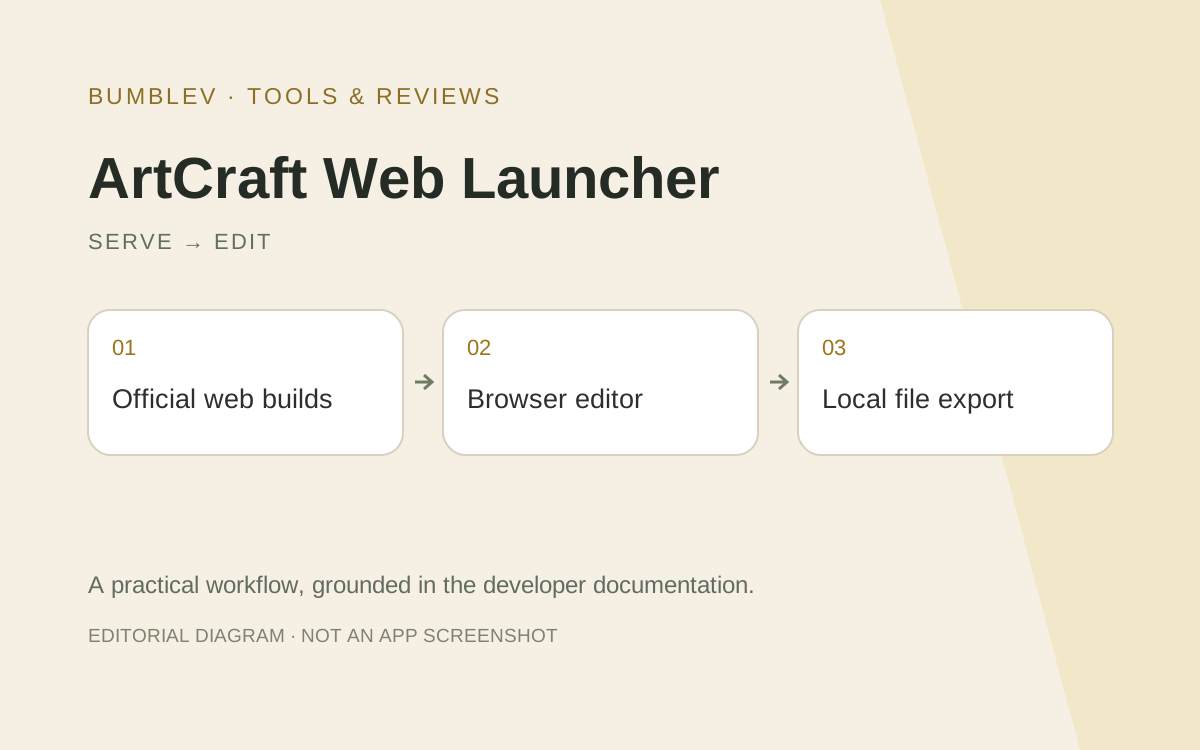
The developer README links a real catalog image. Because separate image-reuse terms were unclear, this article links the source and uses an original workflow illustration rather than inventing an interface screenshot.
I would begin locally with one PhotoCraft build: check catalog preparation, app loading, a downloaded file and reopening. Keep server download failures separate from browser editing and document storage. No server was deployed or tested for this article.
Sources and scope
Checked 19 October 2026. This introduction, tutorial and comparison use the primary sources below. They contain no claim of our own app execution or measured performance. Development builds may differ from the pinned source.
Sources & further reading
- https://github.com/AurelioB/artcraft-web-launcher/blob/72fa25615b5eae70164571bc47ec0ff7a89a2e5c/README.md
- https://github.com/storytold/craft-launcher/blob/7c7271e5f62975326d0add2dcf31f03096be4189/README.md
- https://github.com/AurelioB/artcraft-web-launcher/blob/72fa25615b5eae70164571bc47ec0ff7a89a2e5c/docs/install.md
- https://github.com/AurelioB/artcraft-web-launcher/blob/72fa25615b5eae70164571bc47ec0ff7a89a2e5c/docs/apps.md
- https://github.com/AurelioB/artcraft-web-launcher/blob/72fa25615b5eae70164571bc47ec0ff7a89a2e5c/docs/operations.md
- https://github.com/AurelioB/artcraft-web-launcher/blob/72fa25615b5eae70164571bc47ec0ff7a89a2e5c/docs/configuration.md
- https://github.com/AurelioB/artcraft-web-launcher/blob/72fa25615b5eae70164571bc47ec0ff7a89a2e5c/compose.yaml
- https://github.com/AurelioB/artcraft-web-launcher/blob/72fa25615b5eae70164571bc47ec0ff7a89a2e5c/config.example.toml
- https://github.com/AurelioB/artcraft-web-launcher/releases/tag/v0.4.0