When Is REA Useful? Comparing AI Questions, Code Search and Analysis Tools
Choose an investigation method based on the evidence you have. Understand engine roles, costs and a small, unexecuted evaluation plan.
Last updated
Menus and supported features can change. Compare the source-check date below with your current app version.
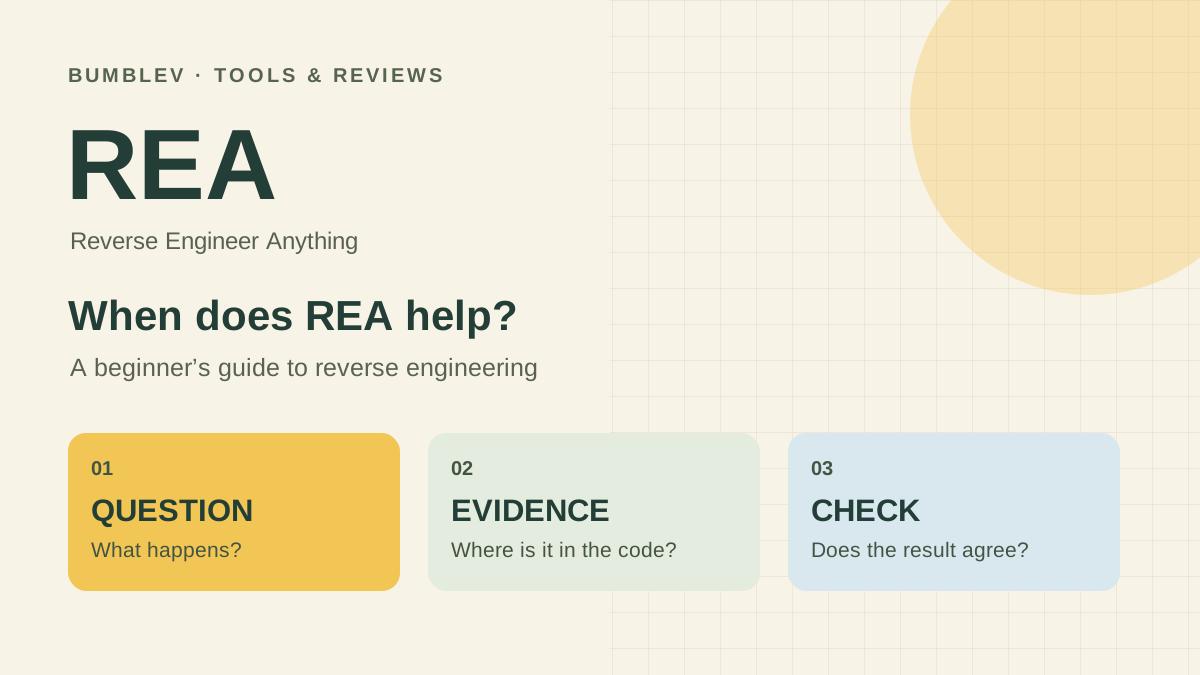
REA is interesting, but does every development task need another tool? I would start by asking what information is missing. Changing text in source code you already understand is a different task from investigating a packaged program without its original project.
This is a documentation comparison and editorial assessment based on REA 6.7.0 and official examples. It is not a benchmark of REA, an editor and other analysis tools running under the same conditions. Recommendations below describe how I would choose an approach, rather than measured productivity gains.
Start with the material you have
| Situation | First approach to try | When REA may add something |
|---|---|---|
| You have source and know the edit location | Edit and run a focused check. | The behavior crosses several modules or processes. |
| You have unfamiliar source | Read documentation and search for an entry point. | You need help mapping relationships such as Electron messages. |
| You have app files without the original project | Identify the target format and packaged files. | A supported inspection workflow can recover relevant relationships and functions. |
| You want to see a button’s network request | Observe it with browser developer tools. | You want an agent to connect observations with loaded scripts. |
| You want private remote-server source | Consult service documentation and authorized API material. | REA should not be treated as a way to obtain code absent from the inspected client. |
These are proposed starting points, not evidence that REA is always faster or necessary. For a simple question, direct inspection may take less effort than installing another analysis layer.
How this differs from asking a general AI question
“How do apps usually save notes?” is a useful educational question. “How does this app save notes?” requires target-specific evidence. An AI that has not read the files or observations can give a plausible design without establishing that the actual program uses it.
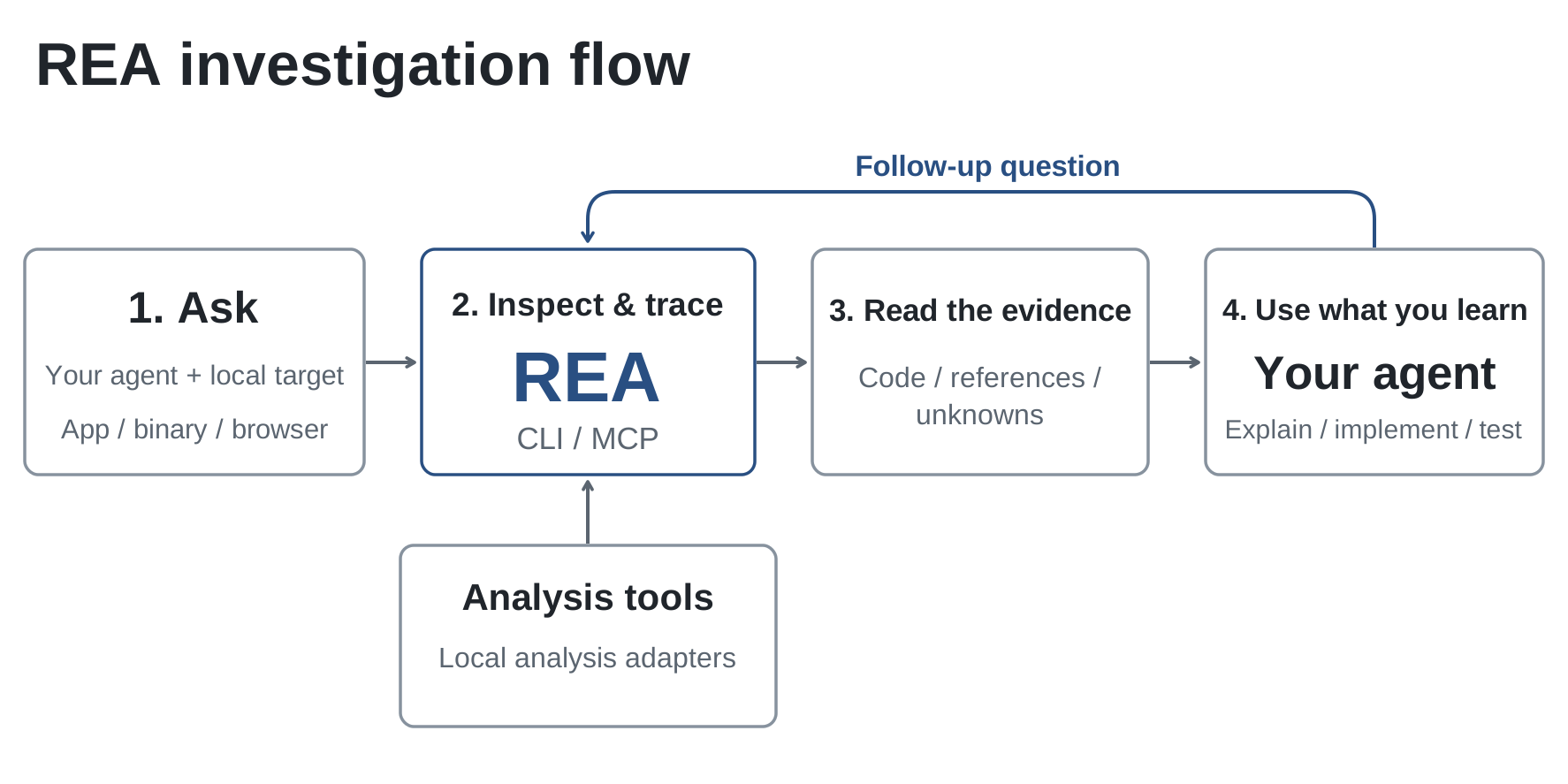
REA returns findings associated with a supplied target. The agent uses those findings to ask follow-up questions and explain behavior. Interpretation can still be wrong, so judge whether an answer points to relevant code and agrees with observations, rather than whether it sounds confident.
Ordinary coding agents can also read and search files. REA is not a prerequisite for every investigation. The decision is whether its target-specific analysis and relationship mapping add useful information beyond tools you already have.
REA and Ghidra are different layers
For deep native inspection, REA can connect to established engines. A simple “REA versus Ghidra” comparison can therefore obscure their relationship. The engine analyzes structure; REA makes supported operations and their results available in an agent investigation.
| Approach | Contribution | What remains necessary |
|---|---|---|
| Use an analysis engine directly | Human control over detailed inspection. | Knowledge to narrow and interpret the findings. |
| Connect REA to a coding agent | Natural-language questions lead into tool calls and evidence review. | A suitable engine where required, authorization and verification. |
| Begin with static JavaScript inspection | Explore a small application’s file relationships without a native engine. | Node.js, the target files and a concrete question. |
Host operating system and target architecture matter. An engine working on Windows does not establish that every Windows executable is supported. Check the relevant path in the pinned installation documentation. We have not configured new engines or purchased commercial-tool access for this comparison.

The potential benefit is specific
In the official Notes example, one behavior is distributed across page code, a message handler and a formatter. An agent can follow that relationship as an investigation and provide source locations for the explanation. I see that as a potentially useful entry point into unfamiliar software.
Other plausible scenarios include understanding an older file format or investigating unexpected export behavior in your own app. These are editorial applications of documented capabilities, not reports that we analyzed workplace files or private projects.
Include the preparation and review burden
Setup, supported Node.js versions, agent registration and target-specific engines can require preparation. Analysis output can also be large. The official CLI guide describes selecting useful views from saved Evidence rather than treating the entire report as something to read at once.
Dynamically constructed names, ambiguous links and unexamined files can leave questions unresolved. Runtime observations add information, but are bounded by their inputs and capture period. A successful tool call is not the same as a completed investigation.
Human verification remains work. If an agent reconstructs a function, a useful trial compares normal inputs, empty values, punctuation and boundary conditions. Those are proposed evaluation steps here, not a claim that we executed that test suite through REA.
Separate the costs
| Cost component | What is established here |
|---|---|
| REA-authored code | Open source under MIT. |
| AI model and coding agent | Their subscription, usage and data conditions apply separately. |
| External analysis engine | Its own license and access terms apply. |
| Computer resources and review time | Measure preparation, analysis and verification in a real trial. |
We have not measured a dollar cost per application, so there is no invented price estimate. Target size, scope and the amount of material read by a model may affect usage. Record actual service charges alongside the time spent if you run a comparison.
Local analysis and work material
The official FAQ says analysis runs on your machine, while results reach the coding agent and its model provider’s policies apply. Local analysis alone does not establish that code, paths or observations never leave the device.
I would begin with a public example rather than workplace files. First examine what appears in results, then check organizational rules and agent settings before using real work material. Different services and configurations should not be assumed to have identical handling.
Design a fair small comparison
Use the same Notes example and the same question: identify the export destination and CSV formatting behavior. Try ordinary editor search and code reading, then an agent connected to REA. Record model and prompt differences; otherwise, the effect of the analysis tool is hard to isolate.
| Record | Reason |
|---|---|
| Target, REA, engine and model versions | Identical names can hide different environments. |
| Setup time and investigation time | Separate first-install effort from work with an existing installation. |
| Exact evidence locations | Let another reader verify the explanation. |
| Incorrect claims and manual corrections | Distinguish fluency from practical help. |
| Outputs for identical inputs | Establish agreement under the tested conditions. |
| Charges and data passed to services | Include relevant tradeoffs in the decision. |
This is an unexecuted comparison plan, not a scorecard claiming a speed multiplier or replacement for expertise. The aim is to find out whether preparation, evidence gathering and verification together leave you with less work.
My adoption criterion
If you need to understand a packaged app or a behavior spread across processing stages, a small authorized example looks worth exploring. If editor search already solves the question directly, another analysis layer may add little. That is my assessment of the documentation; firsthand usability findings remain outstanding.
Choose a question with a clear finish line: explain what one Export button does, identify the relevant locations, and list unresolved details. Then change one input and check the result. The six-step tutorial provides that starting point.
Sources for the comparison
We checked REA’s role and targets, CLI and Evidence, installation and engines, official FAQ, project use guidance and third-party notices. Sources checked October 18, 2026.
Sources & further reading
- https://github.com/morluto/rea/releases/tag/rea-agents-6.7.0
- https://github.com/morluto/rea/blob/27dc42d10249f0410904a75c0997842eb03b931c/README.md
- https://github.com/morluto/rea/blob/27dc42d10249f0410904a75c0997842eb03b931c/package.json
- https://github.com/morluto/rea/blob/27dc42d10249f0410904a75c0997842eb03b931c/docs/installation.md
- https://github.com/morluto/rea/blob/27dc42d10249f0410904a75c0997842eb03b931c/docs/cli.md
- https://github.com/morluto/rea/blob/27dc42d10249f0410904a75c0997842eb03b931c/LICENSE
- https://github.com/morluto/rea/blob/27dc42d10249f0410904a75c0997842eb03b931c/DISCLAIMER.md
- https://github.com/morluto/rea/blob/27dc42d10249f0410904a75c0997842eb03b931c/THIRD_PARTY_NOTICES.md
- https://rea.tools/faq/