Cline 4 versus direct editing: does one button need an agent?
Compare output, time, compatibility, friction, automation and intended user on the same HTML input without invented test results.
Last updated
Menus and supported features can change. Compare the source-check date below with your current app version.
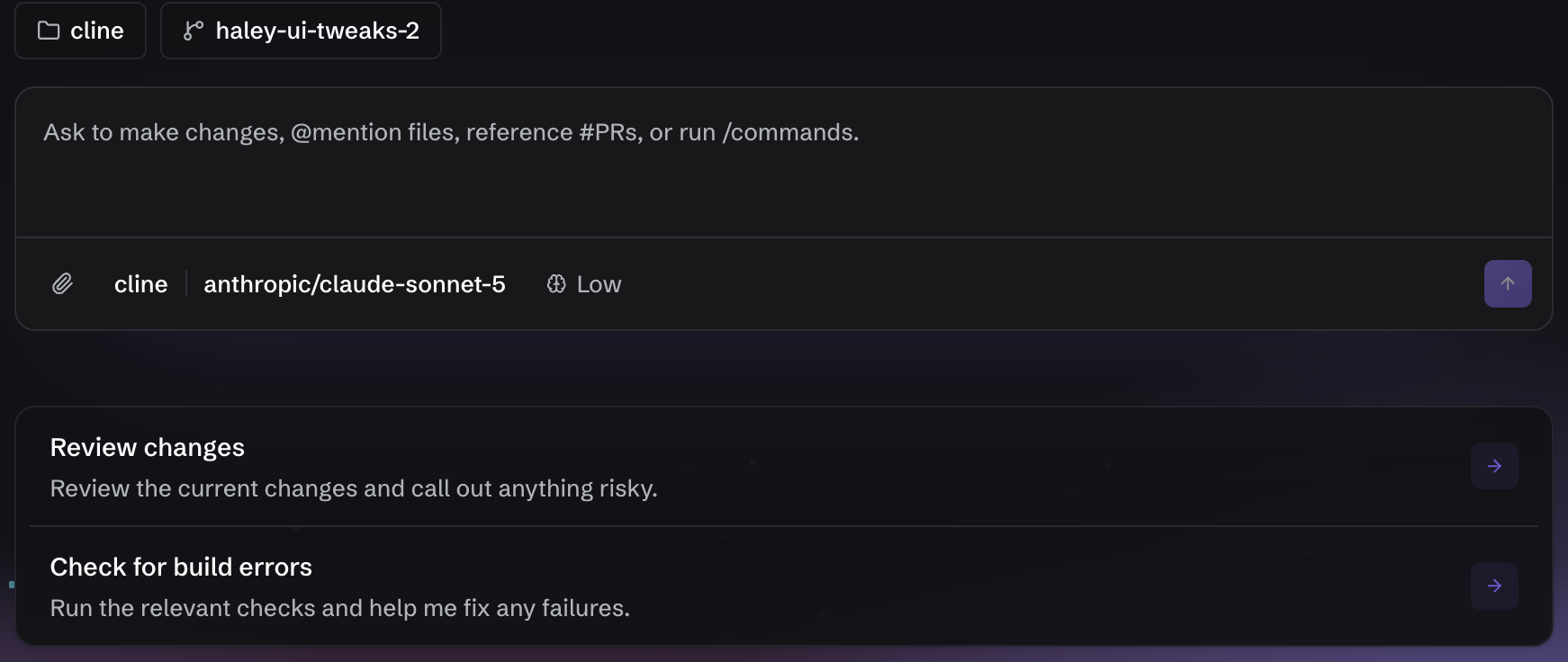
Should you open Cline to change one button label, or make the edit directly? This comparison applies Cline 4.1.25 and VS Code plus Git to the same index.html fixture. It does not stage a race between models. The useful question is how delegation, approval and verification differ when the input and acceptance criteria stay fixed.
This is a documentation-based comparison. I did not run either path to collect time, success-rate or token-cost data. I therefore do not claim that Cline was faster, accurate on the first try or cheaper. The introduction covers platform and price boundaries; the tutorial provides the exact prompt and checks.
What 4.1.25 changes in the decision
The October 16 release begins a gradual rollout of Cloud sessions. It describes selecting a GitHub repository and branch, running a task in a hosted sandbox, following status in Recent and History, and allowing work to continue after the editor closes. That can matter for long work. For a one-line edit, repository connection and remote-environment review can be more process than the task needs. Because access is gradual and unverified here, Cloud sessions is not the baseline workflow in this comparison.
The release also fixes a five-minute quiet timeout for long local-model requests, missing attachments in answers to Cline questions, retry behavior after mid-stream provider errors and OpenAI-compatible base URL handling. Those changes may affect reliability, but release notes cannot tell us the improvement rate on a particular machine, model and project. A large provider-catalog refresh also means a fair repeated comparison must pin the model instead of relying on a changing default.

Same input and same finish line
Both paths start with <a class="cta" href="#guide">Start</a> and replace only the visible text with Open guide. The destination, CSS, title and guide paragraph must remain. No package, extra file or deployment belongs in the result. Both paths finish with git diff -- index.html and a browser click that reaches #guide.
The direct path searches for Start in VS Code and edits the text. The Cline path attaches @/index.html, constrains the scope in Plan, switches to Act and approves the proposed edit. Holding the acceptance criteria constant prevents a richer agent output from being mistaken for a better result when the request only asked for one label.
| Dimension | Direct VS Code and Git | Cline 4.1.25 | Not measured here |
|---|---|---|---|
| Output | One human-saved HTML change | An edit proposed and applied by the connected model and Cline tools | Out-of-scope edits, typos and rework count |
| Time | Locate, edit, diff and browser check | Connect, prompt, approve, wait, Compare and browser check | End-to-end time including setup |
| Compatibility | Editor and browser need to read the file | VS Code 1.101+, extension 4.1.25 and model access | Results across other IDEs, models and operating systems |
| Friction | The user must know the location and syntax | The user manages provider, price, permissions, context and errors | Manual recovery effort after failure |
| Automation | Repetition needs a search or separate script | CLI, SDK and Cloud sessions offer expansion paths | Unattended approval and failure recovery |
| Intended user | Someone making a known, small edit | Someone exploring unfamiliar code and reviewing multi-step work | Net benefit in a real project |
The time row names activities rather than reporting measurements. Direct editing is likely simpler when the location is known. Plan and file mentions may be more useful when the relevant code must first be discovered. This evidence does not support a numerical speed claim.
Verification remains in both paths
Cline documentation says each tool step can produce a Checkpoint in a shadow Git repository, with Compare and Restore options separate from the project’s real history. That can make agent changes easier to inspect inside the conversation. Direct editing relies on the editor’s Source Control view and the user’s own Git baseline.
Neither route removes the browser check. A diff that changes Start to Open guide does not prove that href="#guide" still navigates correctly or that the longer label fits a narrow screen. If Cline runs a test, verify the command, exit status and target. If a person edits directly, run the same acceptance checks manually.
Permission and rollback are different costs
Direct editing does only the actions the user invokes. Cline Act can perform approved edits and commands. Auto Approve splits Read project files, Edit project files, Execute safe commands, browser and MCP access into separate categories. The official recommendation begins with project reads and leaves higher-impact actions off until needed.
YOLO Mode auto-approves every category. Its reduced friction is a poor trade for this one-line task because deletion, overwrites, network actions and system changes can pass without a prompt. Checkpoints can restore file state, but they do not reverse data already sent, a remote API effect or a change made in another system. A hosted Cloud sandbox also does not eliminate the need to inspect GitHub access and any resulting branch changes.
Cost and data path
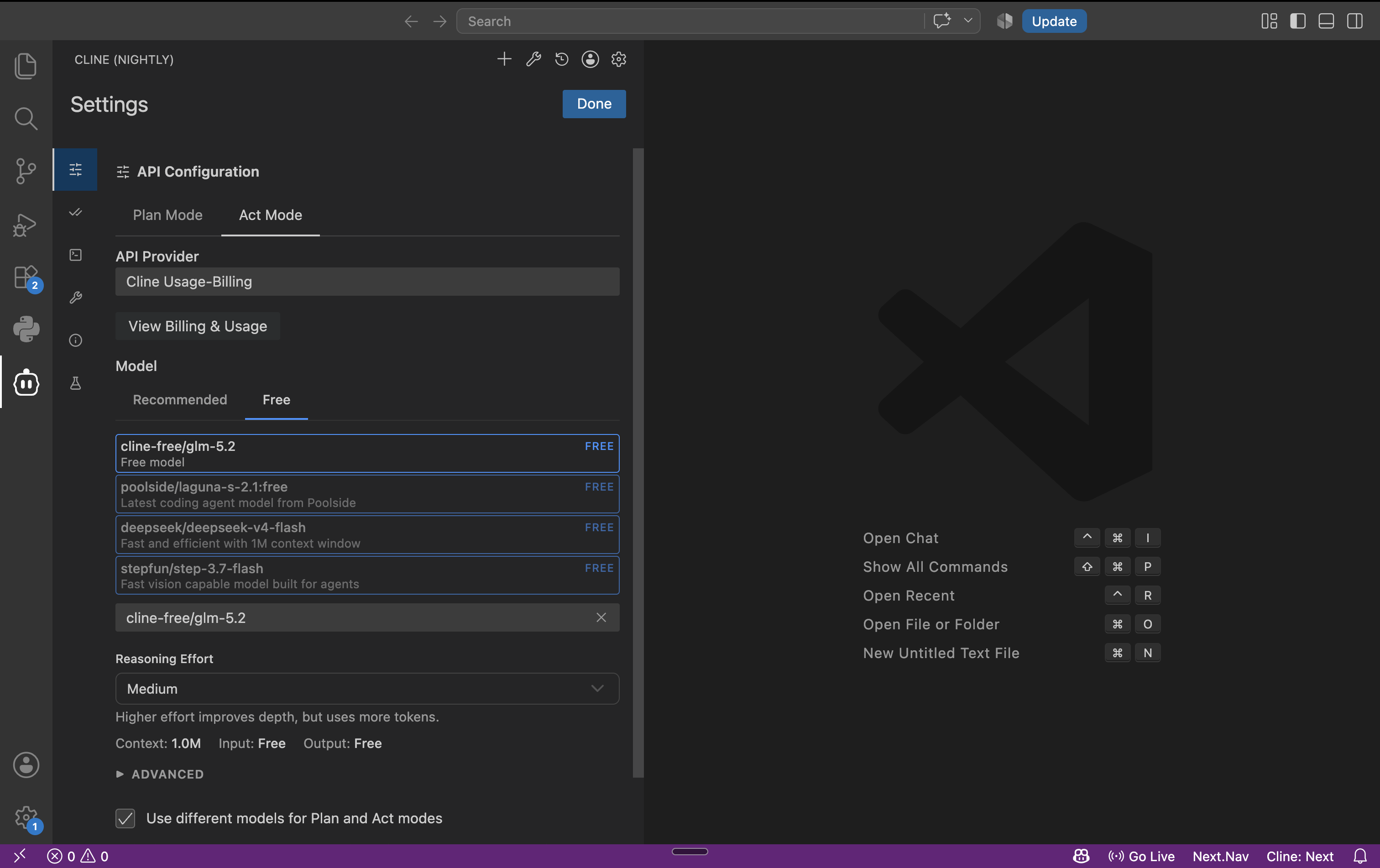
Direct local editing has no inference charge. Cline is Apache-2.0 open source, while the model is separate: rotating free quotas, US$9.99-per-month ClinePass as documented, usage billing or the selected external provider’s terms. A serious cost comparison records input and output tokens, retries, model price and setup time rather than treating the extension license as the whole bill.
The data path also differs. Direct editing can remain local. With a remote model, Cline can send the request and selected code context to a provider. Local-model support avoids that provider path but adds installation, hardware and security work. Cloud sessions processes a selected repository and branch in a hosted environment, so an organization must evaluate access policy separately.

Choosing a path
Use direct editing when the location and change are obvious, especially when no model cost or code transmission is justified. Consider Cline when finding the relevant code, separating a plan from implementation and reviewing multiple coordinated changes are part of the job. Evaluate Cloud sessions separately if work needs to outlive the editor, because availability, repository permissions and hosted execution add new conditions.
A completed comparison would produce the same diff and browser behavior on both paths, then record elapsed time, model cost, approval count and out-of-scope changes. This article supplies that test design without inventing its outcome.
Last updated: 2026-10-17 · sources checked: 2026-10-17 · version scope: VS Code extension 4.1.25.
Sources & further reading
- https://github.com/cline/cline/releases/tag/v4.1.25
- https://docs.cline.bot/core-workflows/plan-and-act
- https://docs.cline.bot/core-workflows/working-with-files
- https://docs.cline.bot/core-workflows/checkpoints
- https://docs.cline.bot/features/auto-approve
- https://docs.cline.bot/getting-started/free-models
- https://github.com/cline/cline/blob/01b8a9724da905423e636396d7fb4acdf47796bb/apps/vscode/package.json
- https://github.com/cline/cline/blob/01b8a9724da905423e636396d7fb4acdf47796bb/LICENSE