Gemini Skills vs Ordinary Chat: When Should You Save Writing Instructions?
Compare ordinary chat and a saved Gemini Skill using identical instructions, fictional inputs, and explicit review criteria.
Last updated
Menus and supported features can change. Compare the source-check date below with your current app version.
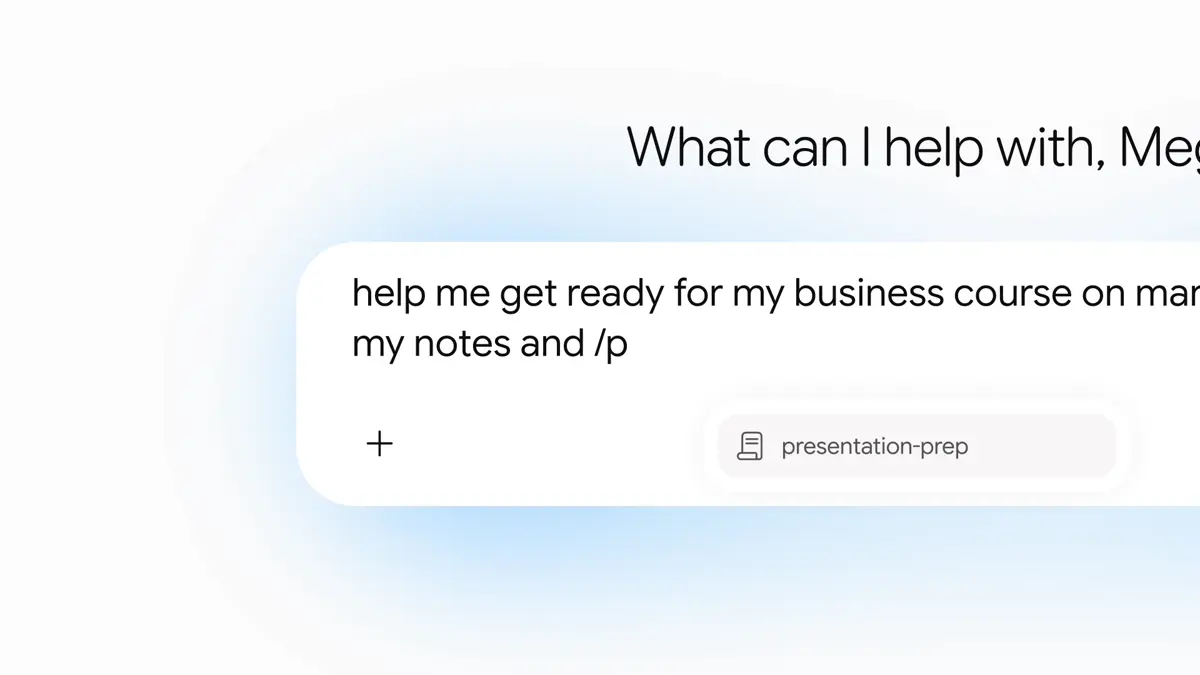
You can paste writing instructions into an ordinary chat. When does saving them as a Gemini Skill become useful? The answer depends on how often the procedure repeats and how much work it takes to maintain the instructions.
This is a documentation-based comparison checked on October 26, 2026. We have not measured the two approaches for speed, accuracy, or writing quality. Google describes Skills as reusable instructions; that does not establish that a Skill will produce a better answer than an ordinary chat given equivalent instructions. Official announcement
Compare the same task and instructions
If the ordinary chat gets a one-line request while the Skill gets a detailed checklist, you are mainly comparing instruction quality. Use the same rules, source notes, account, and selected model for both runs, and record the conditions.
Use this original, compact rule set for both routes:
Turn event notes into a title, announcement draft, and items to confirm.
Use approximately four sentences of warm, straightforward English.
Preserve dates, times, prices, and quantities.
Add no unsupported benefits, registration links, or refund terms.
Separate unresolved details from confirmed announcement text.
Start a fresh chat for each run. Before ordinary chat, deactivate the test Skill and overlapping writing Skills so they cannot apply automatically; paste the rules before the notes. For the Skill run, reactivate and explicitly select the test Skill, leaving overlapping Skills off, then send the same notes. Manage activation through Customize → Skills → open the Skill → More → Deactivate / Activate. Activation controls
Use a shared input and completion criteria
Write a fictional event announcement.
Event: Make a paper bookmark
Location: Sample Bookshop
Date: November 7, 2026
Time: 2:00–3:30 p.m.
Price: KRW 5,000
Capacity: 12 people
Materials: provided
Booking: register at the shop counter
Cancellation/refund terms: not decided yet
Apply identical checks to both outputs. The event and location must be present. Both times, KRW 5,000, and 12 places must survive. Registration stays at the counter. The unresolved refund policy must not become a confident promise.
Mark omissions, unsupported additions, and sentences needing revision. A shorter draft is not automatically a better one: removing the end time may make a notice look cleaner while making it less useful.
Record six practical dimensions
| Dimension | Ordinary chat | Saved Skill |
|---|---|---|
| Output | Count factual changes and needed edits | Apply the identical checks |
| Time | Measure finding, pasting, and checking instructions | Measure selection, review, and maintenance |
| Compatibility | Record the chat environment used | Record the supported Gemini environment and account |
| Friction | How often did you search for an old prompt? | Were saved instructions stale or conflicting? |
| Automation | Record what that request actually did | Separate instruction reuse from scheduling or publishing |
| Audience | Is this mainly a one-off task? | Does a stable procedure repeat? |
Leave the time cells empty until you measure them. This article supplies no estimated minutes or claimed percentage saving. Over several notices, retrieving the correct instructions may matter more to you than a small difference in response latency. Choose priorities that reflect your actual work.
Add a second, different notice
One example is a weak basis for choosing a recurring workflow. Next, try fictional notes saying that the shop opens at noon instead of 10 a.m. on November 10. Give both routes the same new notes and the same writing rules.
Check whether either response imports the workshop price or capacity, hides the opening-time change, or invents a closing time. If you revise the rules, change one item and repeat both examples. Replacing the entire prompt makes the effect of a particular edit difficult to understand.
Google’s writing guidance discusses specific use cases and concrete examples. For this comparison, our editorial recommendation is to retain the failed sentence and the desired correction instead of adding a vague request to “write better.” That is a test design suggestion, not a measured improvement claim. Writing guidance
Choose based on the procedure you maintain
Ordinary chat is a reasonable starting point when the request is unusual or your writing criteria are still changing. Explore what you want before turning it into a reusable procedure. A broad Skill that tries to cover unrelated requests can become another thing to maintain.
A Skill becomes worth considering when the format and checking criteria repeat. If every event notice needs the same date, price, and registration review, keeping those rules together may fit your workflow. Still test them: saving a bad instruction gives you a reusable bad instruction.
Keep the first comparison to one writing Skill. Combining a four-sentence announcement rule with another instruction demanding a long explanation makes the source of an unsatisfactory result less clear. You can explore combinations after the individual procedure is understandable.
Keep cost and performance claims tied to evidence
Saving instructions does not establish a different billing arrangement or unlimited use. Check your account’s current model limits and Google’s official subscription information. This comparison does not require buying a plan or configuring a separate API service.
Record how many edits were needed, which facts changed, and whether you had to retrieve the same instruction again. A Skill may suit you even when output quality is similar, because you prefer maintaining a reusable procedure. Ordinary chat may suit you when the requests rarely repeat. Leave unmeasured speed and quality differences explicitly unmeasured rather than turning one attractive answer into a general winner.