Genie 4 vs Project Genie vs Veo: exploring a world or producing a video?
A documentation-based comparison of a world model, an experimental service and a video model, with practical selection and output checks.
Last updated
Menus and supported features can change. Compare the source-check date below with your current app version.
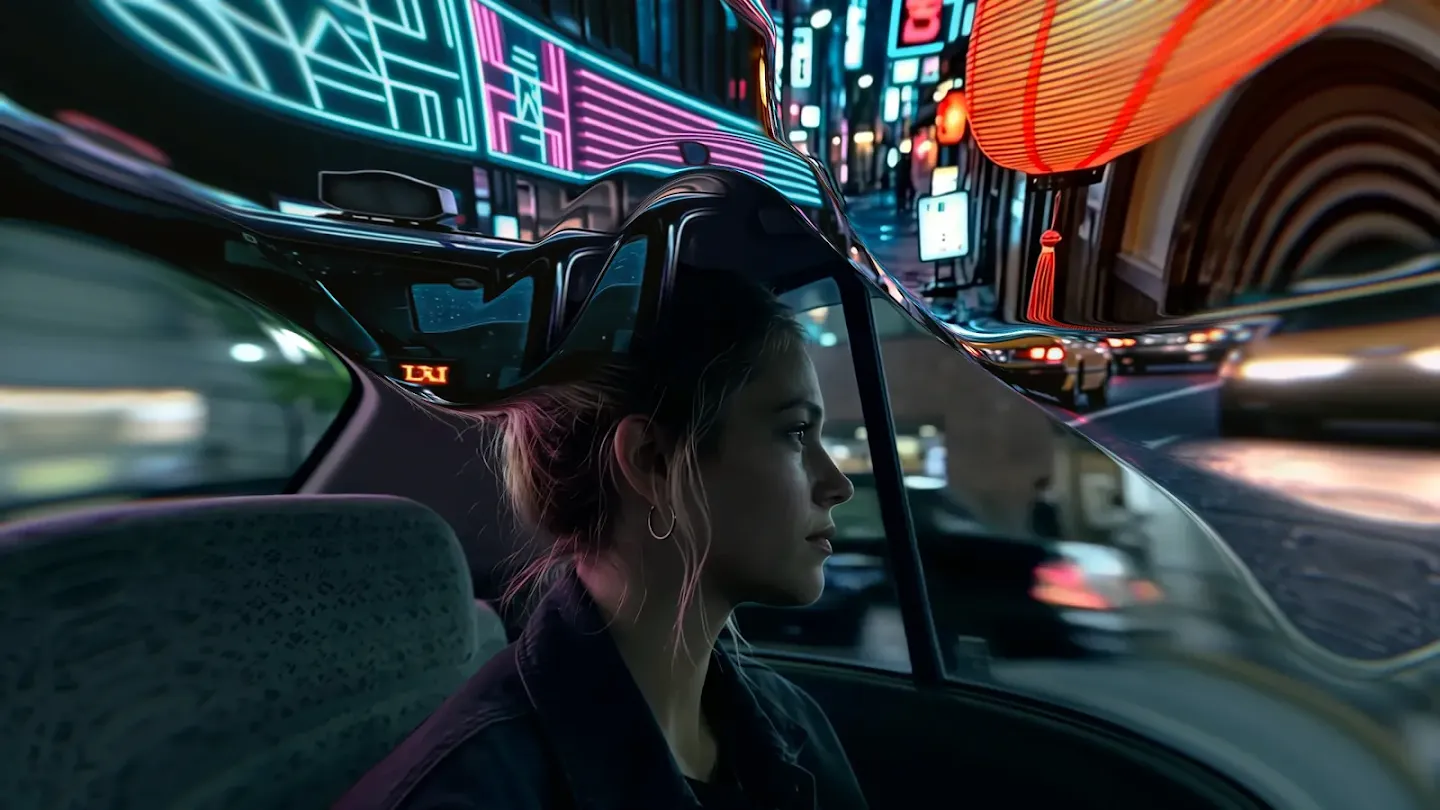
Should a new world model replace a video tool in your workflow? Start with the result you need: a scene for viewers to play back, or an experience in which a participant chooses where to go. Those goals lead to different evaluation questions. A newer announcement alone cannot answer which tool fits your work.
This comparison uses official documentation checked on October 28, 2026. We have not run matched generations, scored image quality or measured speed. The selection criteria below are editorial judgments and proposed tests.
These names describe different things
| Name | Role described in official material | First question to ask |
|---|---|---|
| Genie 4 | A world model for live interaction | How do inputs affect continuing exploration? |
| Project Genie | An experimental world-creation and exploration service | Which model and features does my account receive? |
| Veo | A video-generation model with audio | Can the resulting scene fit my video workflow? |
Read Genie 4 and Project Genie as a model and a service rather than competing products. Veo describes a different production goal. This table clarifies terms; it is not a quality ranking. Sources: official introductions to Genie 4, Project Genie and Veo.
When you need a scene for a Short
I would first write down the scene’s job: the aspect ratio, required duration, subject that must remain recognizable and space needed for captions. If the audience does not need to choose a direction, an output that works in the editor may matter more than exploration controls.
A shop introduction illustrates the decision. An atmospheric background and an accurate representation of the actual storefront have different tolerance for changes. An attractive result may still be unusable if the sign or building changes. I would also consider whether filming or editing the existing image already solves the problem.
This does not make Veo the universal winner. You still need to inspect the features offered in your account, the applicable conditions and the file you receive. A public demonstration cannot establish your production time or readiness to deliver a client project.
When the question is what lies around the corner
If exploring a place is the point, world-model interaction becomes relevant. I would choose a small scene and list a few features that should remain stable: the building color, a doorway and a central object, for example. Those become observable criteria rather than a general impression of realism.
A useful test would record the starting position, a movement away and the return within the same session. Selecting only the strongest moment makes continuity harder to judge. Record when an input changes and which unintended details change with it. This is a suggested method; we have not performed it.
Continuity matters alongside appearance
Google warns that details and object permanence can drift during longer exploration or complex changes. It also documents limits involving interaction duration, location accuracy and audio accuracy. One impressive frame therefore cannot demonstrate the stability of an entire experience. Official limitations.
I would assess visual realism and subject consistency separately. If a face, product shape or piece of text is essential, define unacceptable changes before testing. A result that works once and one that can be obtained repeatedly answer different production questions. A future review should record retries and failures as well as selected successes.
What paid production would still require
Before building a paid offer, confirm output formats, permitted uses, editing options, repeat costs and delivery methods. An explorable screen does not by itself establish that you have a distributable game or an editable 3D asset. This article does not verify those export capabilities or commercial permissions.
My current approach would be to observe the public demonstrations and prepare a small evaluation task. For an immediate deadline, choose a tool you can access and an output you can inspect. Once Genie 4 access is available, a recorded input, goal and result can support a bounded comparison. That is the point at which an actual workflow review becomes useful.
Read the Genie 4 introduction for the current access notice. A screenshot-based tutorial will follow only after we can inspect the actual interface.