What Are Gemini Skills? Choose Your First Reusable Writing Task
Understand Gemini app Skills, distinguish Chrome Skills and Gems, and choose a focused writing procedure you can inspect.
Last updated
Menus and supported features can change. Compare the source-check date below with your current app version.
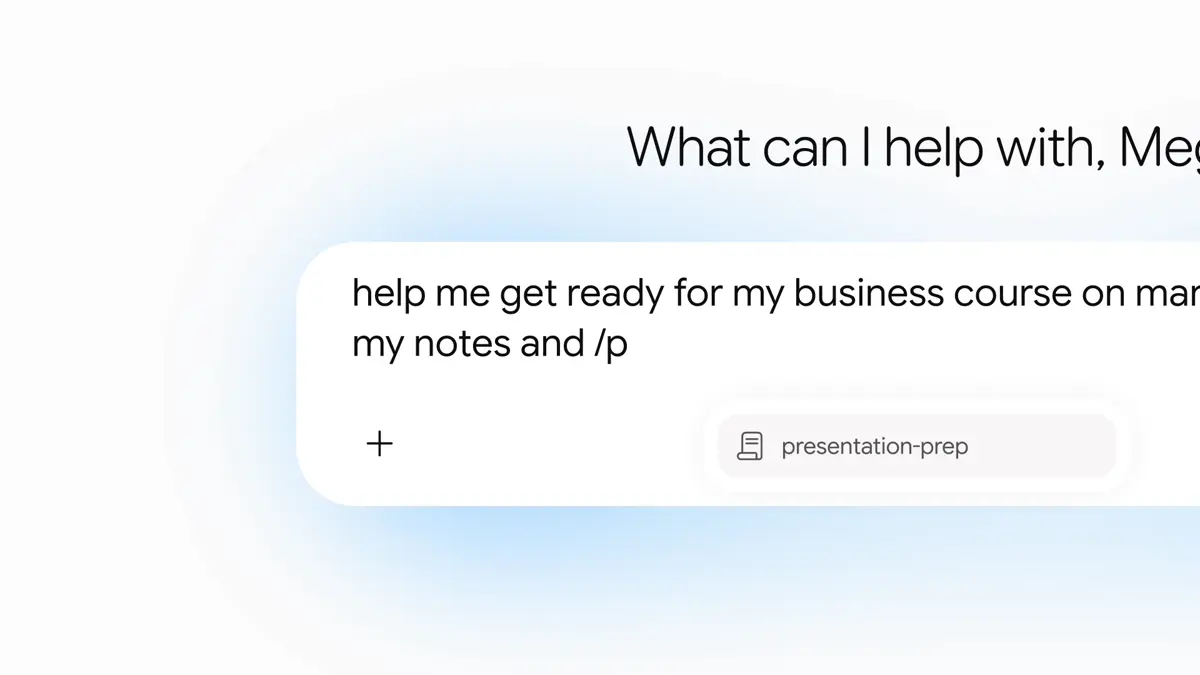
You may already have a useful writing prompt. The frustrating part is finding it again, remembering which version you preferred, and adding the same qualifications to every new request. Gemini Skills are worth considering when those repeated instructions describe a stable writing procedure.
Google announced Skills in Gemini chat on September 30, 2026. They let you reuse saved instructions for recurring work. This introduction draws on official material checked on October 26, 2026; it does not report a measured improvement in writing quality or time saved. Official announcement
Separate the similarly named features
This series covers Skills in the Gemini app. Skills in Chrome apply saved prompts to the webpage you are viewing and have a different interface. Do not mix a Chrome side-panel tutorial with an app-based setup. Chrome Skills documentation
There is also a transition from Gems. Google describes migration beginning in November 2026 for personal accounts and in 2027 for work and school accounts. Some capabilities differ, so a previously used Gem is not proof that every part of its workflow is supported by Skills. Transition information
Finally, Gemini app Skills and Workspace app Skills should not be treated as automatically synchronized. Google’s Workspace announcement distinguishes those environments. Start by making one procedure work in the Gemini app you actually use. Workspace announcement
Save the editorial decisions that repeat
Imagine preparing three bookshop event notices. The dates, prices, and capacity change each time. The questions a reader needs answered may stay the same: what is happening, when, where, and how to register.
Our suggested design separates temporary facts from reusable editorial decisions:
| Supply with each request | Candidate for saved instructions |
|---|---|
| This event’s dates and times | Preserve every number accurately |
| Its price and capacity | Add no unsupported discounts or benefits |
| The current registration method | Finish with the supplied next action |
| Terms still being decided | Separate unresolved information from the notice |
This is an editorial worksheet, not a description of an observed automated result. If you put a particular event date inside permanent instructions, you create another place that must be maintained. Keep the durable writing rules in the Skill and put the current facts in each request.
Choose one visible outcome
“Handle my content” is difficult to evaluate. “Turn event notes into a four-sentence notice” gives you a result you can inspect. That is a recommendation for your first exercise, not a claim about the product’s maximum capabilities.
Three manageable starting points are:
- Notices: preserve the event details and make the registration action clear.
- Rewrites: keep the original meaning while simplifying difficult sentences.
- Product notes: separate supplied specifications from claims still needing evidence.
Choose one rather than combining all three immediately. When an output fails, you should be able to explain exactly what the Skill was supposed to do. Google’s writing guidance similarly emphasizes a focused procedure and concrete examples. Skill writing guidance
Write a success checklist first
You do not need an elaborate persona to begin. Answer a few practical questions:
Task: turn event notes into a short announcement
Reader needs: what, when, where, and how to register
Must preserve: dates, times, prices, and quantities
Must not add: unsupported benefits, booking links, or testimonials
Missing information: list it separately for confirmation
Final check: compare the numbers and registration method with the notes
Tone is only part of this checklist. A charming notice still fails if it sends readers to a booking page that does not exist. An ordinary but accurate draft is easier to improve: you can adjust its phrasing while leaving the verified facts alone.
Consider also what a failure should look like. If the notes contain two different prices, a question is more useful than a confident selection. If a refund policy is missing, an unresolved-item list is more useful than an invented promise. Deciding these boundaries makes later corrections specific.
Check access and costs separately
Use a small text example in the account where you see the feature. Record which account and interface you used alongside your example; that information helps you reproduce the setup when you revisit the procedure.
Saving writing instructions does not establish higher model limits or unlimited use. Review the terms shown for your account and the official Google subscription information. Our announcement exercise requires no separate API integration or automatic publishing service.
Start with five rules and two fictional inputs. Use the first to check whether the facts survive. Use the second to see whether the same procedure works without carrying over irrelevant details. Once you know what you want to inspect, the accompanying tutorial provides complete instructions and input examples for creating your first writing Skill.
Sources & further reading
- https://blog.google/products-and-platforms/products/gemini/automate-tasks-with-skills/
- https://support.google.com/gemini/answer/16988996?hl=en
- https://support.google.com/gemini/answer/18560919?hl=en
- https://workspaceupdates.googleblog.com/2026/09/skills-gemini-app-workspace.html
- https://support.google.com/gemini/answer/17102773?hl=en
- https://gemini.google/subscriptions/