Agent Skills vs Task Prompts vs CLAUDE.md: Where Should Instructions Live?
Compare one-off requests, persistent project context, and reusable procedures using a shared meeting-note task and transparent checks.
Last updated
Menus and supported features can change. Compare the source-check date below with your current app version.
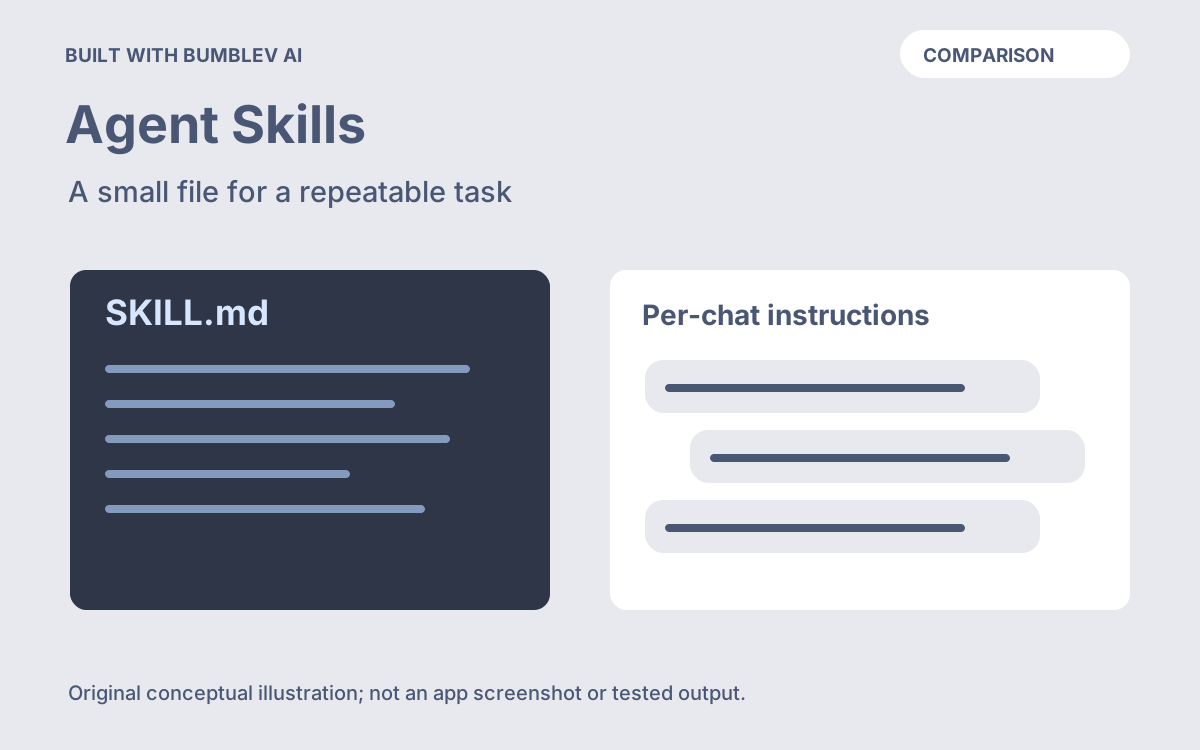
Use an inline prompt for a one-off request, project instructions for context that should persist, and a Skill for a procedure you expect to invoke again. That is a practical starting point for this comparison, not a ranking of model quality. The right choice depends on which part of the work remains stable.
We compare three documented ways to give instructions in Claude Code: the current task message, CLAUDE.md, and an Agent Skill. Official behavior was checked on October 26, 2026. We did not run a three-way benchmark; all examples and evaluation criteria below are original.
Keep the same job across all three options
Consider a fictional workshop team that wants short internal meeting notes. Its stable context is that North Room and South Room are room names, and that draft notes should use English. The current meeting adds a decision, an assignment, and an unresolved suggestion.
Fictional planning notes:
The group agreed to use North Room for the next workshop.
Ada will compare two projector options by November 6.
Ren suggested adding a second session, but nobody approved it.
The workshop's start time is undecided.
The desired result identifies North Room as a decision, preserves Ada’s assignment and deadline, and leaves the second session and start time unresolved. A polished paragraph that says two sessions are confirmed fails regardless of where the instructions were stored.
Keep the input, model, and acceptance criteria consistent when trying the alternatives.
Option one: put the procedure in the current message
For a one-off request, an original task prompt can be enough:
Organize the supplied notes into Decisions, Actions, and Open questions.
Only explicit agreement counts as a decision.
In Actions, include the owner and deadline; use Not specified if absent.
Include a short source phrase for each decision and action.
Do not send anything or create calendar events. Return an English draft.
The advantage here is visibility: the complete request sits beside the notes. You still manage the repeated text yourself. If several copies differ, decide which is current before comparing results.
Choose this route when you are still discovering the procedure. A prompt you substantially rewrite on every attempt may not yet be ready to become a maintained shared file.
Option two: put enduring project context in CLAUDE.md
Claude Code reads CLAUDE.md for persistent project instructions. The documented project locations include ./CLAUDE.md and ./.claude/CLAUDE.md. These instructions guide the model; they are not an enforcement mechanism. Project memory documentation
A small original project-context example is:
# Workshop documentation project

- Write internal documentation drafts in English.
- North Room and South Room are room names; preserve their capitalization.
- Distinguish an approved decision from an unapproved suggestion.
- Leave missing dates and owners explicitly unresolved.
This file makes sense if those conventions matter across the project’s work: notes, briefs, and draft announcements. The current meeting’s facts still belong in the request or source document. Do not make November 6 a permanent project rule just because it is the deadline in one example.
For this exercise, keep the exact three-section meeting procedure elsewhere. Asking a terminology question should not require a meeting-note table. That is an editorial design choice about scope, rather than a claim that the product cannot handle longer project instructions.
Option three: save the repeated procedure as a Skill
Claude’s feature overview distinguishes ongoing project context from Skills used for relevant, repeatable work. Feature comparison
In our example, the Skill holds the sequence: read the full notes, separate approved outcomes from proposals, extract assigned actions, mark missing fields, and compare the output with source phrases. The current request supplies the new meeting. The first-Skill tutorial provides the complete file and installation steps.
This is useful when the procedure has settled enough that you want to review changes centrally. If you later change how missing deadlines are displayed, update the procedure and test old and new notes. It still needs human inspection; a saved procedure is not evidence that the generated classifications are correct.
| Criterion | Inline task prompt | CLAUDE.md | Skill |
|---|---|---|---|
| Role in this exercise | Explain today’s request | Preserve workshop context | Reuse the note-checking procedure |
| Main maintenance point | The copy you paste | Project instruction file | The chosen Skill file |
| New meeting facts | Add to the request | Keep them out of stable rules | Supply them when using the procedure |
| First setup effort | Write the request | Create concise project context | Create and check a procedure |
| Quality evidence | Compare with source notes | Compare with source notes | Compare with source notes |
| Measured speed or cost advantage | Not measured | Not measured | Not measured |
This maintenance guidance does not claim that one storage method produces better reasoning.
Test the boundaries, then choose
Use three checks before deciding what to keep. First, run the normal notes and confirm the owner, date, and unresolved items. Second, remove Ada’s deadline and confirm that no replacement date appears. Third, ask a simple unrelated question such as “Which room names does this project use?” and check that your instructions have not made every answer resemble meeting minutes.
Record the input, instructions, reviewed result, and edit needed. If you time your setup and correction work, label those observations as your experience. We have no measured timing or cost figures. Current account terms remain on the Claude pricing page.
Start with an inline prompt when the task is infrequent or the procedure is changing. Keep enduring project facts in CLAUDE.md when they apply broadly. Move a stable recurring procedure into a Skill when maintaining it as a separate, named artifact is useful. These choices can coexist: project context, a task-specific procedure, and new input can each have a clear place.