What Are Agent Skills? Choose a Useful First SKILL.md
Understand the portable format, the role of the host agent, and how to choose a small task with visible acceptance criteria.
Last updated
Menus and supported features can change. Compare the source-check date below with your current app version.
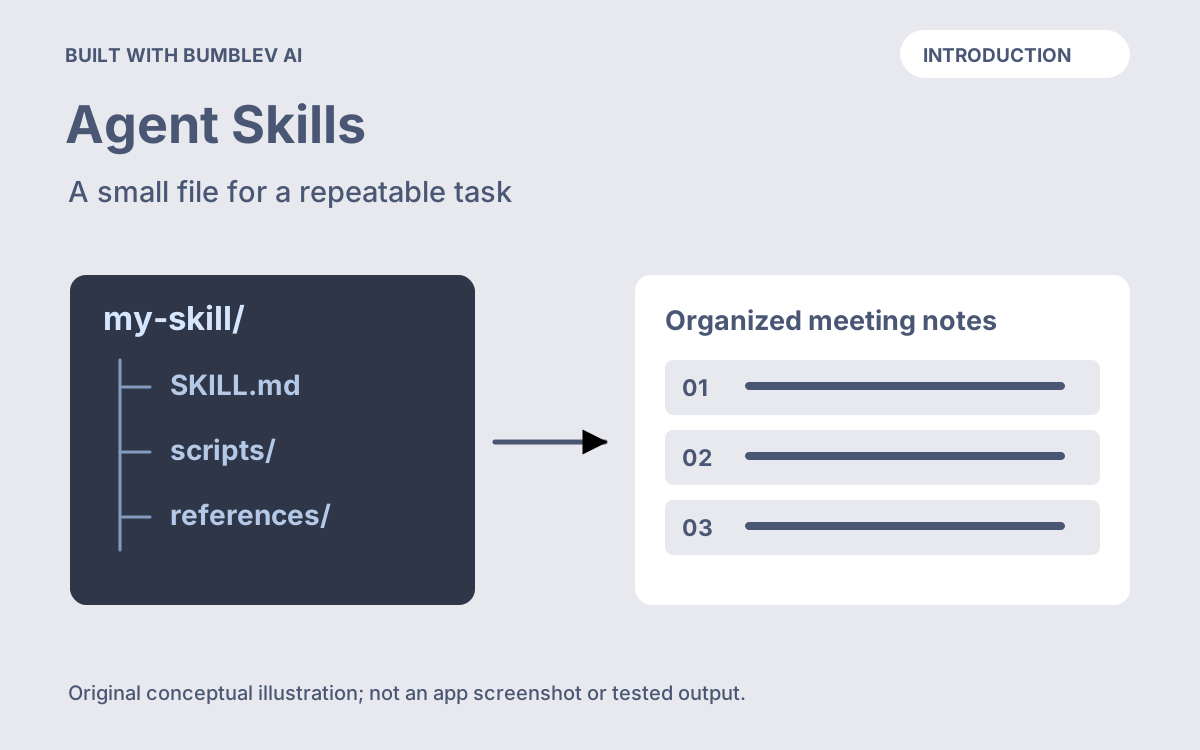
Agent Skills are useful when you already know how a recurring task should be done and want to preserve that procedure in a file. The practical question is not how many Skills you can collect. It is whether one saved procedure can remove a recurring explanation while leaving the result easy to inspect.
This introduction helps you choose a sensible first task, understand what is portable, and decide what to prepare before installation. The companion tutorial builds a meeting-note organizer in Claude Code. This article is based on official documentation checked on October 26, 2026; it does not report hands-on model results.
A readable procedure with a defined entry point
Agent Skills is an open format built around a folder and SKILL.md. The file carries a name, a description, and instructions; other resources are optional. Compatible agents use the description to discover relevant work and load more instructions when needed. Agent Skills overview
Think about a task you have corrected more than once. For meeting notes, perhaps you repeatedly explain that a suggestion is not an agreed decision, or that an absent deadline should remain absent. Those corrections are more useful starting material than a broad instruction to “be an expert assistant.”
Here is an original planning card for a first Skill:
Task: Organize the meeting notes supplied in the current request.
Reader: Someone who needs to know what was agreed and who acts next.
Preserve: Names, dates, quantities, and uncertain wording.
Never invent: Approvals, owners, deadlines, or completed work.
Output: Decisions, actions, and open questions.
Check: Compare each action with a short phrase from the source.
This card identifies a job and a way to check it. It does not depend on a particular meeting date. That separation makes it possible to reuse the procedure without carrying last week’s facts into this week’s notes.
Choose a task with visible mistakes
Good first exercises are small enough that you can judge the answer yourself. You do not need a perfect task; you need a clear difference between acceptable and unacceptable output.
| Candidate | A result you can inspect | A useful failure case |
|---|---|---|
| Meeting-note organizer | Decisions and assigned actions match the notes | A suggestion is promoted to a decision |
| Event-announcement editor | The date, place, price, and booking method survive | A nonexistent registration link appears |
| Draft-brief checker | Required fields are present or marked missing | A missing target audience is silently invented |
These are proposed exercises, not measured product capabilities. Choose the one where you can provide an input, describe a correction, and recognize whether the correction was applied. A task with an unknown standard of quality is difficult to improve simply by saving a longer instruction file.
Keep three things separate: the reusable procedure, the changing input, and your reviewed result. If the input changes, replace the input. If the same mistake happens repeatedly, consider changing the procedure. If only one sentence sounds awkward, a local edit may be enough.
Portability includes a host check
The standard specifies the file structure; the agent you use supplies the interface, models, and tools. Our tutorial chooses Claude Code because its project configuration documents the relevant Skills location. Other hosts can have different installation and invocation steps. Claude Code directory reference
For a first portable example, keep the file text-only. Use the standard name and description metadata, followed by your own instructions. The format also defines optional fields, but the first exercise does not need them. Format specification
If you later move the folder to another compatible product, use a transfer check: can that product discover it, can you select the intended procedure, and does the same example still meet your acceptance criteria? A readable file is easy to copy. Equivalent behavior is something to verify, especially after adding scripts or product-specific settings.
Prepare one normal input and one difficult input
For the meeting-note example, the normal input can contain two clear decisions and two assigned actions. The difficult input should contain a proposal that nobody approved and a deadline expressed as “tomorrow” without a meeting date.
Write down what must happen before generating anything. The normal input should preserve both owners. The difficult input should leave the date unresolved. These checks are your own exercise design. They make an attractive answer less likely to distract you from a factual error.
The official authoring guidance recommends refining Skills through actual use. Our starting material remains an unexecuted example; your first controlled attempts are where you learn which rules need revision. Authoring guidance
Account access and completion are separate decisions
Saving a Markdown file and paying for an agent are separate matters. For the Claude Code walkthrough, check the official account plans before choosing an access route. There is no measured time or cost saving to promise for this example.
You are ready for the tutorial when you can name the recurring task, supply two fictional inputs, and explain one failure that would make you reject a result. Start with that small procedure. Expand it only after you can reopen the file, reuse it, and understand why a change helped.