CapCraft Android vs FilmCraft: phone editing or a desktop timeline?
Compare documented mobile and desktop workflows without assuming project compatibility or measured performance.
Last updated
Menus and supported features can change. Compare the source-check date below with your current app version.
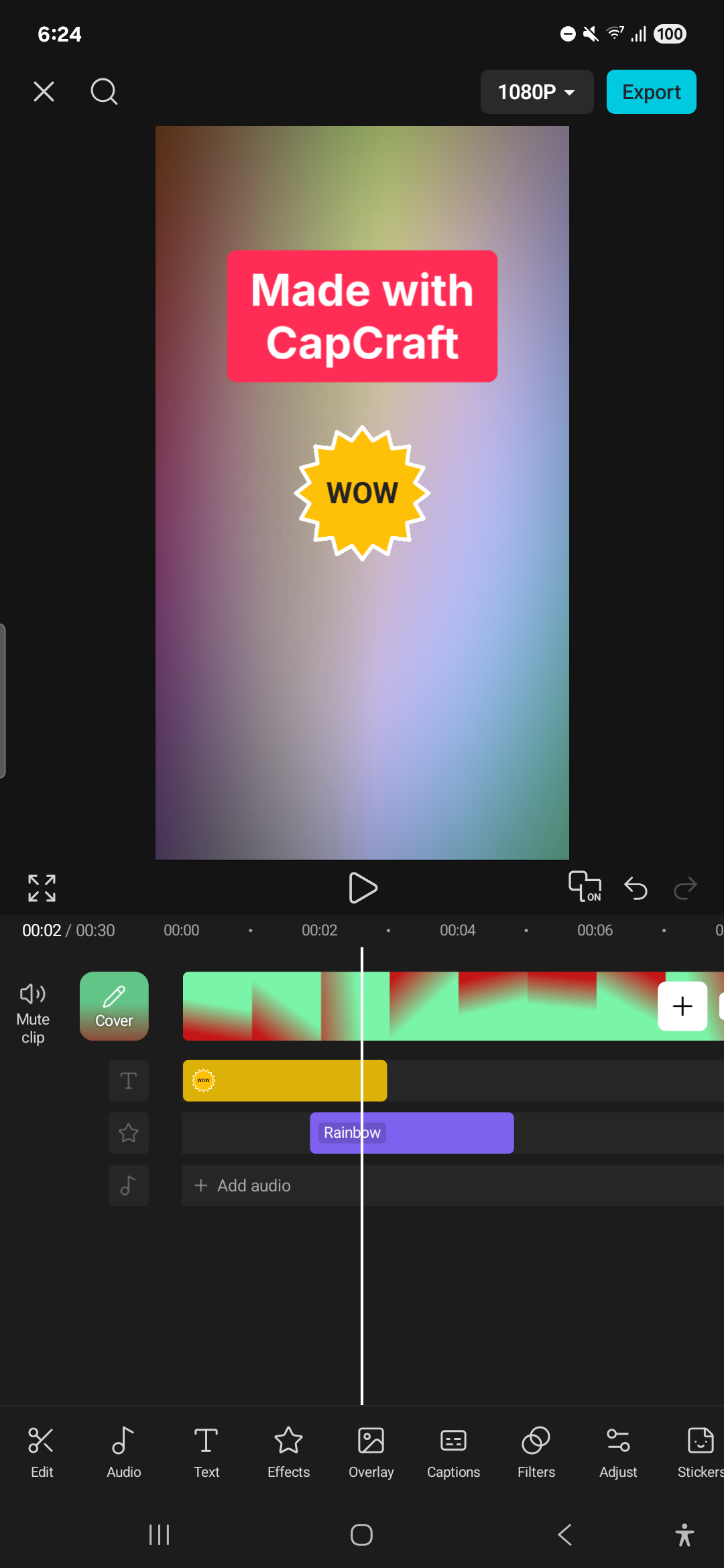
A short phone edit and a multi-track desktop project can have different bottlenecks. This compares the CapCraft Android community beta with Storytold’s FilmCraft already covered in Tools. A separately distributed FilmCraft Android port is not treated as the same release or test environment.
Documented differences
| Topic | CapCraft Android | FilmCraft |
|---|---|---|
| Environment here | Android beta | Existing desktop editor workflow |
| Starting media | Phone videos and photos | Clips and timeline projects |
| Interaction | Touch editing and phone output | Tracks, effects and file exchange |
| AI relevance | Local captions and background removal | Command-based editing automation |
| First limit to check | Device, model language and export | Interchange scope and current alpha limits |
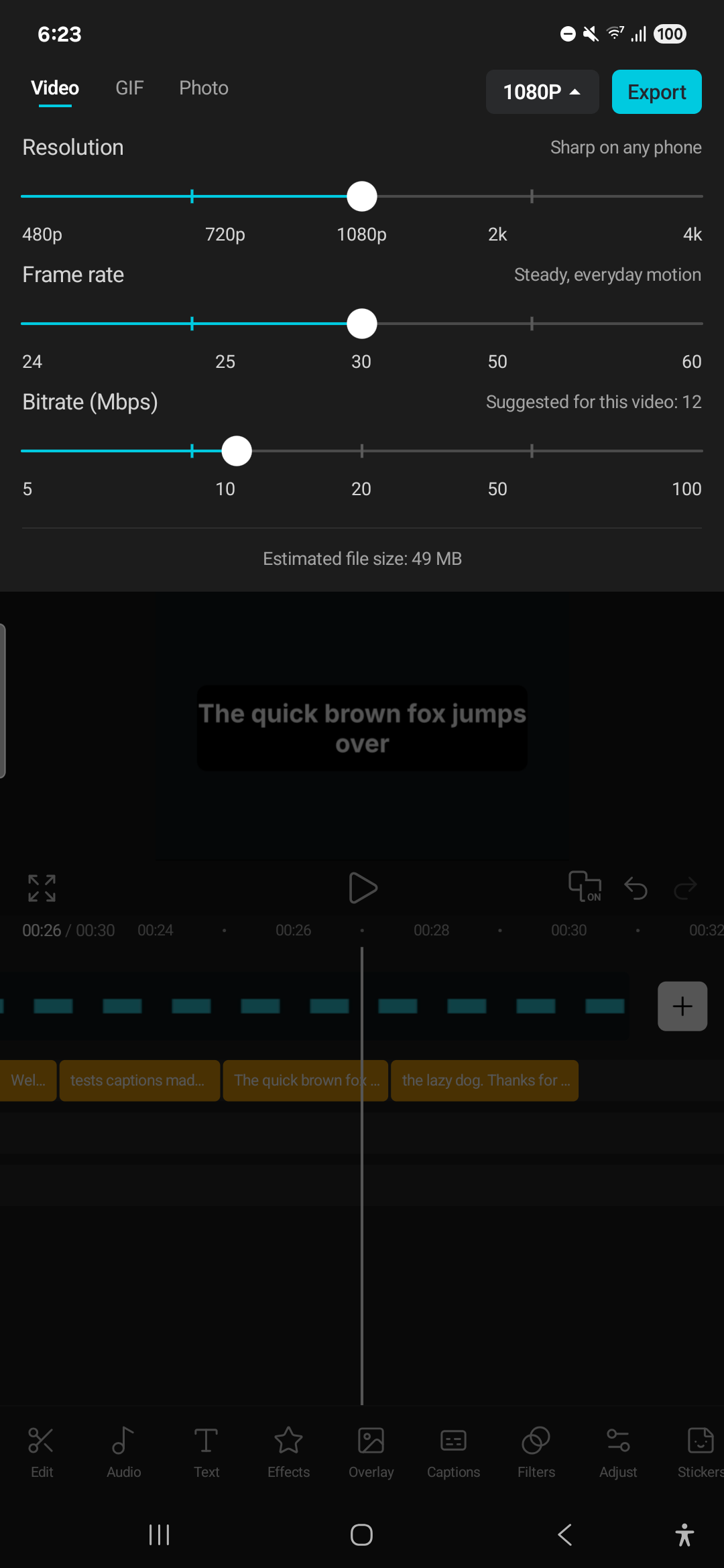
Keep the starting conditions comparable
Moving media from a phone to a computer is part of some real workflows. For others, reading and correcting several tracks matters more. A timing comparison should state where the files begin and how they reach each application.
CapCraft documents its mobile home screen, touch timeline and gallery delivery. FilmCraft documents desktop editing and interchange. Which feels easier depends on the task and device; this article has not measured that result.
Do not infer project compatibility
A CapCut-like layout does not prove that existing CapCut projects or templates can be imported. FilmCraft also distinguishes unsupported native project formats from XML, AAF and OTIO exchange paths. Test actual titles, effects and media rather than relying on extensions.
Keep editable projects and final videos separately. An MP4 alone is not an easily revised timeline, while a project without its media may not be portable. Include file organization in the comparison.
A repeatable task
Use the same two clips and narration, with fixed cut points, title duration and output dimensions. Record importing and arranging, title/audio corrections, then export and external playback as separate stages.
For Korean content, use the same words and recording to check font rendering, line breaks, recognition and synchronization. We have not established Korean automatic-caption support or accuracy for CapCraft, so the feature name alone should not become a promise.
Local inference and generation
CapCraft describes local speech processing and background removal while excluding a cloud generative account workflow. FilmCraft’s command automation is also distinct from generating a new scene. Different forms of AI relevance should remain explicit.
Separate software use from external models and media-transfer work when considering cost. If one app lacks a required capability, record the additional tool rather than inventing a score for an unmatched feature.
I would investigate CapCraft with short copies for a phone-first workflow and read FilmCraft’s format and timeline support for desktop work. Both need save, reopen and exported playback checks. No device stability, caption accuracy or full commercial-app replacement has been demonstrated by this documentation comparison.
Sources and scope
Checked 19 October 2026. This introduction, tutorial and comparison use the primary sources below. They contain no claim of our own app execution or measured performance. Development builds may differ from the pinned source.
Sources & further reading
- https://github.com/artcraft-android/capcraft-android/blob/256e7162396519d816d5ffe346b6121e107e041f/README.md
- https://github.com/storytold/filmcraft/blob/fb4cbda47a134eedabd89fe02cd59ebc69462737/README.md
- https://github.com/artcraft-android/capcraft-android/blob/256e7162396519d816d5ffe346b6121e107e041f/LICENSE
- https://github.com/artcraft-android/capcraft-android/blob/256e7162396519d816d5ffe346b6121e107e041f/NOTICE
- https://github.com/artcraft-android/capcraft-android/releases/tag/v0.0.1-beta