Build Your First Agent Skill in Claude Code: Check Meeting Notes
Install or open Claude Code, save a complete text-only SKILL.md, invoke it, and check decisions, owners, deadlines, and unresolved questions.
Last updated
Menus and supported features can change. Compare the source-check date below with your current app version.
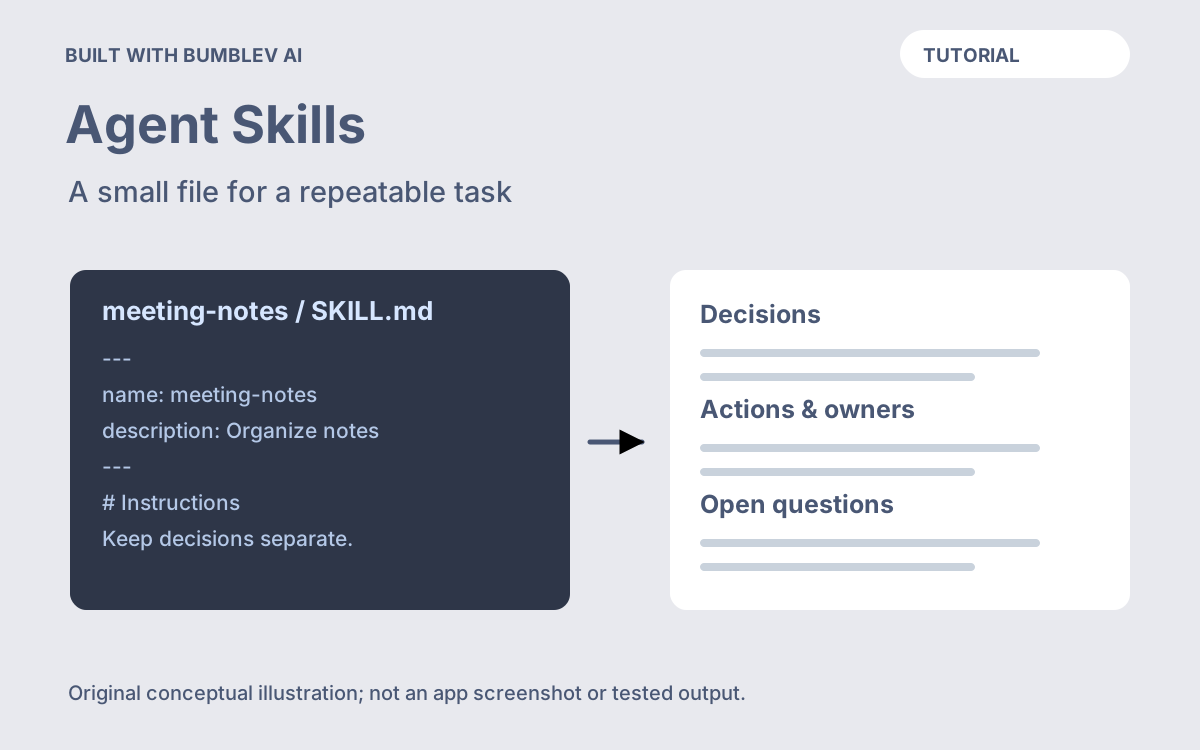
Your first Agent Skill can be a small, useful text workflow. In this guide, you will create meeting-note-check: a reusable procedure that separates confirmed decisions, assigned work, and unanswered questions in messy meeting notes. You will install or open Claude Code, save one complete SKILL.md, invoke it, inspect the response, and revise it using a second example.
The installation and file locations were checked against official documentation on October 26, 2026. We did not install Claude Code or run a paid model session for this article. All meeting notes and expected responses are original fictional examples; they demonstrate acceptance criteria rather than measured model performance.
1. Check access before installing
This walkthrough uses the Claude Code terminal interface. Supported systems include macOS 13 or later and Windows 10 version 1809 or later; the official requirements also specify at least 4 GB of memory and internet access. Check the Linux and other platform details if applicable. System requirements
Claude Code needs an eligible account. A Claude subscription and Console API billing are different access routes; use the login appropriate to your existing account. Check current Claude plans and the Claude Code cost guide before starting. Creating the text file below does not itself buy access or make model use free.
Choose an ordinary text editor and an empty practice folder. The exercise needs no real meeting transcript, integration, or publishing destination. Using fictional notes makes the first checks straightforward: every fact that the answer is allowed to contain is visible on the page.
2. Install, verify, and prepare the folder
If claude --version already works, skip installation. Otherwise, open Terminal on macOS/Linux or PowerShell on Windows. These are the official native installation commands; choose only the one for your system. Installation instructions
macOS, Linux, or WSL:
curl -fsSL https://claude.ai/install.sh | bashWindows PowerShell:
irm https://claude.ai/install.ps1 | iexAfter installation finishes, open a new terminal window and run:
claude --versionA version number confirms that the command is available. If the terminal says the command is missing, follow the linked installation troubleshooting before proceeding; repeatedly recreating the Skill will not fix an installation problem.
Create the practice directory with one of these original helper commands. They create folders, not a Skill file.
macOS/Linux/WSL:
mkdir -p ~/skill-practice/.claude/skills/meeting-note-check
cd ~/skill-practice
Windows PowerShell:
New-Item -ItemType Directory -Force "$env:USERPROFILE\skill-practice\.claude\skills\meeting-note-check"
Set-Location "$env:USERPROFILE\skill-practice"
The project-relative destination is .claude/skills/meeting-note-check/SKILL.md. Claude Code distinguishes project configuration from personal configuration in the home directory. This example stays in the practice project. Directory reference
Open skill-practice in your text editor. Inside the folders you just created, add a plain-text file named exactly SKILL.md, with no extra .txt extension.
3. Save the complete Skill
Agent Skills use YAML metadata followed by Markdown instructions. The required name must match its folder; description explains the task and when to use it. Format specification
Copy this entire original example into SKILL.md, including both --- lines, then save:
The source-phrase requirement makes this more useful than a request to “summarize well.” It gives you a way to challenge an apparent decision without rereading the entire transcript. The explicit “Not specified” value also prevents an empty cell from looking like an accidental omission.
4. Start Claude Code and invoke the Skill
Back in the terminal, still inside skill-practice, run claude. On first launch, follow the browser sign-in flow. The authentication guide explains the different account routes and what to do if the browser does not open. Sign-in instructions
At the Claude Code chat prompt, type /meeting-note-check. Slash commands belong here, not at the operating system’s PowerShell or shell prompt. Claude Code supports explicit /skill-name invocation. Skill invocation
Select or submit the Skill, then provide these notes. If you send the notes in a following message, say explicitly that they are the input for meeting-note-check.
Use meeting-note-check on these fictional notes. Answer in English.

Sample Bookshop planning meeting, November 2, 2026.
Agreed: run the paper bookmark workshop on November 7.
The group approved a maximum of 12 participants.
Mina will draft the counter sign by November 4.
Jun will ask the supplier about paper availability; no deadline was set.
Someone suggested offering free drinks, but no decision was made.
The price is still under discussion.
Do not ask for email delivery or calendar creation. The object of this exercise is a reviewable note, so the input and its classification are enough to judge success.
5. Compare the response with the source
An acceptable response could look like this. It is an author-written example, not a captured Claude response:
Decisions
- Hold the paper bookmark workshop on November 7.
  Source: "Agreed: run the paper bookmark workshop on November 7."
- Limit attendance to 12 participants.
  Source: "The group approved a maximum of 12 participants."

Actions
Action | Owner | Deadline | Source phrase
Draft the counter sign | Mina | November 4 | "Mina will draft the counter sign by November 4."
Ask about paper availability | Jun | Not specified | "Jun will ask the supplier about paper availability; no deadline was set."

Open questions
- Free drinks: suggested, not approved.
- Price: still under discussion.
Check the classifications before polishing the language. Jun must not inherit Mina’s deadline. Free drinks must not become a promise. An unconfirmed price must not become zero. A source phrase should actually appear in the input, rather than being another generated explanation.
If a response fails, give a narrow correction:
Free drinks were suggested but not approved.
Move that item to Open questions. Keep the two confirmed decisions
and the assigned owners and deadlines unchanged.
Save the original input and your reviewed result as separate practice notes. Keep the reusable SKILL.md free of this meeting’s date, names, and decisions.
6. Reopen, update, and test a different case
Type exit to end the session. Later, return to the same skill-practice folder and run claude again. Keeping the file in this project makes the procedure easy to locate and edit. For terminal navigation and session controls, see the official terminal guide.
Now try a case that should produce few firm conclusions:
Use meeting-note-check. Answer in English.

Fictional notes; the meeting date was not recorded.
Rae: Could we launch the reading group tomorrow?
No one confirmed a launch date.
Alex volunteered to compare two possible rooms.
No deadline was assigned.
The intended result has no confirmed launch date, an action assigned to Alex without a deadline, and an open question about the date. It must not turn “tomorrow” into a calendar date. This case probes a different failure mode from the first meeting.
If you repeatedly need one clarification, edit that rule in SKILL.md and save. Current Claude Code detects Skill text changes; if the top-level Skills directory was created after the session started, run /reload-skills after changes. Reload behavior
Change one rule at a time and rerun both examples. Keep a dated backup and note why you changed it. This is your own small acceptance check, not proof of performance on every meeting.
Skill missing: check the working folder, the exact filename, and the matching folder/name pair. Wrong classification: improve the corresponding rule or example. Unexpected billing prompt: review the selected account route before continuing. Moving to another agent: verify that host’s installation location and supported features; this text-only example avoids host-specific extensions, but runtime behavior still needs checking.
Finish when you can find the saved file, invoke it again, explain each classification, and improve a rule without breaking the other case. The useful artifact is a procedure you can inspect and maintain.
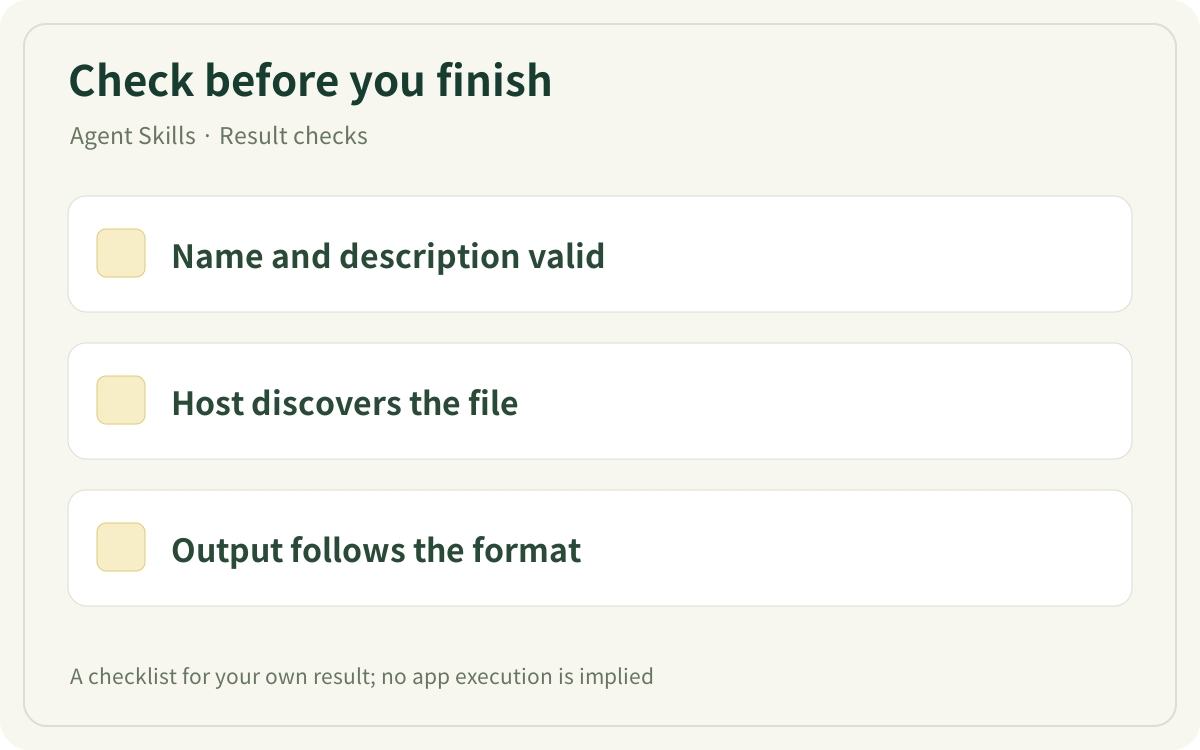
This original checklist helps you inspect your own result. It is not an app screenshot or a generated result.
Sources & further reading
- https://code.claude.com/docs/en/setup
- https://claude.com/pricing
- https://code.claude.com/docs/en/costs
- https://code.claude.com/docs/en/quickstart
- https://code.claude.com/docs/en/claude-directory
- https://agentskills.io/specification
- https://code.claude.com/docs/en/authentication
- https://code.claude.com/docs/en/skills
- https://code.claude.com/docs/en/terminal-guide