Make a product poster with readable text in Recraft Flash V2
Use a fictional brand, request one poster, and inspect spelling, cropping and a separately exported PNG.
Last updated
Menus and supported features can change. Compare the source-check date below with your current app version.
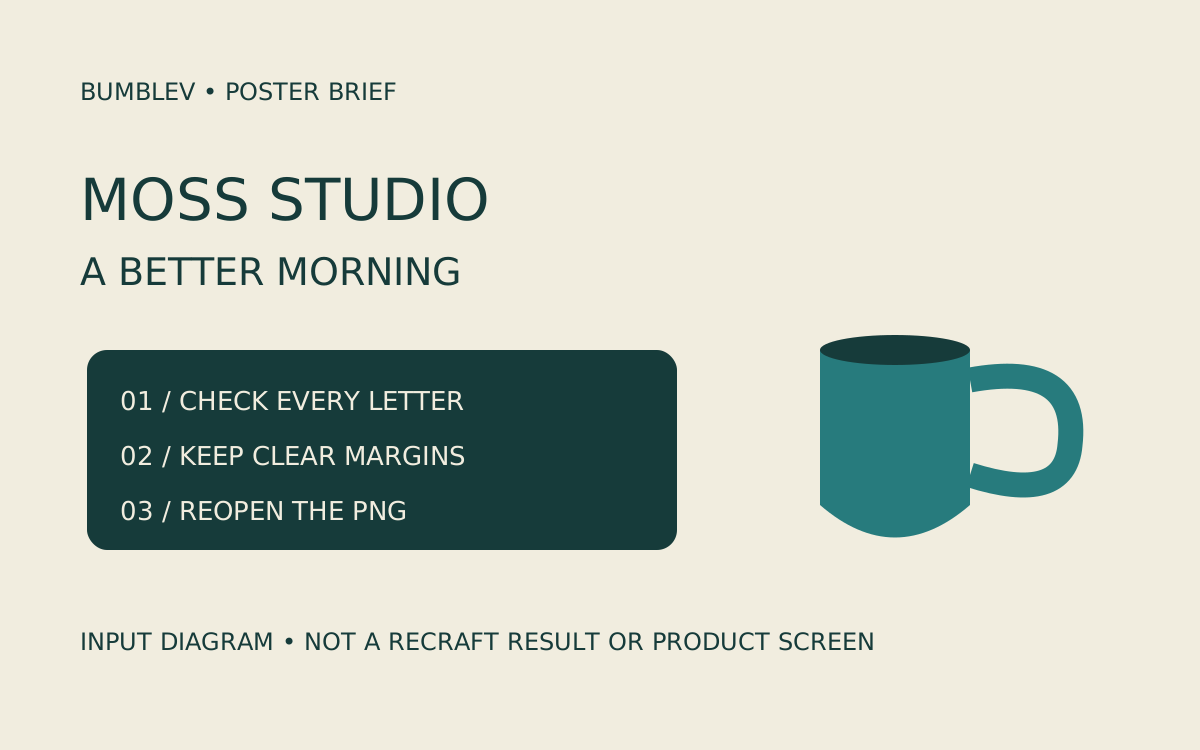
This exercise aims for one product poster containing a mug and a short headline. The practice brand is MOSS STUDIO and the headline is A BETTER MORNING. They are fictional inputs for this guide, not an advertisement for a real company or product. Keeping the copy short lets us inspect every letter and compare the product shape without a complicated brief getting in the way.
We checked Recraft’s official sources and entry screen on November 14, 2026. Studio required sign-in, so we did not generate or export an image. This is a documentation-based guide, not a finished BumbleV poster or a hands-on review. Output descriptions below are expectations and acceptance criteria.
Contents: Model and access · Prepare the brief · Generate and inspect · Save and reopen · Official video · Troubleshooting
Model and access
Recraft’s changelog announced V4.1 Flash V2 on November 13, 2026. The vendor describes improvements to text within images and fine detail, which makes a short poster a relevant task to investigate. That is an official update, not search-volume evidence or a measured result from us. The Flash article retains a September 23 publication date and separately states that it was updated on November 13.
Open Recraft Studio in a desktop browser. No separate installation is needed for this web exercise. Use your existing account, or follow the account steps in the official quick start. Review any terms and access requests yourself. There is no need to buy a subscription or extra credits for this guide; stop if your current account cannot use the selected model.
Under the current rights policy, Free-plan generations are public in the community gallery and are not licensed for commercial use. Paid-plan generations have different ownership terms. Being able to generate a practice image does not establish permission to use it on a business website or advertisement. Record the plan and conditions at generation time and check the intended use before publication.
Prepare the brief
Use one teal mug, a cream background and two lines of text. Do not request discounts, certifications, prices or a seller address. Excluding unsupported claims also makes it easier to reject an image that invents them. Keep this reference beside the result:
Fictional practice brand: MOSS STUDIO
Exact headline: A BETTER MORNING
Output goal: one portrait poster image, then a separate PNG export
Open Projects → Create new project, following the documented entry route. If the interface lets you rename it, use a recognizable name such as “Moss poster practice.” We have not verified the rename control’s location and do not prescribe an invented menu.
Use Create in the new project’s left panel to choose the prompt and model directly; Chat is a separate agent-based workflow. Check Flash V2 in the model picker. The changelog says V2 replaces the earlier Flash, but record what your account actually displays. A result from another model should not be labeled Flash V2.
Generate and inspect
Enter the following prompt. Portrait 4:5 is the composition target for this practice. Select that ratio if available; otherwise record the ratio actually used. Check the model, image count and displayed credit cost before generating. We have not verified account-specific pixel-size controls.
Create one portrait 4:5 product poster for a fictional practice brand.
Show one plain teal ceramic mug on a warm cream background.
Use a simple editorial layout, soft side light and a clear shadow.
The only text in the image must be exactly these two lines:
MOSS STUDIO
A BETTER MORNING
Keep both lines large, separate and fully inside the image with generous margins.
Use dark teal lettering with strong contrast against the cream background.
Keep the mug handle open and the rim physically plausible.
Do not add prices, dates, certifications, contact information, extra words,
watermarks or logos copied from an existing brand.
This is a fictional design exercise, not a photograph of a real product.
Request one generation and wait for its outcome. Do not send repeated requests because the response is slow or the button state is unclear. If several candidates appear, compare each with the reference text. The expected composition is a portrait poster with two intact lines that remain separate from the mug. This describes a target, not an image we generated.
Inspect the result in three passes. First, enlarge it and read the two S characters in MOSS, the final O in STUDIO, the two T characters in BETTER and the spelling of MORNING. Then check whether text touches the edge, is cropped or overlaps a dark part of the mug. Finally inspect the handle opening, the rim’s connection to the body and the contact shadow. Correct text does not compensate for a broken product shape.
Describe an error precisely before making a revision: “The first line says MOS; it must read MOSS STUDIO.” That gives you one behavior to compare, rather than a vague request for a better image. Check additional credit costs before editing or regenerating, and keep the earlier candidate. If exact lettering continues to fail, consider a separate image-and-type workflow. Text drawn into a raster image is not automatically an editable text layer.
Save and reopen
Select the final candidate on the canvas and use Export, or right-click Export as…, then choose PNG. These are the paths described in the current quick start; we did not perform a download. If your interface differs, confirm selection and consult current official instructions rather than guessing a button.
Use a separate filename, such as moss-poster-flash-v2-v1.png. Reopen the PNG in an image viewer and check the two lines, margins and actual pixel dimensions. A downloaded PNG is not automatically print-ready or commercially licensed. This exercise targets a screen-viewable poster; print resolution, trim, bleed and color checks are separate work.
To revise the design, return to the original project through Projects. The delivery PNG is different from the editable project and its prompt, settings and history. Check whether you can find the same result and input again in your account. Project recovery and export success remain untested here.
Official video
Recraft’s official interface walkthrough was published by the Recraft channel on August 25, 2026. Its description lists 0:40 Create and model selection and 1:34 generation. It is a visual reference for those interface roles. It predates the November Flash V2 update and cannot establish V2 lettering quality or the outcome of this mug-poster prompt.
We verified the original page, channel and date, but playback did not start in this browser. The original-video link is retained; embedded playback and mobile rendering remain unverified. We did not copy or reupload the footage, and do not present its output as our own.
Troubleshooting
If the model is missing, check the current plan and account eligibility. Do not expand permissions or buy access as an automatic workaround. If a result is absent, inspect the original request and project before resubmitting. When a download has the wrong words, also check whether you exported a different candidate from the one you reviewed.
If two short lines remain unreliable, make a separately recorded one-line exercise. Treat that as a changed requirement, not a pass for the original two-line brief. Keeping the input and acceptance criteria together makes a later follow-up useful.
Changing a real product photograph’s background is a different task, covered in the existing Recraft background-replacement guide.