Ready for Google Search? Check these eight steps
Review Search Console ownership, crawl access, sitemaps, canonical and language URLs, and actual indexing with eight illustrated checks.
Last updated
Official sources checked:
Where should you look when your new site does not appear in search? Work through the published site and its Search Console property in this order. Ownership verification and a submitted sitemap do not guarantee indexing or a particular ranking. This practical review follows Google’s official documentation. The illustrations use example.com and do not represent a real account.
CHECK 01 / 8Have you verified the right Search Console property?
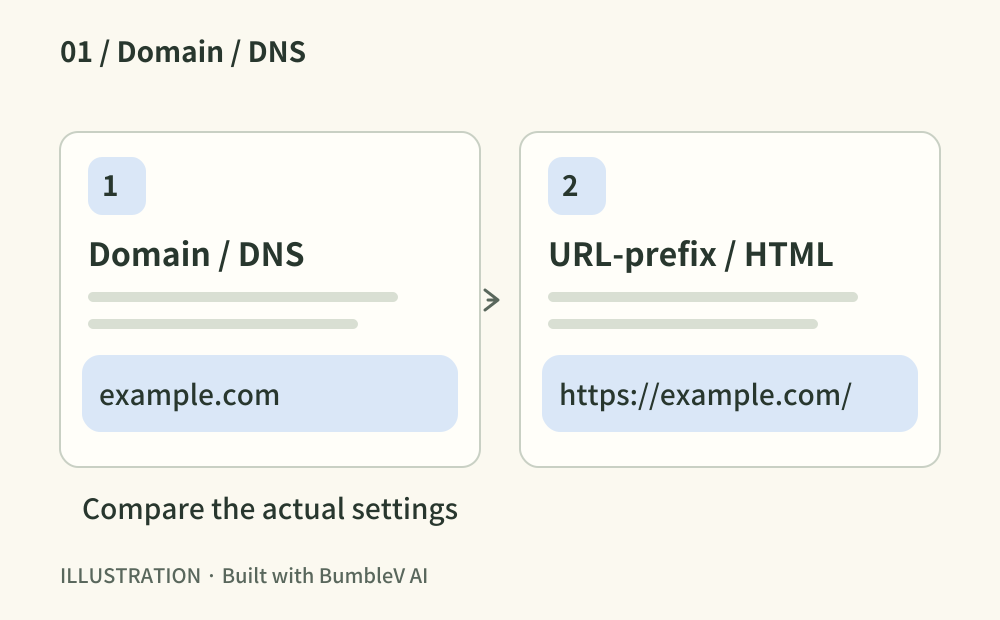
Add the site readers actually visit in Search Console. A Domain property uses DNS verification; a URL-prefix property offers methods such as an HTML file or tag. For a prefix, match HTTPS and the www choice. Complete verification in the account and retain the verification record afterwards. Saving a DNS entry alone does not establish the account result.
- Where to look
- Search Console property selector · domain DNS · published HTML
- When to tick this check
- The intended property is selected and the account reports successful ownership verification.
CHECK 02 / 8Can Google reach the pages you want discovered?
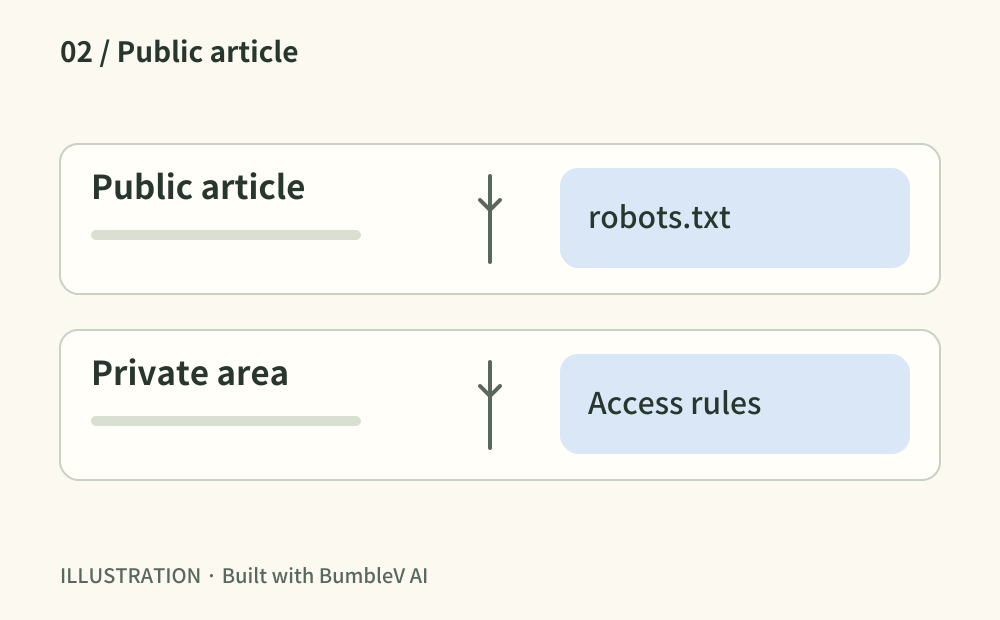
Open a public article in a private window, then inspect robots.txt. Check for a development rule such as Disallow: / or a login wall. Robots rules manage crawling; they do not secure private material. Keep intentionally private areas protected while reviewing access to public content and its required resources.
- Where to look
- Published URL · /robots.txt · hosting access settings
- When to tick this check
- Public pages open and their content and required resources are not unintentionally blocked from crawling.
CHECK 03 / 8Did a staging noindex setting reach production?
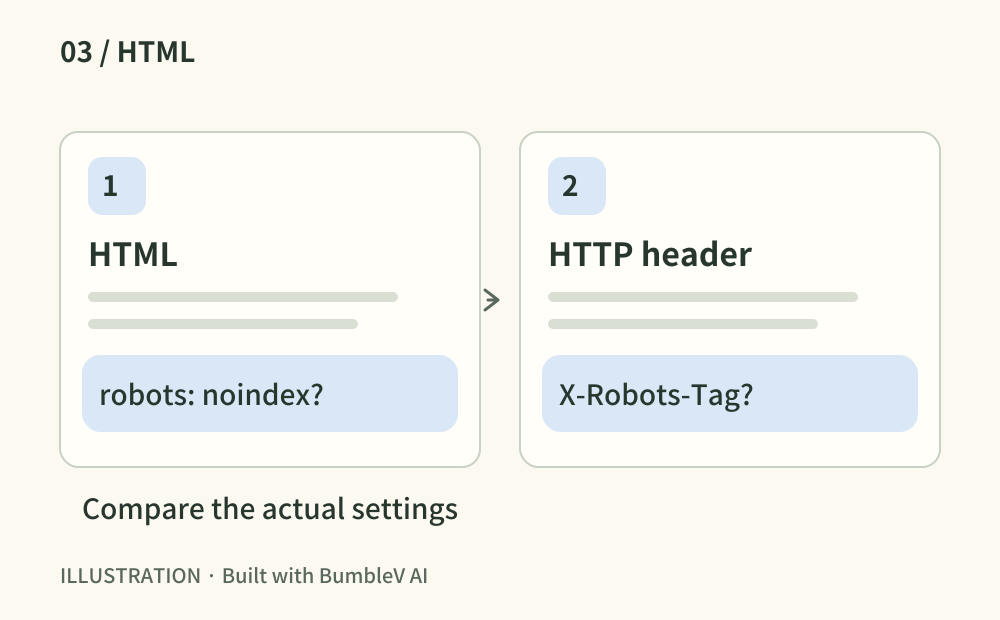
Inspect both the robots meta tag in the live HTML and X-Robots-Tag in the response headers. Remove an unintended noindex only from pages intended for search. Google must be allowed to crawl a page to read its noindex instruction. Treat crawl blocking and indexing exclusion as separate decisions.
- Where to look
- Live HTML source · Network response headers
- When to tick this check
- Intended search pages have no accidental noindex directive in their HTML or HTTP headers.
CHECK 04 / 8Does each page explain what it offers?
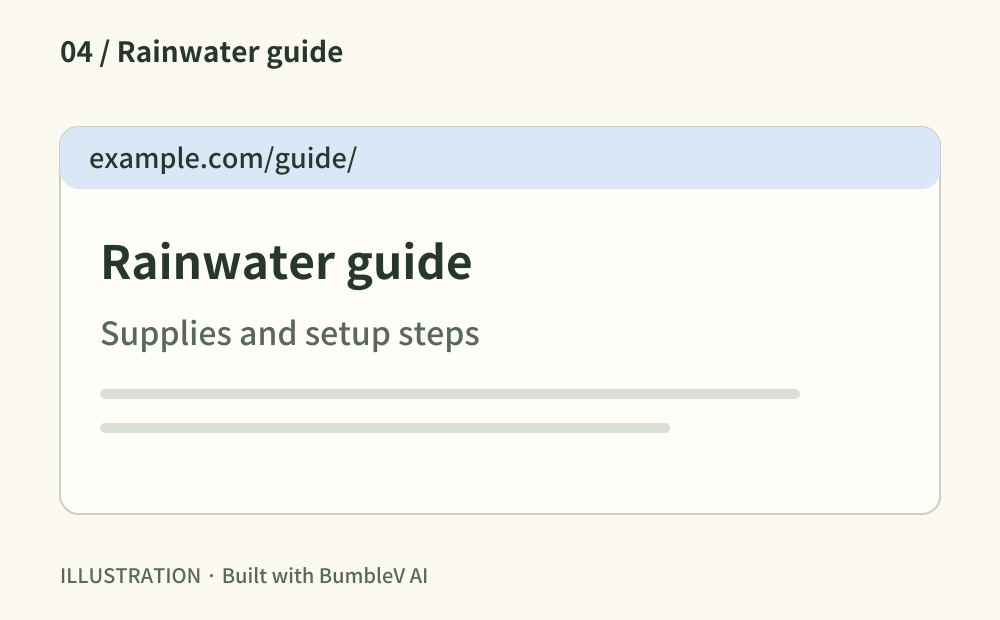
Read the browser title, main heading and description for the home page and two articles. Replace generic template text with wording that describes the task each page helps with. Follow relevant internal links. Google may construct a different search title or snippet, so your metadata is useful input rather than a guaranteed display.
- Where to look
- Browser tab · HTML title and description · article headings and links
- When to tick this check
- Important pages have distinct, accurate titles and descriptions without template copy.
CHECK 05 / 8Is the published sitemap readable and submitted?
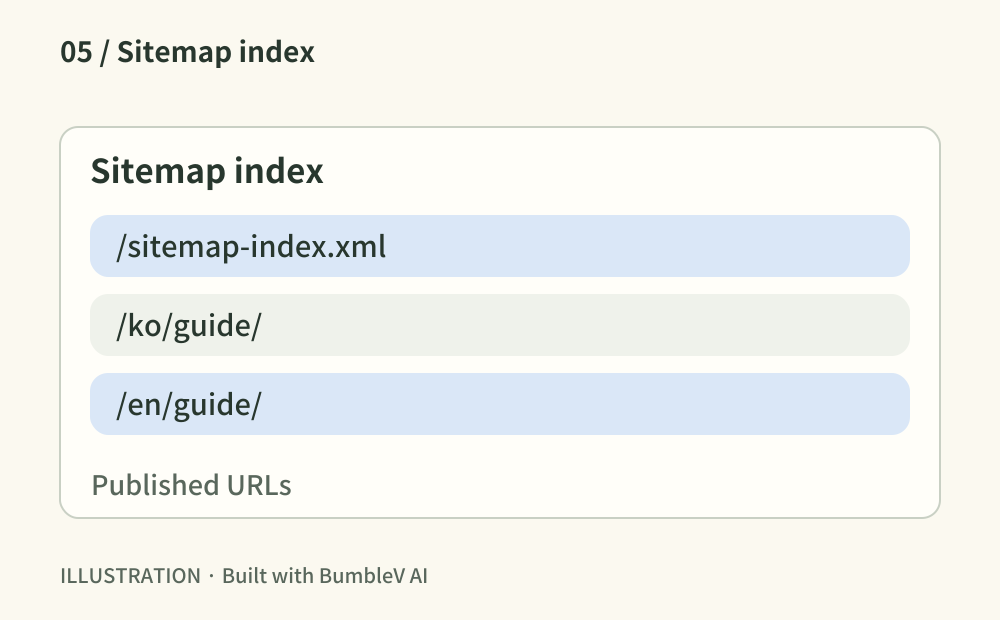
Open the sitemap your site actually generates, such as /sitemap.xml or /sitemap-index.xml. Confirm that it lists the intended production URLs. Check child files when using an index. Submit that address in Search Console and inspect its processing result. A sitemap helps discovery; its submitted URLs are not automatically indexed.
- Where to look
- Public sitemap and child files · Search Console → Sitemaps
- When to tick this check
- The correct URL list is publicly readable and you have reviewed its processing result in Search Console.
CHECK 06 / 8Does the canonical point to the intended page?
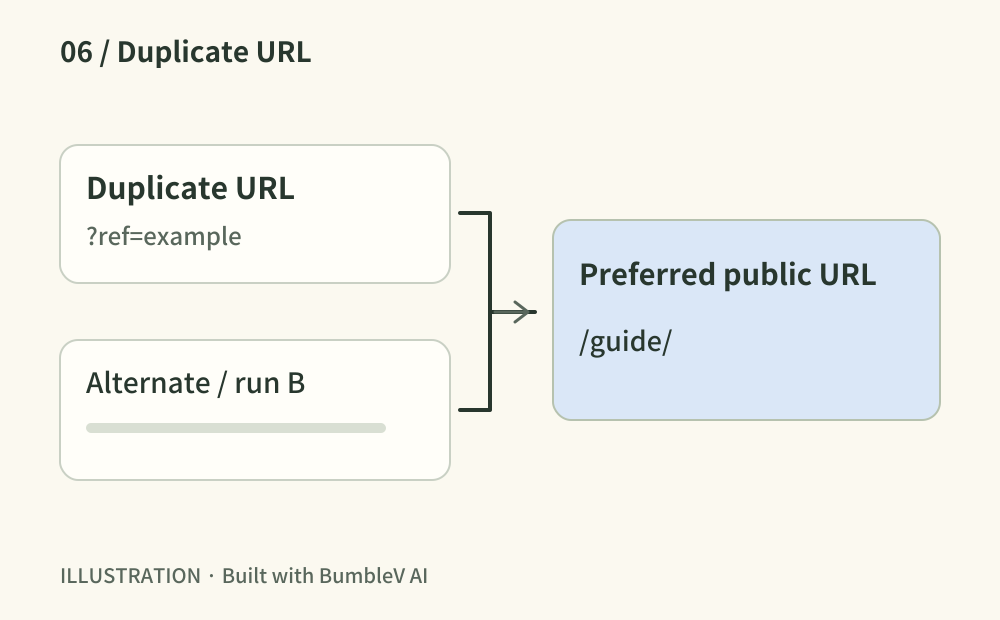
Inspect rel=canonical in live HTML. Distinct articles should not all point to the home page or a preview domain. Follow redirects and align internal links and the sitemap with your preferred public URL. Canonical annotations express a preference; Google can still select another URL.
- Where to look
- Published canonical annotation · redirect destination · sitemap
- When to tick this check
- Each preferred URL opens the intended content and agrees with the sitemap and internal links.
CHECK 07 / 8Do translations connect to matching articles?
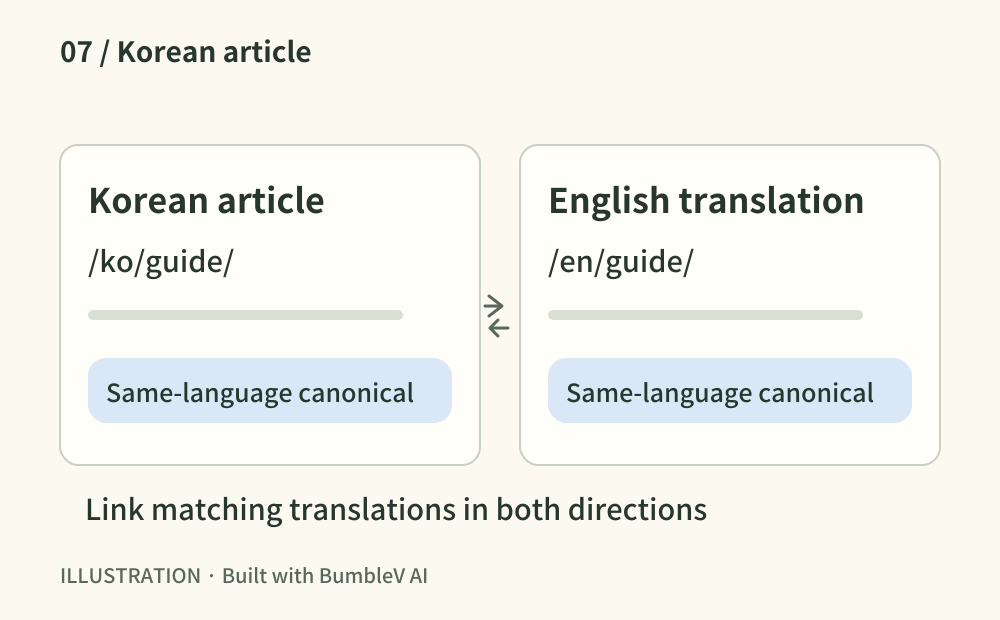
For a multilingual site, switch languages from an article and check that you reach its translation. Review reciprocal hreflang annotations with complete public URLs, including each page itself. Avoid automatically canonicalizing an English translation to Korean. For a single-language site, record why this item does not apply.
- Where to look
- Published translations · language switch · hreflang and canonical
- When to tick this check
- Matching translations link reciprocally with correct language URLs, or the single-language scope is recorded.
CHECK 08 / 8Did you distinguish a live test from the indexed result?
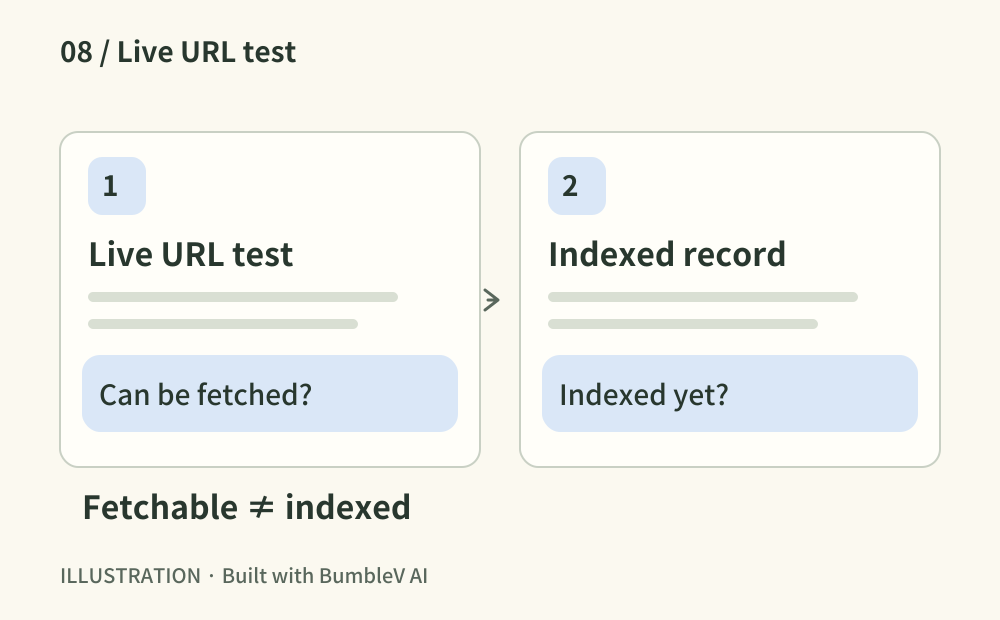
Inspect a representative URL in Search Console. The indexed record and live test answer different questions: a successful live test does not mean the page is already indexed. Request indexing when appropriate, record any exclusion reason and Google’s selected canonical, and choose a follow-up date. Record a pending request as pending.
- Where to look
- Search Console → URL Inspection → indexed result and live test
- When to tick this check
- The observed indexing status and date are recorded, with unindexed pages left as follow-up work.
Copy this prompt and paste it into your AI
Replace the placeholders with your URL, tools and current situation. Copy the full text into your AI to request all eight checks, verification of the public result and any remaining account tasks.
Sources & further reading
- https://support.google.com/webmasters/answer/9008080?hl=en
- https://developers.google.com/search/docs/crawling-indexing/robots/intro
- https://developers.google.com/search/docs/crawling-indexing/block-indexing
- https://developers.google.com/search/docs/fundamentals/seo-starter-guide
- https://developers.google.com/search/docs/crawling-indexing/sitemaps/build-sitemap
- https://developers.google.com/search/docs/crawling-indexing/consolidate-duplicate-urls
- https://developers.google.com/search/docs/specialty/international/localized-versions
- https://support.google.com/webmasters/answer/9012289?hl=en