What is Genie 4? Interactive AI worlds, access and what to check first
An official-source introduction to Google DeepMind Genie 4, its relationship to Project Genie, current access and practical questions for creators.
Last updated
Menus and supported features can change. Compare the source-check date below with your current app version.
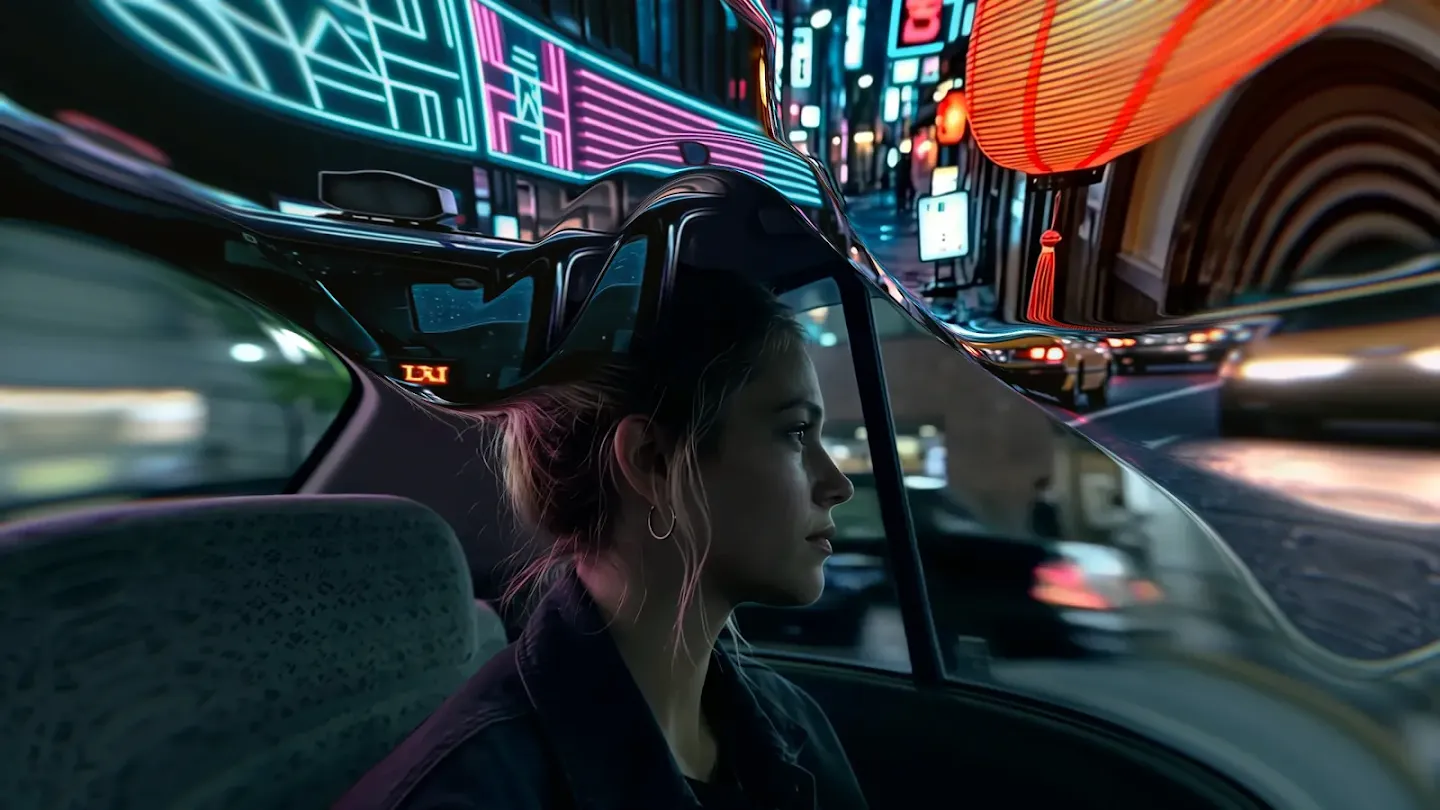
An AI landscape can make you wonder what is around the next corner. That question is a useful starting point for Genie 4: what should the world show when you move or change the situation? For a creator, the interesting shift is becoming a participant in a scene rather than only watching it.
This introduction uses official material checked on October 28, 2026. We have not generated a world in our own account or measured performance. The video and cover image below are Google DeepMind materials.
Start with the official demonstration
Watch the relationship between an input and what happens next. A beautiful frame alone cannot tell you how exploration behaves. An edited sequence also cannot establish the response time, session length or repeatability you would experience in your account. Those are questions for a recorded test once access is available.
Gemini, Genie 4 and Project Genie
Google announced Genie 4 on October 27. It describes a world model using Gemini-family capabilities, with live scene changes and generated environmental sound and dialogue. Think of a world model here as technology generating what follows as actions and circumstances change. Official Genie 4 announcement.
Genie 4 is a model; Project Genie is an experimental service for creating and exploring worlds. The January Project Genie announcement describes a configuration including Genie 3. An older tutorial therefore does not establish that you are seeing Genie 4. Check the model name and publication date together when following a guide. Original Project Genie introduction.
What I would explore as a creator
I would begin with a small visual question: how might a street illustration feel from another viewpoint? I would place the original beside the exploration and mark the features that should survive, such as a doorway, a color relationship or the silhouette of a building. This is a proposed evaluation task, not a workflow we have tested.
For someone working in 2D, that comparison could make feedback more precise. Instead of saying a scene feels convincing, you could identify whether an important feature stayed where you intended. Keep a record of unintended changes too. A striking selected frame can hide problems elsewhere in the sequence.
Decide what you actually need to receive. A clip for editing, an explorable experience and an editable asset for a game engine have different requirements. Before planning a project, ask how its output can be saved, changed and delivered. This article does not establish that Genie 4 exports a 3D model or a finished game.
Can you use it now?
At our check date, Google’s access notice describes a research preview for trusted testers. Access through Project Genie for Google AI Ultra subscribers and early partners using the Gemini API and AI Studio is forthcoming. The official page provides a waitlist. Buying an Ultra subscription does not establish immediate Genie 4 access. Current access notice.
Read the conditions shown by the official application before submitting anything. Check account eligibility, supported location, available features and any costs presented there. We have not submitted an application for the reader, verified approval times or purchased access. A subscription and permission to use a particular model are separate things to confirm.
What our first tutorial would verify
I would limit the first experiment to one scene, one movement and one requested change. Save the starting view, move away and return, then compare the same target. After that, change one environmental feature and record what changed unintentionally. Check whether sounds fit visible events separately from whether they sound plausible in isolation.
That is our test plan. Once we can inspect the actual interface, a beginner guide can show the menu labels, generation controls, costs and saving steps with real screenshots. Until then, our comparison of Genie 4, Project Genie and Veo explains which questions matter for exploration versus video production.