DeckCraft: what it does and what to check first
A short presentation needs a clear sequence more than a pile of transitions.
Last updated
Menus and supported features can change. Compare the source-check date below with your current app version.
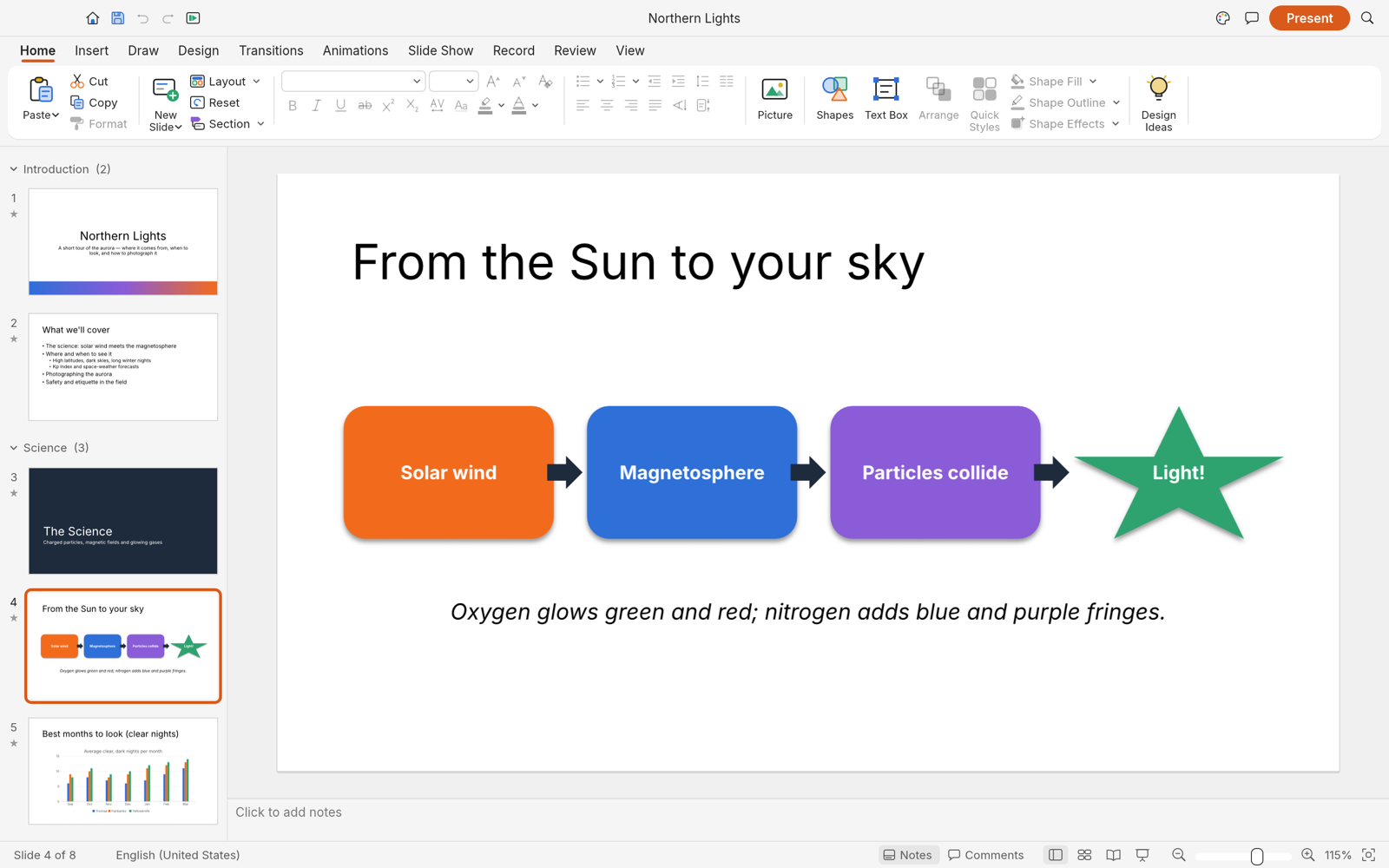
A short presentation needs a clear sequence more than a pile of transitions. DeckCraft works with slides, themes, text, shapes and tables. I would start with three slides: the problem, the solution and the next action. Then I would open the saved presentation on the device used for presenting, because a tidy editing view is only part of the job.
The checked material describes alpha / in development. I have read the public documentation; I have not installed and run this app for a hands-on review.
A look at the screen
| Where to look | What it does |
|---|---|
| Slide list | Set and inspect the order of the three slides. |
| Insert | Add pictures, tables or charts. |
| Notes and Slide Sorter | Check spoken detail and overall flow. |
What the documentation describes
- Use themes, masters and layouts with text, shapes, tables and charts; a master holds design shared across slides.
- Transitions, animation and full-screen presentation are documented.
- Read/save PPTX, export PDF or images, and explore CLI/MCP control paths.
What interests me beside PowerPoint
The local and command-based editing paths may be useful for repeated slide work. But feature count and readiness to replace a production workflow are separate questions. A deck containing company masters, media and charts needs to be reopened and played; a plain three-slide deck cannot establish preservation of that more complex file.
The developer describes free, open-source, local work. Open source means the code is available to inspect. I have not measured a speed or total-cost advantage. For PowerPoint, check the official product and plan information for the terms that apply in your region.
The limitation I would check first
The README calls the app alpha and distinguishes a broad feature list from professional replacement readiness. Complex PPTX fidelity needs testing with actual files. Fonts missing from a presentation computer can change line breaks, and charts, media, transitions and speaker notes all need their own inspection.
A small first task
For the first exercise, let’s make a three-slide problem, solution and next-step presentation. Prepare: Three pieces of content: a problem, a solution and the next step, plus an image or simple table. Keep wording short and place spoken detail in notes.
Check the official app page and release downloads for a build matching your operating system and CPU. If there is no suitable installer or the app does not start, read Get started/Quick start and known issues in the official README. Record the app version and OS when you try the task.
The separate tutorial gives the menu sequence and an expected result. It is a documentation-based exercise, not a claim that I completed it. AI-assisted development, an app’s built-in AI features and an agent operating existing functions need to be distinguished when judging an automation claim.
Keep the working file and the delivery file
Keep the PPTX to revise text, tables and pictures, and a PDF to inspect the static layout. The PDF cannot stand in for speaker notes, media or transitions. Reopen the PPTX, edit one item and play the sequence again. For an existing corporate template, inspect masters and editable chart objects as well as the visible slide.
If the result differs
If text shifts on another computer, inspect installed fonts and text-box dimensions first. Check chart and image positions separately. After reordering slides, run the presentation again. Treat importing a complex template as a different test from creating three new slides; the source media, masters and transitions can introduce other issues.
What I would verify before a bigger job
- Save the same PPTX in both apps and inspect editable shapes and charts.
- Check slide order, animations, speaker notes and media.
- Compare Korean line breaks and layout on a device missing the original font.
A small new presentation can help inspect the basic authoring and delivery flow. It does not establish complete preservation of a complex PPTX or every animation. The final presentation device matters, particularly when the font installed during editing is missing there.
Let the content flow guide design: one problem, a clear solution and an actionable next step. Notes should support speaking rather than fill the slide with extra text. Compare matching slide sizes and fonts, and inspect both an editable deck and its PDF before judging how easily the workflow can be repeated.
Introduction · Task tutorial · Comparison: documented differences
Sources & further reading
- https://getartcraft.com/apps/deckcraft
- https://github.com/storytold/deckcraft/blob/main/README.md
- https://www.microsoft.com/en-us/microsoft-365/powerpoint
- https://github.com/storytold/deckcraft/blob/457406a7a5b62425e915926c8ccb0984e61a198c/README.md
- https://github.com/storytold/deckcraft/blob/457406a7a5b62425e915926c8ccb0984e61a198c/crates/ui-egui/src/menus.rs