Build a small expense splitter with Gemini 4 Hydrogen—and check 60 ÷ 3 first
Request one local HTML calculator, then check its arithmetic, invalid inputs and saved file using fictional expenses.
Last updated
Menus and supported features can change. Compare the source-check date below with your current app version.
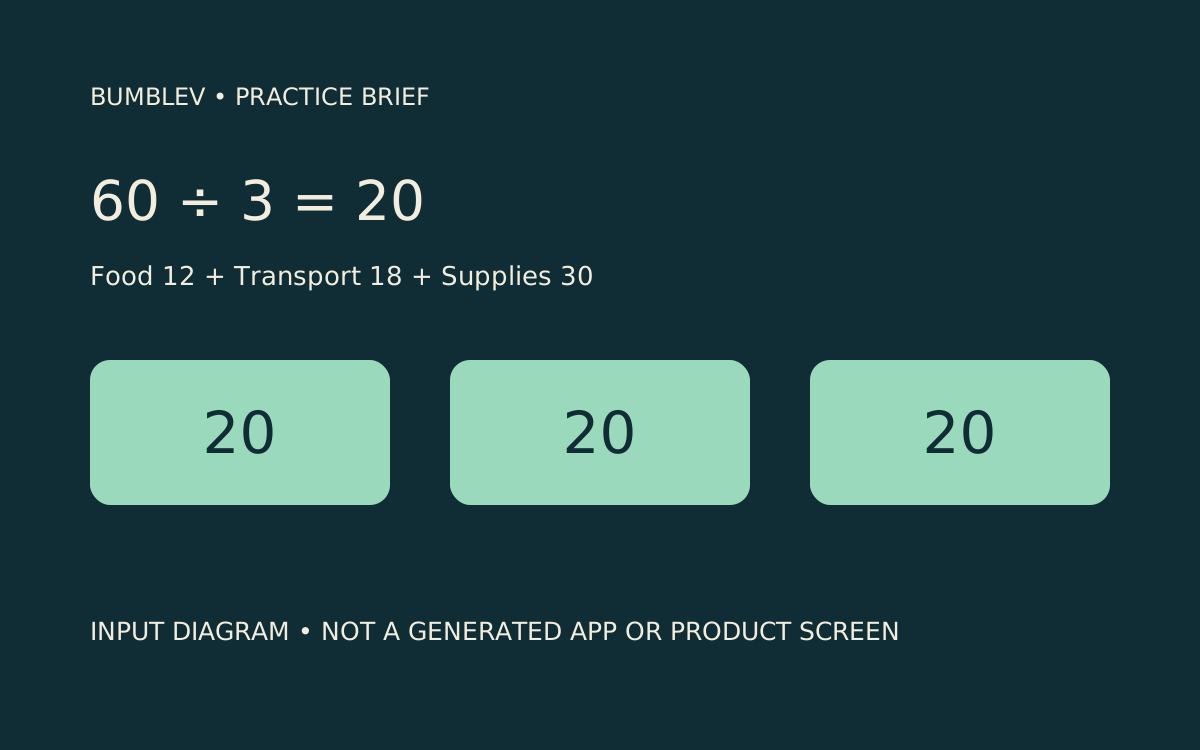
Three friends split food costing 12, transport costing 18 and supplies costing 30. The total is 60 and each person’s share is 20. That gives us a useful starting point for a tiny calculator: we know the answer before asking AI to build the interface. The goal is one editable expense splitter, with a saved HTML file you can reopen and check. You do not need real receipts or personal spending information.
On November 14, 2026, we verified the Hydrogen model and High setting in AI Studio and reached New app. One app-generation request encountered Failed to list API keys: permission denied; we could not verify a generated result. This is a documentation-based practice guide, informed by the interface we observed. It is not a completed BumbleV app or a successful hands-on review.
Contents: Access and settings · Request the calculator · Check the numbers · Save and reopen · Troubleshooting
Access and settings
Open Google AI Studio in a desktop browser and sign in with your own Google account. This exercise does not require a separate desktop installation. Google announced Hydrogen on November 12 and updated the announcement on November 13. Availability does not mean unlimited free requests for every account. If a paid API key or purchase is required, check access conditions before spending anything.
For this exercise, use Playground to request one HTML file. Open Playground in the left navigation and check the model in Run settings. It should show Gemini 4 Hydrogen, with gemini-4-hydrogen. Use the High thinking level we observed. New app is a separate route for generating a preview project; a Playground response and a New app project are different deliverables.
Turn Grounding with Google Search off for this self-contained arithmetic example. Review any other enabled tools before sending the request; this input needs no outside information. If Hydrogen is unavailable, do not run another model and label its output Hydrogen.
Request the calculator
Paste this complete example into Enter a prompt. It asks for Korean interface labels, so readers of both editions can work with the same example. The numbers are fictional.
Return a complete single HTML file for a small expense splitter.
Use embedded CSS and JavaScript only. No libraries, backend, account login,
analytics, payment, external requests or AI calls at runtime.
Use Korean labels and accessible labeled number inputs.
Start with 3 people and these fictional expenses:
food 12.00, transport 18.00, supplies 30.00.
Allow editing all three amounts and the number of people.
Show the total and the equal share with two decimal places.
Accept only a positive whole number of people and finite non-negative amounts.
Show a clear Korean validation message for invalid values; never show Infinity
or NaN as a valid result. Include a Reset to example button.
Do not persist data: reloading should restore the sample. Say this on the page.
Do not deploy or publish anything. Return the full file, not a partial snippet.
Select Run once. A slow response is not a reason to send several copies. The expected output is a complete HTML document. A partial snippet or an error is not a finished calculator. Check for the opening document declaration and the closing HTML tag, and review whether the answer unexpectedly adds an external service or asks for a key.
This brief divides a total equally. It does not track who paid, find settlement transfers, convert currencies or implement every currency’s rounding rules. Keeping those tasks outside the first exercise makes it easier to decide whether the requested behavior actually works.
Check the numbers
Use the following acceptance checks after opening the file. These are expected results, not tests we passed in a generated app.
| Input | Expected behavior |
|---|---|
| 12, 18 and 30; three people | Total 60.00; equal share 20.00 |
| Change food to 15 | Total 63.00; equal share 21.00 |
| People set to 0, -1 or 2.5 | A validation message rather than a valid calculation |
| Clear an amount or enter a negative amount | An input error; no stale number presented as a current answer |
| Reset to example | Restore all three amounts and the count of three |
Check both the total and the individual share after changing an amount. Updating one while leaving the other unchanged is a failure. When a validation message appears, look at the large result display too: it should not quietly continue presenting an older calculation as valid. Also distinguish silently replacing zero with one from explaining the invalid entry. The prompt requests the latter.
Leave uneven splits for a follow-up task. Dividing 10 by three illustrates why displaying two decimal places is different from allocating every cent. A calculator for approximate shares and a settlement application need different acceptance rules. Finish these small checks before asking for a remainder-allocation policy.
Save and reopen
Copy only the HTML document into a new file in a plain-text editor. Save it as bumblev-expense-splitter-v1.html using UTF-8. This is a manual text-editor save, not a claim about a verified AI Studio export command. Exclude Markdown code fences, and check that the filename has not become .html.txt.
Open the file in a browser and work through the table. If you can use browser developer tools, also review console errors and unexpected external requests. A screenshot of the initial screen does not establish that the calculations work. Close the file and reopen it: the requested behavior is to restore 12, 18, 30 and three people. Edited numbers disappearing is expected because this brief explicitly excludes persistence.
Keep the earlier file and save any revision as v2.html. Record the exact failing input and its expected answer. Receiving a file does not automatically make it ready for public deployment; review the code, security and intended release separately. Do not change sharing permissions as part of this local-file exercise.
A real usage video, with limits
proflead’s Hydrogen walkthrough, published by Vladislav Guzey on November 13, 2026, is an external demonstration. His companion article includes an expense-splitting example. That application has broader settlement behavior and different inputs from our deliberately small calculator. Its results are not evidence of the accuracy or speed of our example.
We verified the original video page and creator on November 14, but playback did not start in this browser. The original link is retained; playback verification for an embed remains incomplete. We have not downloaded or reused the creator’s footage as our own result.
Troubleshooting
For a permission error, record the message and the stage where it appeared. Check access through the existing account rather than repeating the request in several windows or expanding key permissions. Without a generated result, arithmetic checks and file export remain unperformed. Our November 14 attempt stopped at this step.
If the browser displays source text instead of an interface, check the extension. If Korean text is corrupted, check UTF-8 encoding. For a calculation bug, report the exact input and expected answer: “Changing food to 15 leaves the share at 20. The total is 63, there are three people, and the expected share is 21.” A focused correction is easier to verify than a request to redesign the whole screen.