Instant Soundtracks for Beginners: Plan Music and Effects for a Short Video
Learn what Instant Soundtracks contributes, plan a simple cue sheet, and understand the creative decisions behind a finished video soundtrack.
Last updated
Menus and supported features can change. Compare the source-check date below with your current app version.
A useful first soundtrack project is a short video whose important actions you can describe: a cup lands on a table, coffee is poured, and a title appears. Decide what the viewer should hear at those moments before generating more audio.
Instant Soundtracks offers an automatic starting point for that work. This introduction explains the creative decisions around it and the difference between an initial soundtrack and a finished video.
Research scope: official ElevenLabs sources checked on October 26, 2026. We have not signed in, generated audio, or measured the result. The article is an introduction and planning guide, not a hands-on product review.
What the feature contributes
The product announcement describes music and sound effects placed against uploaded footage, with the effects available as separate layers. Instant Soundtracks
The related Video to Music API documentation separately confirms video-based music generation, optional sound effects, and optional reference characteristics from the original audio. Those are API capabilities; an API parameter name is not proof of an identically named web button. Video to Music reference
For a creator, the practical opportunity is to get something to evaluate against the picture. Your responsibility is to decide whether each sound supports the action and the message.
Think in three kinds of sound
| Layer of your plan | Question to answer |
|---|---|
| Music | What emotional direction should continue across the scene? |
| Action effects | Which visible moments deserve a distinct audible cue? |
| Existing sound | Which recorded details or speech should remain clear? |
This is a planning framework, not a claim that every upload creates exactly three tracks.
In a café clip, gentle music might connect the shots. A single cup contact can make the opening feel tangible. The pouring sound can draw attention to the process. Adding a large impact to every cut may work against the quiet mood you wanted.
Watch the video without music first. List only the moments that feel incomplete. That list is often a more useful starting point than a long catalogue of possible effects.
A practical brief is better than “make it cinematic”
Use a short original brief:
A welcoming morning-coffee film. Warm piano and light percussion. The cup contact should feel close and small. The pouring section should feel unhurried. Let the final title settle. No singing or spoken words.
The brief describes a role for the music and a hierarchy for the effects. It does not require a particular artist or an exact imitation.
For music prompts, ElevenLabs’ help recommends naming the intended style, instruments, and other musical characteristics. Prompting help For effects, its documentation distinguishes a single effect from a complex sequence. Sound-effect concepts
You can improve a weak result by changing the relevant part of the brief. “Less busy percussion” is easier to evaluate than “make it better.”
Know which editor you are using
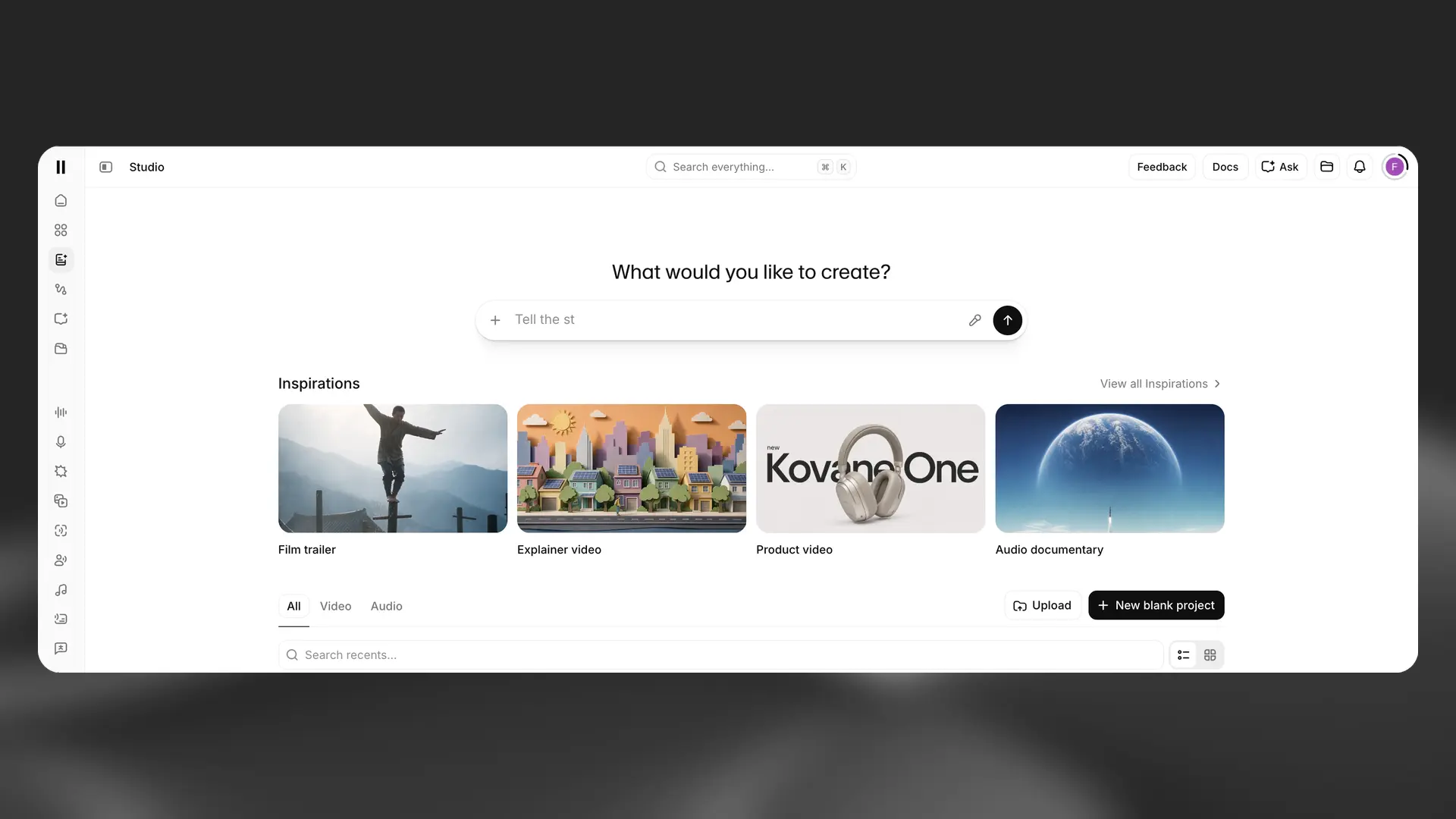
The automatic soundtrack editor and Studio are different working surfaces. Studio is documented as a project environment combining video, music, sound effects, and other media on a timeline. What Studio is
The tutorial in this series starts with the automatic route, then gives a clearly separate Studio finishing route. You do not need to use both for every project. The reason to move to a manual arrangement is a concrete editing need: replacing one cue, using an already approved music file, or controlling the final sequence more directly.
Keep your source video and separate audio files. A finished video is useful for viewing, while the underlying assets are what make revisions practical.
Budget for decisions as well as generations
Before starting, decide how many alternatives you actually want to compare. For a first exercise, one initial direction and one deliberate revision are enough to reveal whether the process helps.
This is a suggested learning budget, not a platform limit. Record what each revision is meant to fix. If you cannot explain the problem, another generation may simply create another option to sort through.
Check the current plan, displayed generation estimate, and any feature restriction in your account. The pricing page is the place for current figures. For a client project, review the relevant subscription and usage category in Music Terms before promising delivery rights.
Use a short acceptance checklist
Listen to the exported video in a separate player. Ask whether the opening sounds intentional, the important contacts align, any speech remains understandable, and the final note ends comfortably.
Also check the practical delivery details: the file opens, its duration matches the edited picture, and its output format suits your next step. These checks are your responsibility; they are not performance claims about the generator.
When sharing a review copy, describe the question you need answered. “Is the final title cue distracting?” gets more useful feedback than “Do you like it?”
Your next step
Choose a short clip with three clear moments and write a cue sheet. Keep the visual cut fixed for the first audio pass. Then follow the tutorial through generation, targeted correction, and export.
The comparison article explains when an automatically arranged soundtrack is a useful first pass and when preparing individual assets for Studio is the clearer route. You can make that choice from the work you need to finish, without trying every feature first.
Sources & further reading
- https://elevenlabs.io/blog/introducing-instant-soundtracks
- https://elevenlabs.io/docs/api-reference/music/video-to-music
- https://elevenlabs.io/docs/help-center/product/core-capabilities/music/are-there-any-best-practices-for-prompting-eleven-music
- https://elevenlabs.io/docs/overview/capabilities/sound-effects
- https://elevenlabs.io/docs/help-center/product/studio/studio/what-is-studio
- https://elevenlabs.io/pricing
- https://elevenlabs.io/music-terms