ArtCraft, PhotoCraft and FilmCraft: generation, layers or a timeline?
Compare the documented roles of scene generation, layered image editing and timed video editing, with practical handoff checks.
Last updated
Menus and supported features can change. Compare the source-check date below with your current app version.
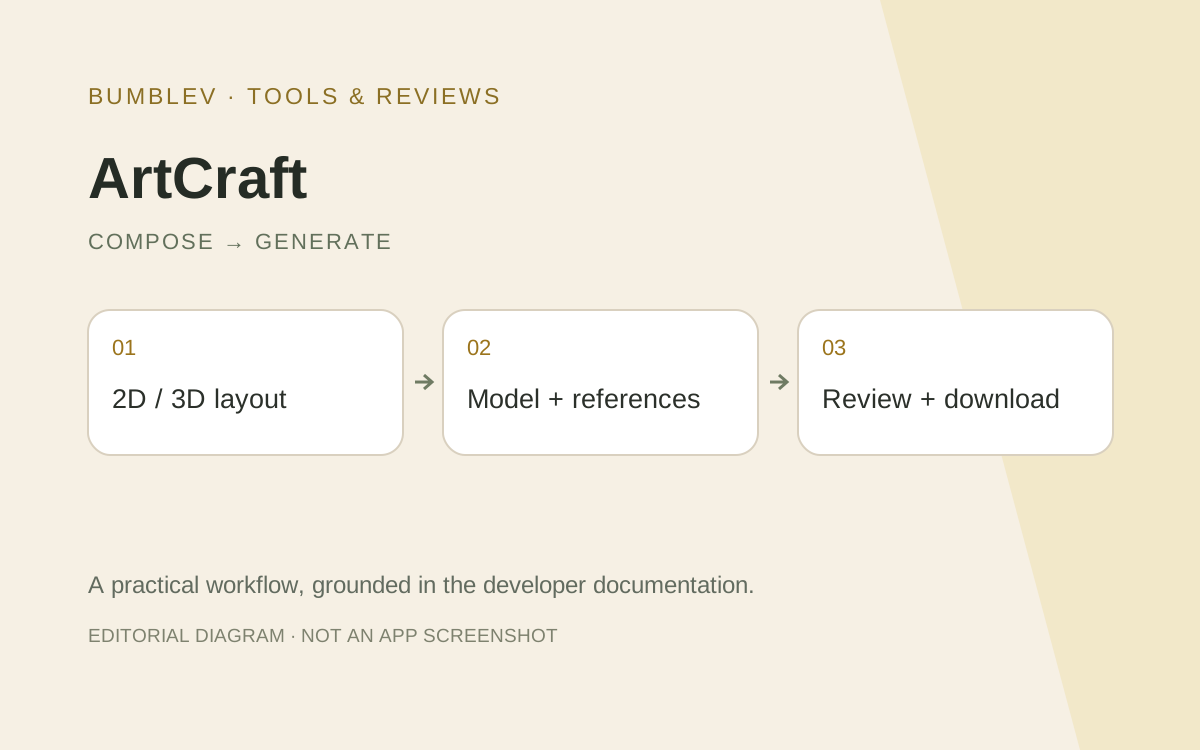
ArtCraft, PhotoCraft and FilmCraft all handle visual work, but their starting questions differ: generate a scene, edit image layers or arrange clips over time? This comparison uses their official documentation and reports no hands-on speed result.
Documented roles
| Task | ArtCraft | PhotoCraft | FilmCraft |
|---|---|---|---|
| Main question | What scene should a model create? | Which image layer needs editing? | What plays at each moment? |
| Structure | 2D/3D composition and generation | Layers, masks, text and pixels | Timeline, clips, effects and audio |
| Important check | Composition and object consistency | Editability and saved layers | Cuts, duration and synchronization |
| Cost check | Provider access and credits | App plus any external AI service | App plus any external service |
Assign a stage, not an entire project name
For a product advertisement, ArtCraft can be investigated for the generated scene. PhotoCraft can handle a precisely positioned headline or mask. FilmCraft’s relevant question is the timing of clips, narration and captions.
These stages can be connected. Generating an attractive picture does not ensure accurate lettering, and generating movement does not finish a timeline. We have not measured which combination is faster.
Preserve editable sources
A downloaded image differs from a layered working file. In PhotoCraft, inspect whether text and masks remain editable after saving and reopening. In ArtCraft, distinguish the final image from references and reusable layout state.
Likewise, an MP4 export differs from a video project. FilmCraft documents the scope of native and interchange formats. Do not assume that a familiar project extension preserves every effect, title and clip setting.
A practical comparison plan
For one product image, fix dimensions, placement, headline area and unacceptable changes. Compare not only total time but correction effort and the ability to repeat an edit. A generated scene and a manually composed one use different processes.
For a later video exercise, use the same two clips and narration. Fix cut points, duration and sound entry, then inspect the exported file in another player. Keep image generation and timeline completion as separate results.
Record the model, output settings, number of attempts and manual corrections at each stage. Separate paid generation from local arrangement changes. One successful example should not become a blanket claim about every project.
What “AI” means here
Software developed with AI, model generation inside an app and an external agent controlling commands are different capabilities. ArtCraft explicitly exposes model-driven generation; other Craft editors describe command-based automation. Presenting every app as the same cloud generator would obscure function and cost.
I would choose a small ArtCraft task for scene creation, PhotoCraft for exact layer and headline edits, and FilmCraft for time-based editing. Each still needs its own saved-file and output checks. This is a way to select a starting workflow, not a claim that any one application replaces the others.
Sources and scope
Checked 19 October 2026. This introduction, tutorial and comparison use the primary sources below. They contain no claim of our own app execution or measured performance. Development builds may differ from the pinned source.
Sources & further reading
- https://github.com/storytold/artcraft/blob/7a2935cf9e3922e90e4ed5f3556b1cb107013148/README.md
- https://github.com/storytold/photocraft/blob/3a896a5efca8c69ab7c00f0fd0160adfd76a6ae3/README.md
- https://github.com/storytold/filmcraft/blob/fb4cbda47a134eedabd89fe02cd59ebc69462737/README.md
- https://github.com/storytold/artcraft/blob/7a2935cf9e3922e90e4ed5f3556b1cb107013148/frontend/libs/components/pagedraw/src/lib/BlankCanvasModal.tsx
- https://github.com/storytold/artcraft/blob/7a2935cf9e3922e90e4ed5f3556b1cb107013148/frontend/libs/components/promptbox/src/lib/PromptBox2D.tsx
- https://github.com/storytold/artcraft/blob/7a2935cf9e3922e90e4ed5f3556b1cb107013148/LICENSE-MIT
- https://github.com/storytold/artcraft/blob/7a2935cf9e3922e90e4ed5f3556b1cb107013148/NOTICE
- https://getartcraft.com/tutorials/2d-editor-basics
- https://getartcraft.com/pricing
- https://getartcraft.com/press-kit