PdfCraft vs Acrobat: files, workflows and a fair comparison
Compare PdfCraft with Acrobat for one practical task. Documented differences, file limitations and checks for a future hands-on test.
Last updated
Menus and supported features can change. Compare the source-check date below with your current app version.
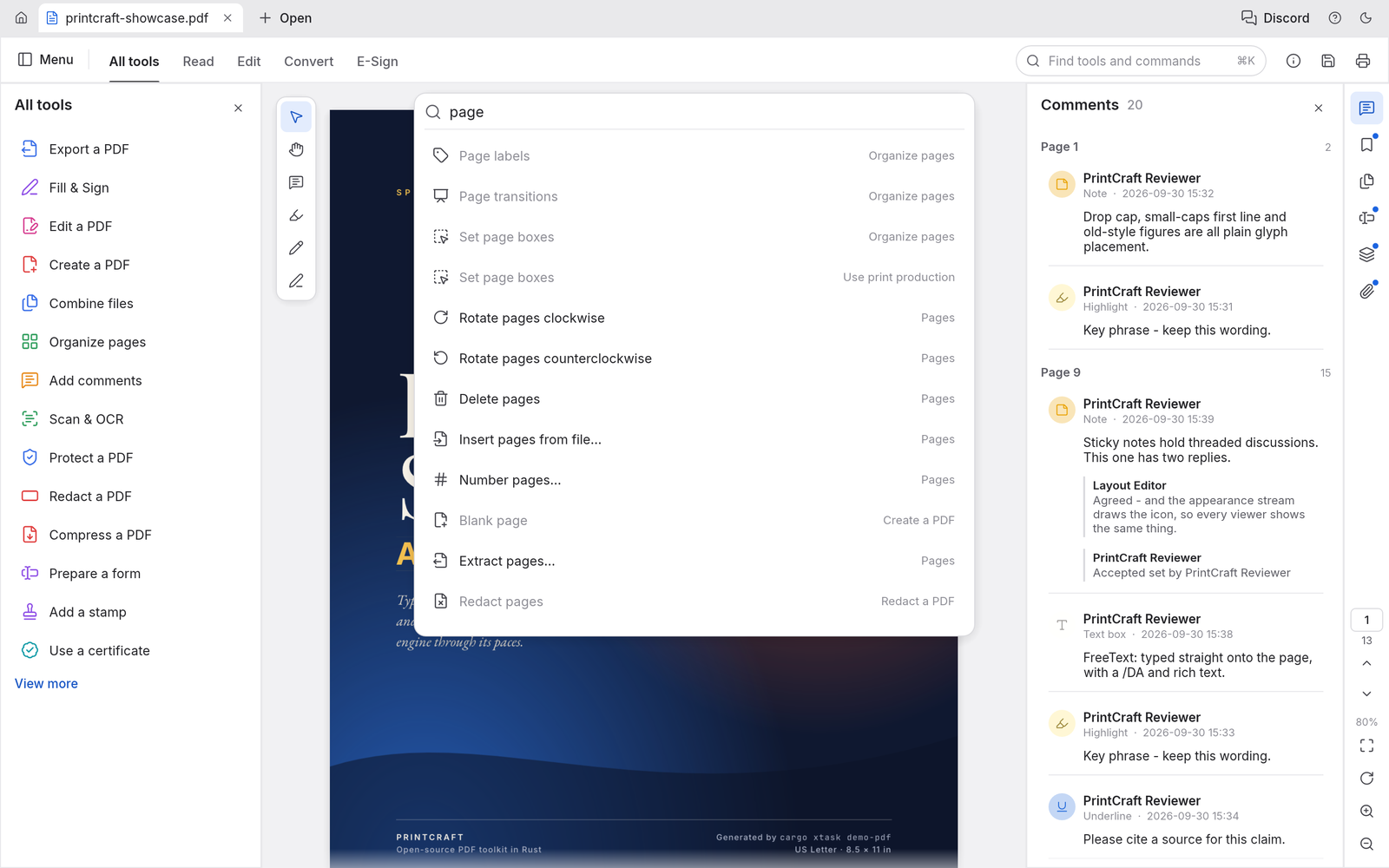
Is PdfCraft a useful option beside Acrobat? I would decide that around an actual job rather than the resemblance of the interface. For this comparison, the task is to combine two pdfs and check their page order.
This is a comparison of public documentation. I have not installed both apps and measured them side by side. There is no verified winner, speed advantage or compatibility score in this article. The table separates what is documented from what still needs testing.
What changes in the workflow?
Page organisation is a narrower task than replacing a full Acrobat workflow. PdfCraft’s local and command-based paths are worth examining for repeated merges, but conversion and text recognition need separate checks. OCR turns a scan into recognised text; moving pages does not perform that recognition or validate a digital signature.
| Question | PdfCraft | What to check against Acrobat |
|---|---|---|
| Development stage | early alpha | The required behaviour in the actual version used |
| Delivery model | Developer describes free, open-source, local work | Official product/plan terms and your workflow requirements |
| Automation | Documented command/agent-control paths | Manual correction needed after a repeated operation |
| Files and results | Supported routes have the limitations discussed below | Compare order, rotation and links after merging the same two PDFs. |
An open-source release lets you inspect the code, but it does not remove time spent learning, checking exports or repairing incompatible files. I have not calculated total cost. Use the linked official baseline page for the relevant regional terms instead of assuming one price applies to everyone.
The file limitation that matters here
The README says Office-to-PDF creation is absent and PDF-to-Word export can change layout. Remaining gaps include CJK text editing, OCR, professional signature validation and printing. Korean text is part of that CJK check. A successful merge should not be reported as evidence that these other features preserve the required result.
How I would make the comparison fair
Use the same inputs in both tools: A.pdf and B.pdf, each with two pages. Use readable test copies and identify each document by its first and last page as well as its filename.
Keep the output settings, computer, OS and app versions in the record. If one app cannot complete an operation, record where it stopped; do not quietly give only that app an easier input. Separate installation, editing, revision and export time. Errors and manual recovery are part of the workload, even when the final image or document looks good.
| Check | Matched task | Current result |
|---|---|---|
| Pages | Compare order, rotation and links after merging the same two PDFs. | Not hands-on compared |
| Korean text | Record errors in Korean editing and OCR of the same scan. | Not hands-on compared |
| Conversion | Compare tables, line breaks and fonts after converting the same PDF to Word. | Not hands-on compared |
Agree on what counts as finished
An instruction sheet and its attachment need to become one PDF. This is a good small task for PdfCraft because it has a clear answer: the right pages should appear in the right order. I would start with two readable documents, then check the result outside the app. Successfully opening a PDF is useful, but it does not settle conversion, OCR or signature requirements.
Keep both original PDFs and the combined copy. Four pages alone do not prove the order is correct, so inspect titles and content at the join. Links, annotations and form behaviour can need checking too. PDF-to-Word is a separate operation: visible text after conversion does not establish that tables, line breaks and fonts are preserved.
Producing a delivery file is only one part of completion. Reopening the editable version and making one small change checks whether the next revision remains possible. Keep the first output and the revised one so the difference can be inspected. A source-format round trip also needs a test in the app where the file will actually be received.
Where I would start, and where I would pause
Reading, splitting and combining are sensible first exercises. If Korean OCR, editable text conversion or electronic signatures are essential, test those particular results. A merged file that looks fine in one viewer does not cover every PDF workflow or printing requirement.
Record the first and last page titles, not just filenames, when planning a merge. This helps catch the wrong version when several files share a name. List any essential links, forms and signatures before working, then inspect those functions separately from page order.
The review can be updated with a hands-on result once there is a record of the installed version, source files, matched settings and failures as well as successes. For now, these are practical comparison criteria based on the checked documents, not observations from a completed benchmark.
Introduction · Task tutorial · Comparison: documented differences
Sources & further reading
- https://getartcraft.com/apps/pdfcraft
- https://github.com/storytold/pdfcraft/blob/main/README.md
- https://www.adobe.com/acrobat.html
- https://github.com/storytold/pdfcraft/blob/c1a41cc5c7c2460fb60af880af69ee28a0c71bd5/README.md
- https://github.com/storytold/pdfcraft/blob/c1a41cc5c7c2460fb60af880af69ee28a0c71bd5/crates/ui-egui/src/combine_ui.rs