MarkItDown: Introduction
Explore Microsoft's MarkItDown Python utility for converting documents to Markdown, including installation extras, LLM use cases and layout-conversion limits.
Last updated
Menus and supported features can change. Compare the source-check date below with your current app version.
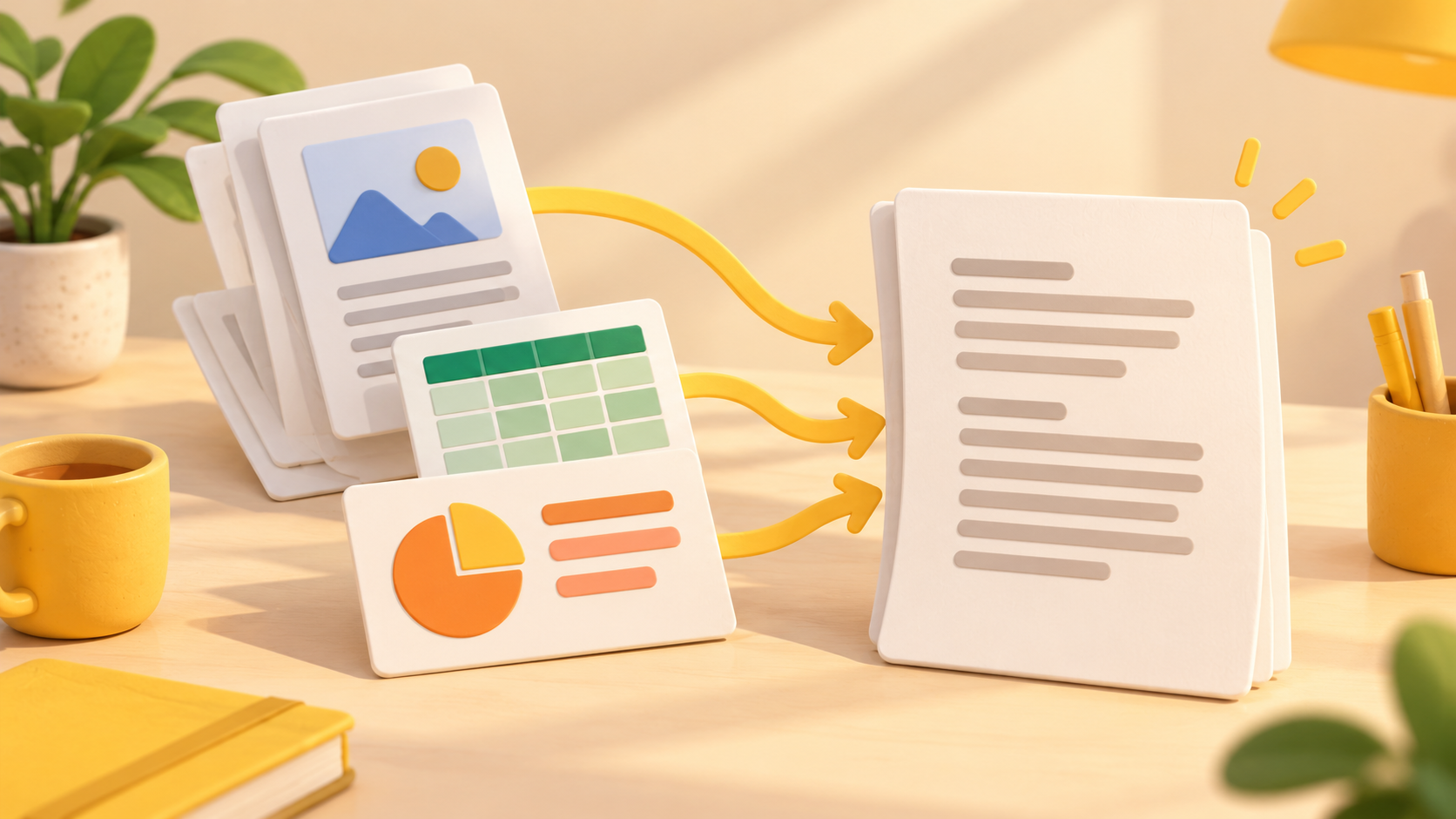
If you want to prepare a PDF for an LLM or text-analysis pipeline, Microsoft’s MarkItDown is one option to examine. It is a lightweight Python utility for converting different file types into Markdown. This introduction follows official documentation; it is not a hands-on review or a speed measurement. F1
This article covers MarkItDown v0.1.9, published on October 21, 2026 UTC. Its official source documents were checked on October 24, 2026. F2
What task does it address?
MarkItDown converts formats including PDF, Word, Excel and PowerPoint into Markdown, with an emphasis on retaining useful structures such as headings, lists, tables and links. Its README describes output intended for text-analysis tools and warns that it may not suit high-fidelity conversions for human reading. Markdown output therefore does not mean that every visual detail or table will be preserved correctly. D2
A local PDF can be passed to the CLI and saved as a Markdown file. That gives you an intermediate text artifact to inspect before sending material to another system. The original document and the converted file serve different purposes: keep the original available for checking values, reading order and missing content. Whether the output is suitable for a particular downstream application remains something to verify with that application. F7, D2
How does its documented scope compare with Docling?
Docling emphasizes diverse document formats, advanced PDF understanding and integrations with the generative-AI ecosystem. Its README includes CLI and Python conversion examples. MarkItDown describes itself as a Python utility for Markdown conversion and provides CLI and Python calls for that task. Those are differences in documented scope, not evidence that either tool is faster or more accurate. F1, F6, D3
Docling explicitly lists macOS, Linux and Windows, on x86_64 and arm64, in its installation guidance. MarkItDown’s cited prerequisite is Python 3.10 through 3.14. Do not transfer one project’s platform statement to the other. A comparison should also record the selected dependencies, input file and processing options, rather than treating installation size or the number of listed integrations as a quality score. F3, F8
Public availability, costs and requirements
MarkItDown is an open-source project with a public repository and package installation instructions. Its basic converters use local compute. Optional LLM and Azure integrations introduce separate service requirements and may involve external API charges. The README distinguishes local processing from billable Azure Document Intelligence and Azure Content Understanding calls. Check the service you actually enable instead of assuming that open-source software makes every connected service free. D2
The documented Python requirement is 3.10 through 3.14, and a virtual environment is recommended to reduce dependency conflicts. Format-specific extras let you select dependencies such as PDF support; the all extra installs all optional dependencies. A virtual environment is a package workspace, not a backup of your input documents or converted results. F3, F4, D2
Confirmed features and what remains untested
The README lists formats including office documents, images, audio, HTML, text-based formats and YouTube URLs. Support for a format does not establish the accuracy of a particular conversion or guarantee that no optional component is needed. For example, the documentation describes optional dependencies and separately configured cloud or LLM features. D2
The v0.1.9 release includes a change to HTTP response reading from 512-byte chunks to 64 KB chunks. That is a release fact, not a benchmark for PDF conversion. This article does not establish a speed increase, the correctness of Korean text extraction, performance on large files or preservation of complex layouts. Those require actual execution and inspection under stated conditions. F2
Installation and one conversion example
Start with a compatible Python environment and follow the official virtual-environment guidance for your shell. The README provides this installation command for all optional dependencies. It also documents narrower extras when you only need a particular format. These are documented instructions, not commands executed for this article. F3, F4
pip install 'markitdown[all]'Example input: replace the placeholder PDF path with a local file you have permission to read, and choose a new output filename. The official CLI syntax is: F7
markitdown path-to-file.pdf -o document.mdExpected result: a Markdown file at the output path. Completion means more than finding that file. Reopen document.md in a text editor or Markdown viewer and compare a heading, a paragraph and important table values with the source PDF. If material is missing or reordered, record the problem and correct or reconvert it before using it elsewhere. This is a suggested checking procedure, not an observed conversion result.
Security and troubleshooting
MarkItDown performs input and output with the privileges of its current process. The maintainers advise validating untrusted inputs and calling the narrowest conversion function appropriate to the task. Permission to run Python is not proof that every input path or remote address is safe to process. F5
For conversion errors, check the supported Python version, the input path and permissions, and the required format extra. For example, the README lists the PDF extra separately from the all extra. Keep dependency failures distinct from a successfully created file whose contents are incomplete: the first requires fixing the environment, while the second requires checking conversion quality against the original. Consult the release-pinned README for the documented options. F3, F4, D2
Original BumbleV reading guide illustration; not a product screenshot or a result from our testing. Official release behind this illustration · CC BY 4.0 · 2026-10-24
Sources & further reading
- https://github.com/microsoft/markitdown/releases/tag/v0.1.9
- https://raw.githubusercontent.com/microsoft/markitdown/21d9c1d01ecc12538dab19811fd247ef2f96ef60/README.md
- https://raw.githubusercontent.com/docling-project/docling/53c11a20a5dd6ac0d85fe88cc257ca3b4b3a72d4/README.md
- https://api.github.com/repos/microsoft/markitdown