MarkItDown: One-task guide
Install MarkItDown's PDF extras, convert a local PDF to a Markdown file and compare headings, tables and numbers against the original. Documentation-based guide.
Last updated
Menus and supported features can change. Compare the source-check date below with your current app version.
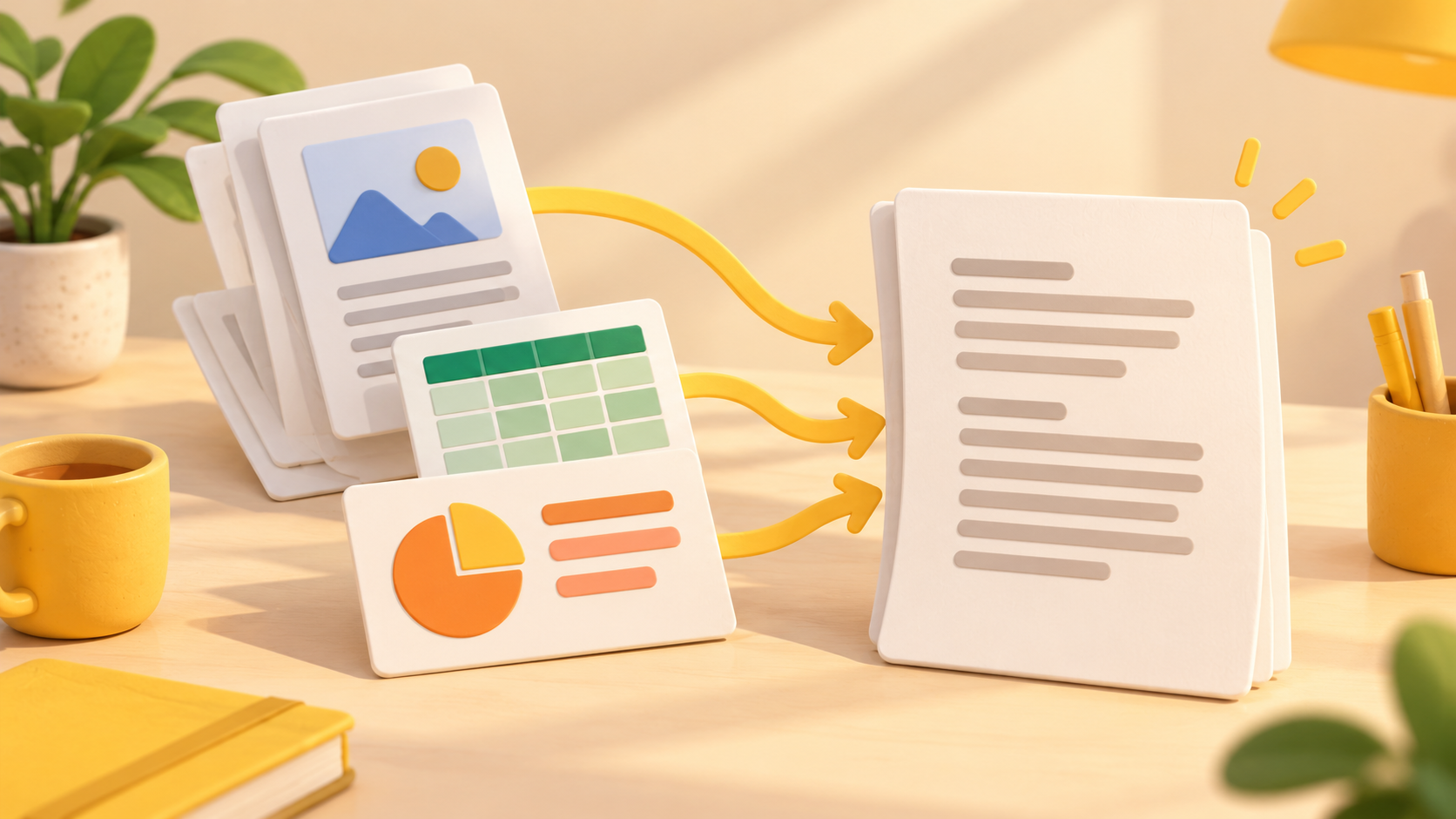
This guide explains how to convert a local PDF with MarkItDown and check the resulting Markdown file. It follows official documentation rather than a hands-on test. The goal is a file you can reopen and compare with the original, not a promise of flawless layout preservation. F1, F7
This article covers MarkItDown v0.1.9, released on October 21, 2026 UTC. Sources were checked on October 24, 2026. F2
One concrete task
Use a PDF you have permission to process and save its text as document.md. The README describes preserving useful structures such as headings, lists and tables, but also warns that high-fidelity visual conversion for human readers may not be the best use of this utility. A generated file must therefore be inspected before being used as an LLM input. D2
Choose a simple document for your first check. Identify one heading, one list and one table in the original so that you know what to compare later. This is a suggested test input and checking procedure. No conversion result from that document is presented here, and this procedure does not establish support for every PDF layout.
Prerequisites and installation
MarkItDown requires Python 3.10 through 3.14. The official README recommends a virtual environment to avoid conflicts with other Python packages. Its macOS/Linux-style activation example is shown below; Windows readers should use the activation procedure appropriate to their shell rather than copying that activation line unchanged. F3, D2
python -m venv .venv
source .venv/bin/activate
pip install 'markitdown[pdf]'
The .venv directory contains the isolated Python environment. It is not the input document or the conversion output. The pdf extra selects optional dependencies for PDF conversion; the all extra selects all optional dependencies. The commands above follow the documented installation approach and were not executed for this article. F4, D2
Run the documented CLI command
The command-line interface accepts a local PDF path and an output filename. Replace source.pdf with the path of your own readable PDF. Choose a new output filename if document.md already contains something important. Keep your original PDF separately so it remains available for checking. F7
Example input:
markitdown source.pdf -o document.mdHere, source.pdf names the source and document.md names the result to reopen. The README also shows piping an input to the tool, but the explicit input/output form is sufficient for this one task. Confirm the path before troubleshooting other parts of the setup; a path problem and a missing converter dependency are different issues. F7, D2
Expected output and reopening
The expected artifact is Markdown text. Headings, lists and tables may be represented with Markdown syntax, but the exact contents depend on the source document and conversion behavior. The following block is only a written illustration of Markdown structure. It is not output produced by MarkItDown in our environment. D2
# Document title

- Item 1
- Item 2

| Column 1 | Column 2 |
|---|---|
| Value 1 | Value 2 |
Reopen document.md in both a text editor and, if useful, a Markdown viewer. First confirm that the expected text exists. Then compare the source heading, list order, table headers and important numeric values. A file appearing at the expected path does not establish content accuracy. If values are missing or columns have moved, leave the task marked as needing correction or another conversion attempt. These are proposed completion checks, not observations from a completed run.
Troubleshooting and limits
Check that Python is in the documented version range and that the relevant optional dependencies were installed in the environment you are actually using. The README lists format extras separately, so a mixed set of input formats may require a different installation choice from this PDF-only example. Do not assume that installing the basic package enables every optional feature. F3, F4, D2
MarkItDown reads resources with the privileges of its current process. Validate untrusted inputs and choose the narrowest appropriate conversion function. Its official security warning is relevant even when a path looks like an ordinary document name. Distinguish an access failure from a parsing failure, and retain the original input when reporting a problem. F5
Documentation comparison and a finishing check
The maintainers describe MarkItDown as a lightweight Python utility; this article does not measure its speed. Docling’s README emphasizes advanced PDF understanding and integrations with the generative-AI ecosystem. Those documented differences can guide a later comparison, but they do not establish a winner for your file. F1, F6
To compare fairly, use the same input, record both tool versions and options, and inspect both outputs against the original. Record actual processing time only if you run and measure the tasks, separating environment preparation from conversion. Compare output completeness, compatibility, manual corrections, automation and your intended downstream use. Here, the task is complete only when the file has been reopened and the important source content checked; no firsthand results or performance scores are claimed. D2, D3
Shared example input: these are proposed input conditions, not a record of an executed test.
Input file: source.pdf (a local PDF you have permission to process)
Check one heading, one list and one table against the original.
Expected result: a Markdown file that can be reopened. Completion criteria: compare the chosen heading, list and table values with the same original PDF; record missing or changed content instead of assuming success.
Original BumbleV reading guide illustration; not a product screenshot or a result from our testing. Official release behind this illustration · CC BY 4.0 · 2026-10-24
Sources & further reading
- https://github.com/microsoft/markitdown/releases/tag/v0.1.9
- https://raw.githubusercontent.com/microsoft/markitdown/21d9c1d01ecc12538dab19811fd247ef2f96ef60/README.md
- https://raw.githubusercontent.com/docling-project/docling/53c11a20a5dd6ac0d85fe88cc257ca3b4b3a72d4/README.md
- https://api.github.com/repos/microsoft/markitdown