Login works. Can users still open someone else’s data?
Eight checks for a deployed login flow, account isolation, admin actions, sessions and recovery. Follow them with two test accounts and a copyable audit prompt.
Last updated
Official sources checked:
A working login button makes an account feature look nearly finished. Identifying a visitor and deciding which records that visitor may access are separate jobs, though. These initial checks draw on OWASP guidance and use two accounts in a service you control. They are not a full security assessment. Use synthetic accounts and records in an authorized test environment, never real customers’ data. Mark unused flows, such as password recovery in a social-login-only service, as not applicable and explain why.
CHECK 01 / 8Does login work at the deployed address?
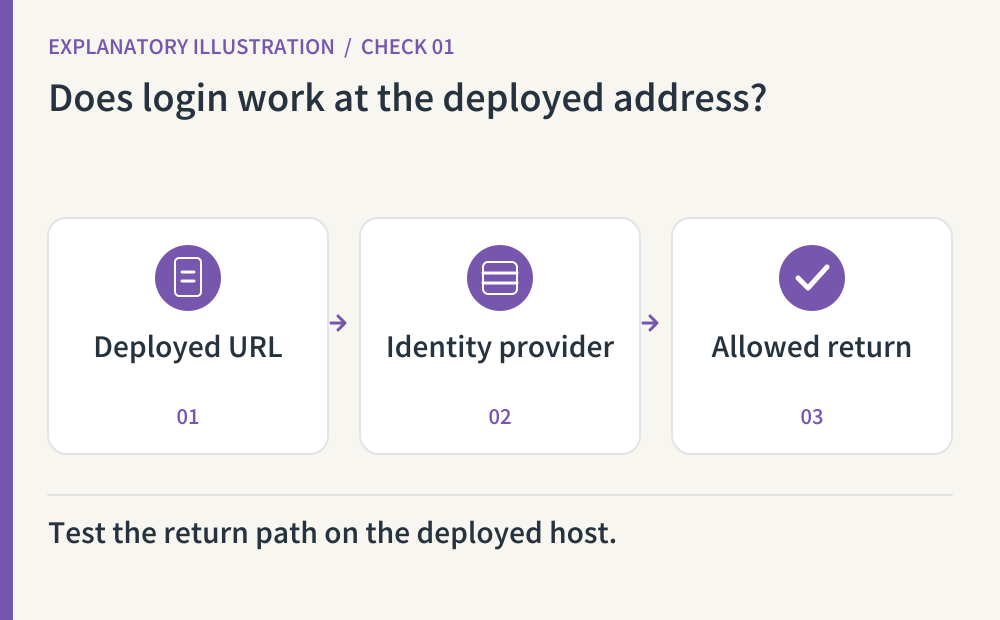
Use a fresh test account to sign in and out at the deployed URL. With a social identity provider, compare the registered redirect URI with the actual return address. A development-only configuration can work locally and fail publicly. Also try cancellation and an expected authentication failure, and check that redirects cannot be changed to an arbitrary outside destination. Use your provider’s supported implementation rather than hand-rolling an OAuth flow.
- Where to look
- Deployed login page · provider redirect URI configuration · failure and cancellation screens
- When to tick it
- Success, cancellation and failure work at the deployed URL, with only intended return destinations allowed.
CHECK 02 / 8What happens when a signed-out visitor opens a private URL?
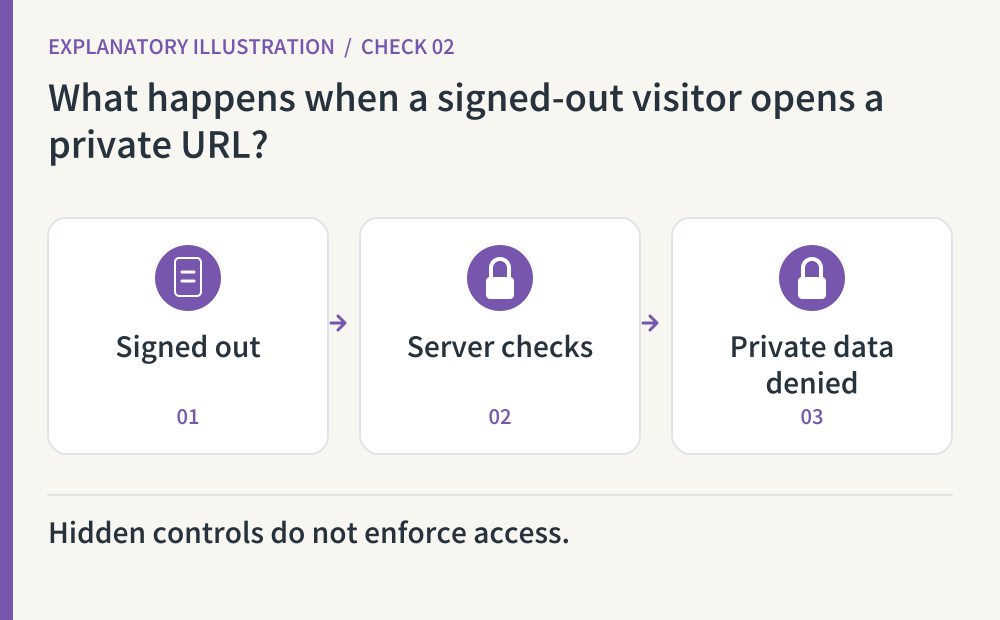
Open a known test record in a fresh private browser window, and inspect the data request behind that screen. A hidden menu or a login redirect does not help if the response has already supplied private content. The server should reject access to private data while leaving intentionally public resources available. Knowing an obscure address must not be the permission check.
- Where to look
- Private browser window · protected page URL · developer-tools network response
- When to tick it
- Signed-out requests receive no private data, and denial is enforced by the server.
CHECK 03 / 8Can account B read or change account A’s private record?
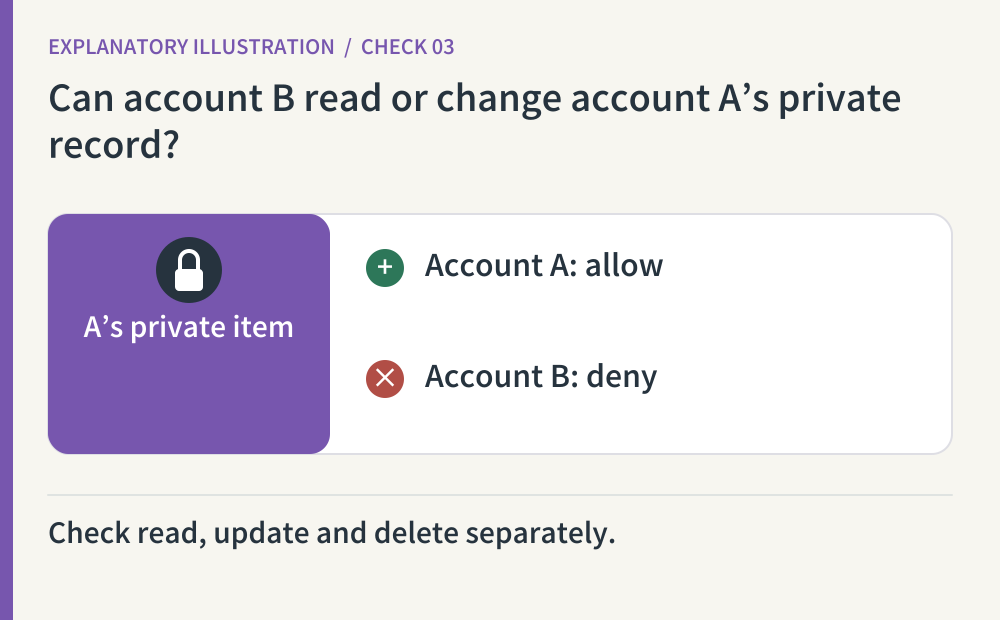
Create a synthetic record or file with test account A, then request it as B in a separate browser context. Check reads and permitted test mutations, not only what appears in a list. Changing a record identifier must not bypass ownership checks. For intentionally shared resources, document the expected sharing rule and test that exception too.
- Where to look
- Two test accounts · direct test-record URL · read, update and delete responses
- When to tick it
- B cannot read, update or delete A’s private records; intended sharing exceptions behave as documented.
CHECK 04 / 8Are admin actions protected at the server?
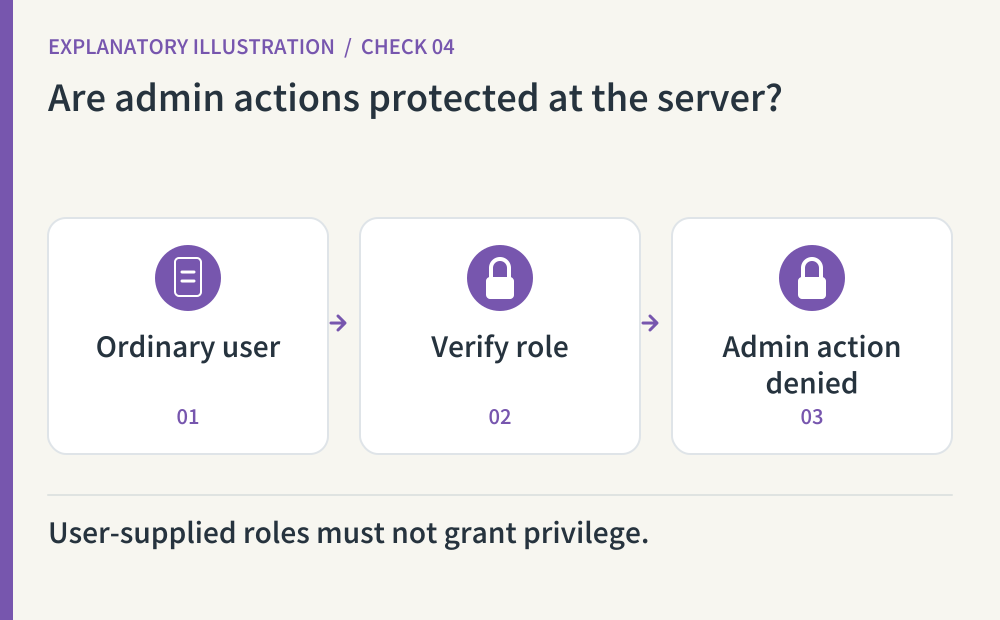
As an ordinary synthetic user, request an admin action directly in the test environment. Hiding an admin button is not the same as checking a role when processing the request. Signup and profile edits must not let the requester grant themselves elevated privileges. Review the identity provider’s role model and the application’s actual enforcement, using the least privilege needed for each task.
- Where to look
- Ordinary-user admin request · signup and profile input handling · server role checks
- When to tick it
- The server rejects unauthorized admin actions and self-promotion, and allowed roles are documented.
CHECK 05 / 8Does access end when the session should end?
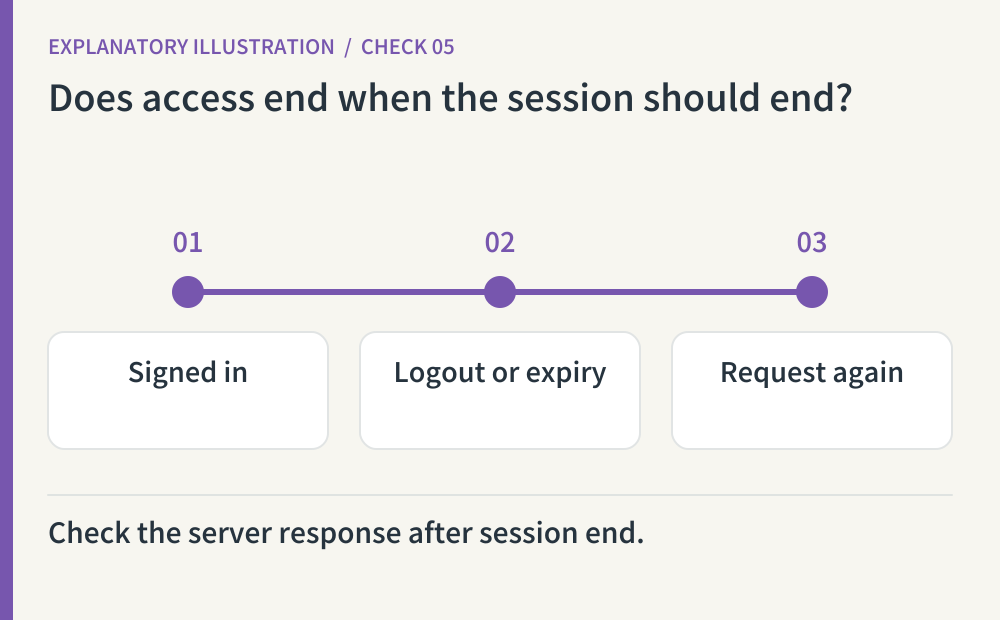
After logging out, try Back, reload and a fresh private-data request. A changed screen alone does not show whether the server still accepts earlier credentials. A session is the information that keeps a login active. Compare expiry, revocation and password-change behavior with the provider’s documentation. Where the token model creates a revocation delay, record its actual scope and duration instead of claiming immediate invalidation.
- Where to look
- Requests after logout · session expiry settings · provider revocation behavior
- When to tick it
- Observed access after logout, expiry and revocation is recorded, including any remaining validity window.
CHECK 06 / 8Can a user recover access without weakening the account?
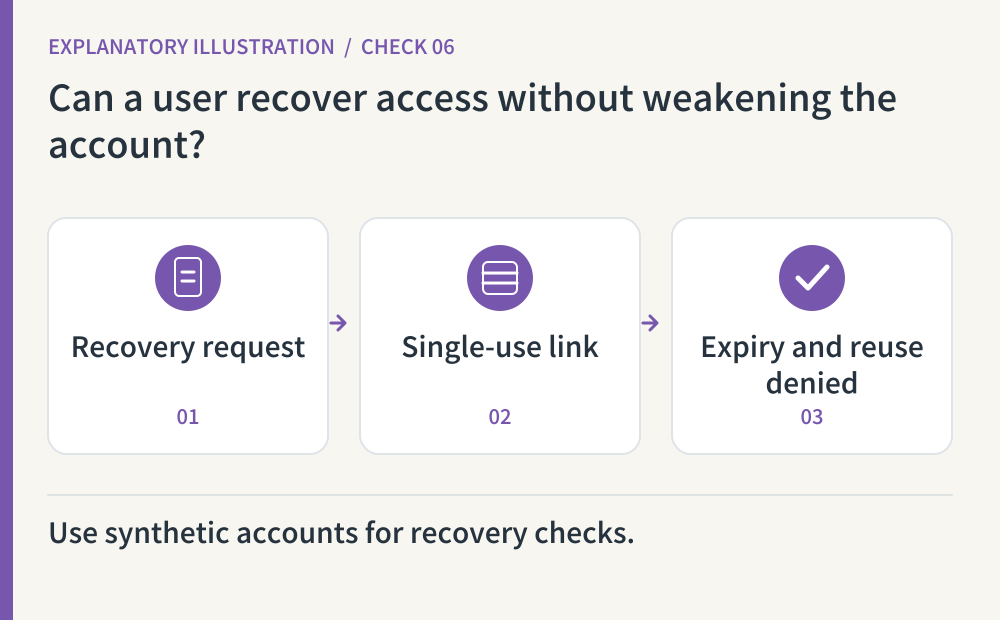
For password login, send a reset to a synthetic account, use the link once, and check rejection on reuse and after expiry. Compare messages for existing and nonexistent test addresses without bulk requests. Inspect send limits and the treatment of earlier sessions. A social-login-only app should explain the provider’s recovery route and support path rather than inventing a separate password reset.
- Where to look
- Synthetic-account recovery email · reuse and expiry results · send limits and help path
- When to tick it
- The relevant recovery path is tested, including reuse, expiry, account disclosure and sending limits.
CHECK 07 / 8Can a sensitive action happen accidentally or from another site?
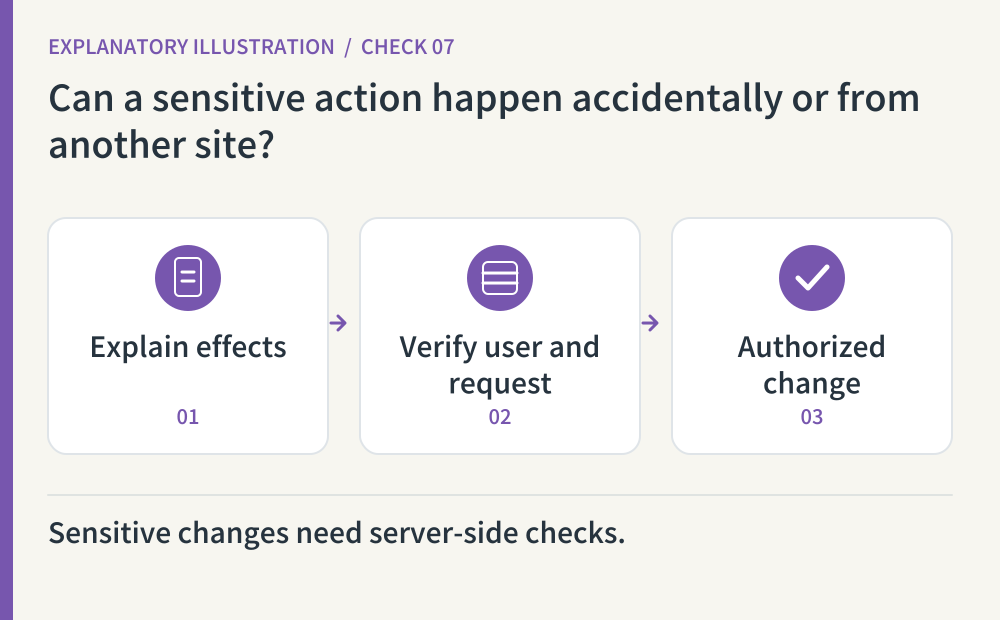
Inspect deletion and email-change flows with a disposable test account. Explain the effect, use reauthentication appropriate to the risk, and enforce permissions on the server. Cookie-authenticated apps also need protection against cross-site request forgery: another site causing a browser to send an unwanted authenticated request. Opening a GET URL must not delete an account or change data. Check only synthetic records you are authorized to discard.
- Where to look
- Sensitive-action screen · reauthentication · request methods and CSRF protection
- When to tick it
- Effects are explained and checked server-side; a GET request alone cannot trigger sensitive changes.
CHECK 08 / 8Are repeated attempts and privileged accounts protected?
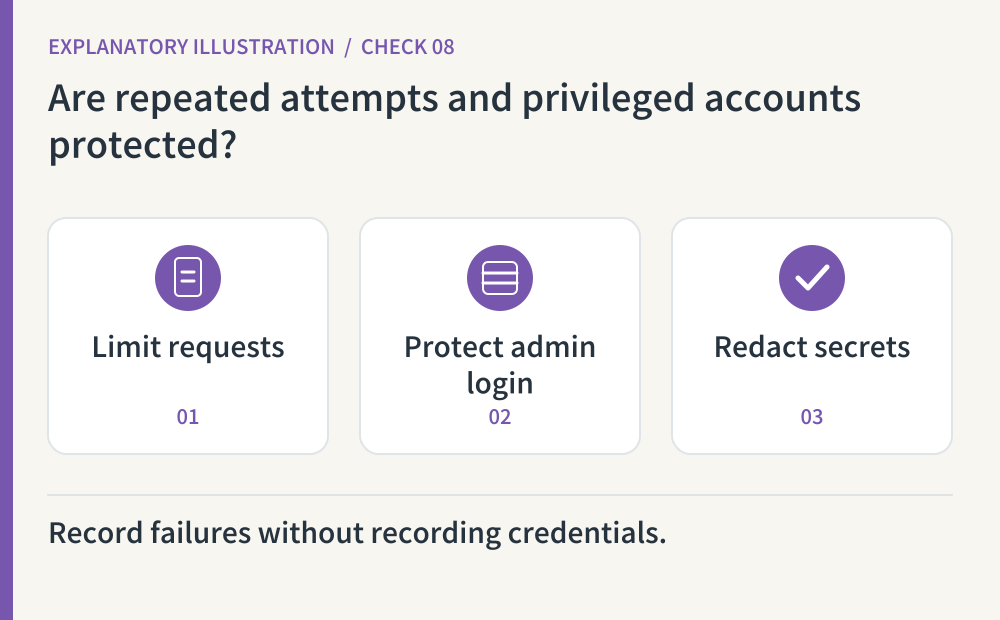
Review limits on login attempts, verification codes and recovery email, using only a small agreed test volume. Keep a recovery path for legitimate users affected by limits. Enable supported multifactor authentication for administrators and protect the recovery method too. Record useful failure timestamps and reasons without passwords, full tokens or verification codes. Match the exact limits to your provider and application instead of copying an arbitrary number.
- Where to look
- Identity-provider request limits · administrator MFA · redacted access logs
- When to tick it
- A bounded test verifies repeated-request handling, and admin MFA, recovery and safe logging have been checked.
Copy this prompt and paste it into your AI
Replace the bracketed fields with your URL, tools and test environment. Copy the whole prompt to request all eight checks, observed results and remaining account-side work.
Sources & further reading
- https://cheatsheetseries.owasp.org/cheatsheets/OAuth2_Cheat_Sheet.html
- https://cheatsheetseries.owasp.org/cheatsheets/Authorization_Cheat_Sheet.html
- https://cheatsheetseries.owasp.org/cheatsheets/Authentication_Cheat_Sheet.html
- https://cheatsheetseries.owasp.org/cheatsheets/Session_Management_Cheat_Sheet.html
- https://cheatsheetseries.owasp.org/cheatsheets/Forgot_Password_Cheat_Sheet.html
- https://cheatsheetseries.owasp.org/cheatsheets/Cross-Site_Request_Forgery_Prevention_Cheat_Sheet.html
- https://cheatsheetseries.owasp.org/cheatsheets/Multifactor_Authentication_Cheat_Sheet.html