Railway security incident: what should you check in your app?
An eight-step checklist based on Railway’s October 21, 2026 disclosure: credentials, databases, buckets, GitHub connections and verification, with illustrations and a copyable AI prompt.
Last updated
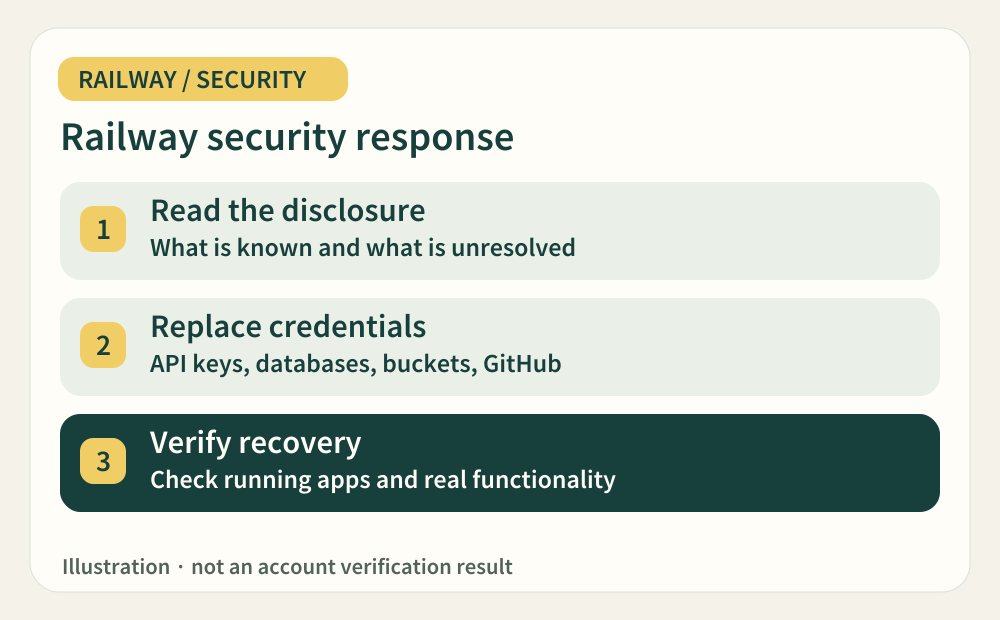
Official sources checked:
A security notice can leave you wondering which part of your app to check first. This guide turns the official response into eight practical checks. The diagrams are explanatory illustrations, not evidence of an account being compromised or recovered. Tick only outcomes you have verified, and record why an item is blocked or not applicable.
Status snapshot: this guide includes the official update posted at 2026-10-22 01:22 UTC. Builds were still unavailable and redeployment-dependent recovery could not be completed then. Check the latest status before acting; availability may have changed. Check live status ↗
CHECK 01 / 8Start with the official notice and current status
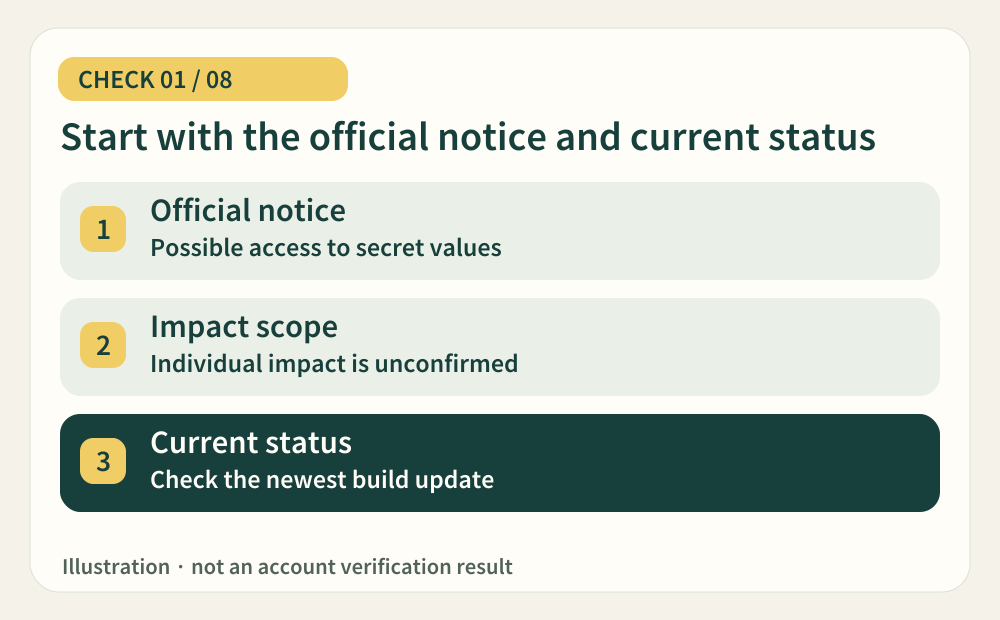
On October 21, 2026, Railway disclosed possible unauthorized access to encrypted environment variables, including possible access to some decrypted contents. It recommended precautionary credential rotation for all users while investigating a potentially narrower affected group. That does not establish that every account was compromised. Check the incident page before taking deployment-dependent steps, and prefer newer official updates over this snapshot.
- Where should you look?
- Official disclosure · latest update at status.railway.com
- When can you tick this?
- Record the official URL, check time and deployment availability; keep individual account impact marked unconfirmed unless verified.
CHECK 02 / 8Map where each credential is used, without copying its value
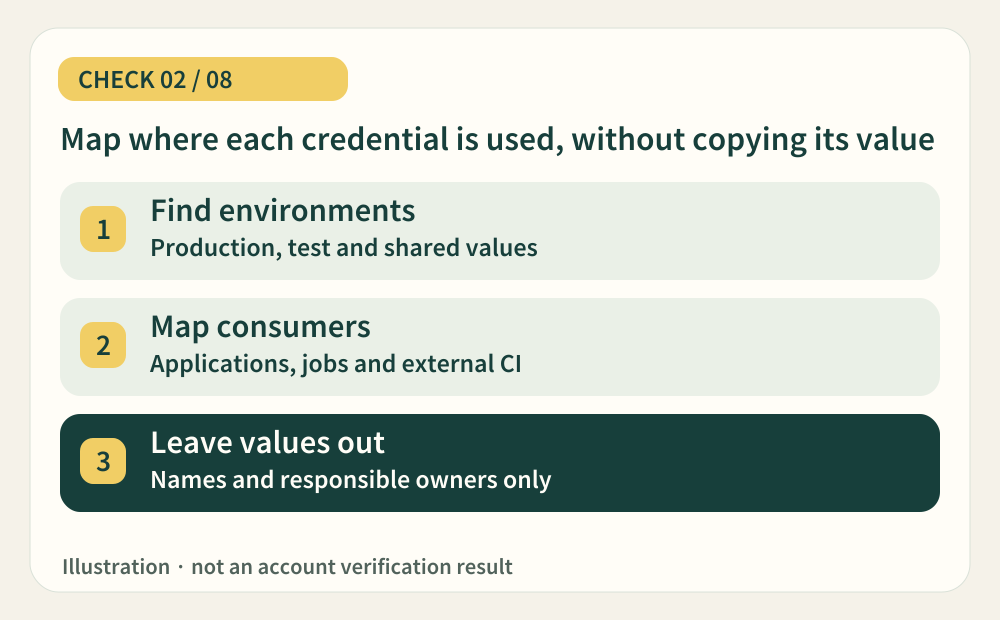
Make an inventory of production, test environments and connected services. Record each variable name, issuer, consumer and outside location that needs updating. A backend and a scheduled task sharing an AI key belong in the same entry. Distinguish shared or referenced variables from pasted values, and include external CI secrets. This inventory is our suggested way to avoid omissions. Rotation targets credentials that grant access; ordinary configuration such as PORT does not need an arbitrary new value.
- Where should you look?
- Environment selector · service Variables · shared variables · external CI and scheduled tasks
- When can you tick this?
- List every accessible environment and consumer, assign inaccessible ones to an owner, and include no secret values.
CHECK 03 / 8Revoke the old API key at the service that issued it
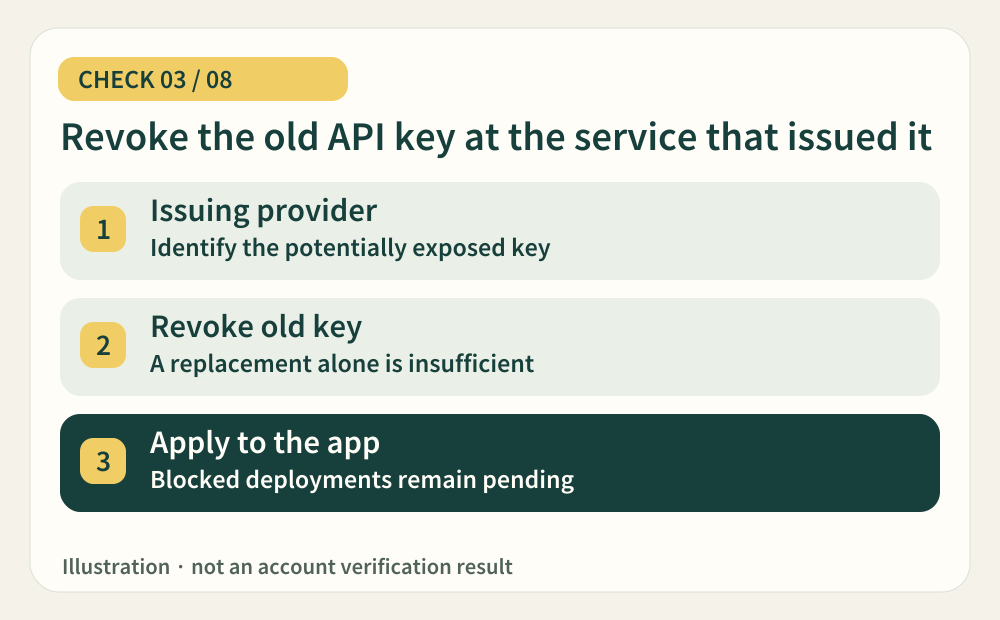
Review AI, email and payment credentials stored in Railway at their issuing providers. Creating a replacement alone can leave the old key usable. Revoke the potentially exposed key, issue its replacement and update the consumers in your inventory. Expect possible interruptions during this process. Track entering a new value separately from applying it to the running app. If deployment is unavailable, keep that consumer pending. A provider-disabled key still needs replacement and a usage review.
- Where should you look?
- Provider API-key management · usage and billing · Railway Variables
- When can you tick this?
- Confirm old-key revocation at the provider and record which consumers still need the replacement deployed.
CHECK 04 / 8Rotate the database credential, not just its connection string
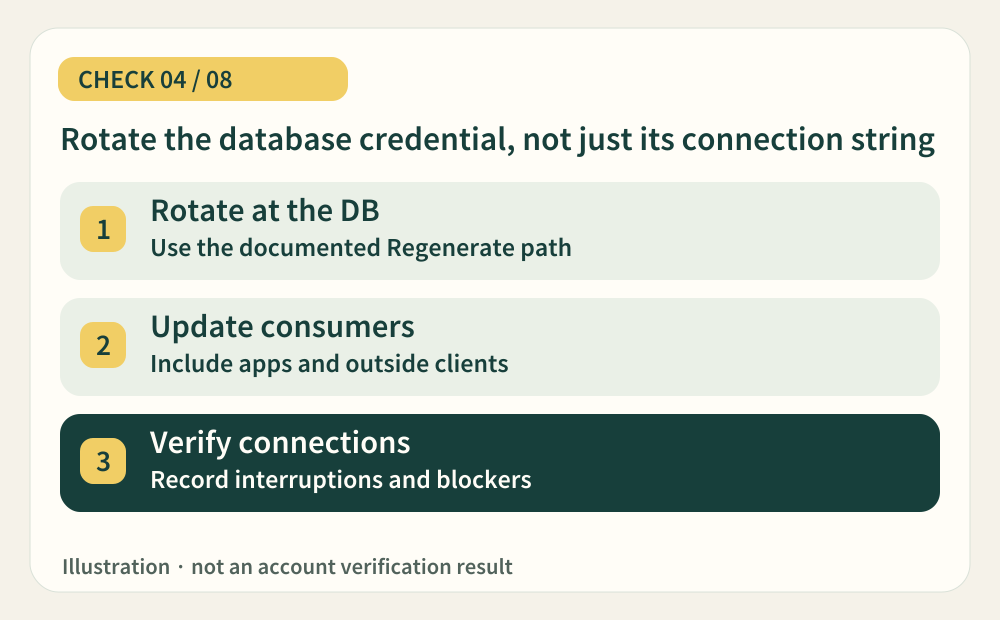
For the Railway PostgreSQL template, use Regenerate under Database → Config → Connection. Railway documents this as the supported way to synchronize the database password and variables. Do not change POSTGRES_PASSWORD alone or use an ad hoc SQL change that updates only one side. Update dependent apps and outside consumers too. Rotation can interrupt connections, and paused deployments may prevent completion. For another database, follow its specific response guide linked from the status page.
- Where should you look?
- PostgreSQL Database → Config → Connection · dependent services · external database clients
- When can you tick this?
- Identify the supported rotation path and every consumer; document any blocked rotation or connection verification.
CHECK 05 / 8Check application access after the bucket credential reset
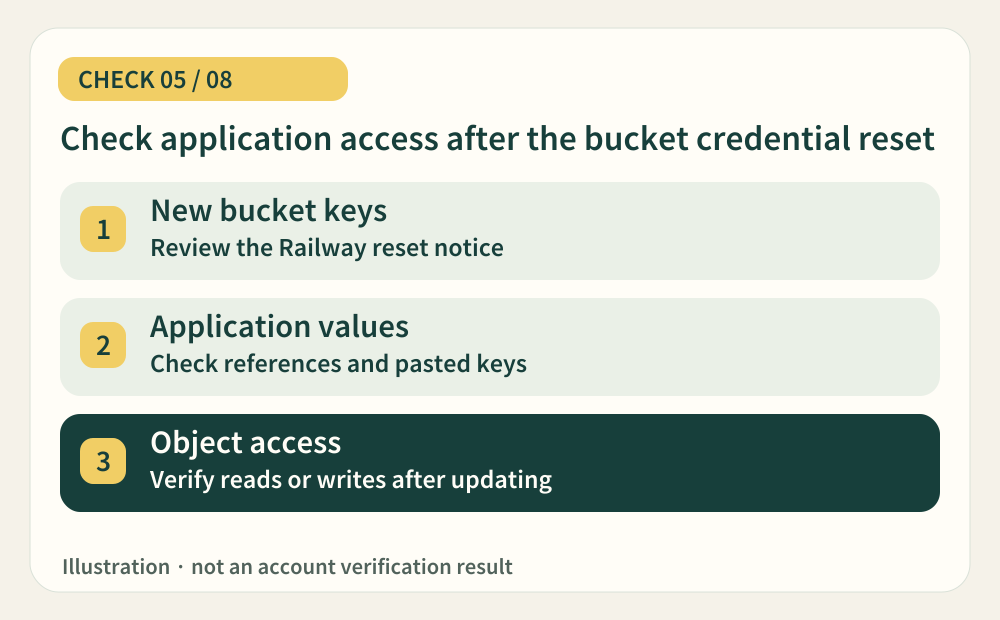
Railway says it reset bucket credentials during its response. New bucket credentials do not prove a running application has loaded them. Check each consuming environment, service and external upload tool. Identify references versus pasted old values. Apply the replacements using the official guide and verify actual object access; leave deployment-dependent checks pending when builds are unavailable.
- Where should you look?
- Bucket Credentials · consuming service Variables · external upload jobs
- When can you tick this?
- Verify access with the replacement credentials at each consumer, or clearly record what remains blocked.
CHECK 06 / 8Review GitHub connections and private-registry tokens
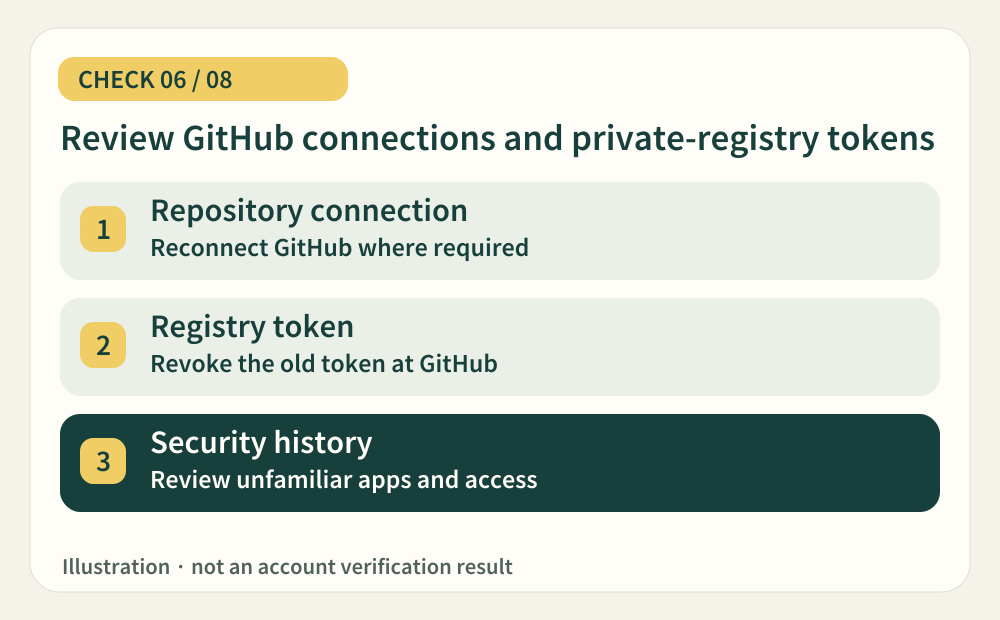
The follow-up guide also covers a reset of GitHub credentials held by Railway. Check whether repository deployment connections need reconnecting. If a GitHub personal access token was used for a private registry, revoke the original token at GitHub as well: removing it from Railway does not invalidate it at the issuer. Review security logs, authorized apps and unfamiliar keys. Mark unused integrations not applicable, with a reason.
- Where should you look?
- Railway account and service Source · Registry Credentials · GitHub security log and token settings
- When can you tick this?
- Verify reconnection and token revocation where needed, and review unfamiliar access, apps, keys and deployments.
CHECK 07 / 8Review usage and logs, then keep a useful incident record
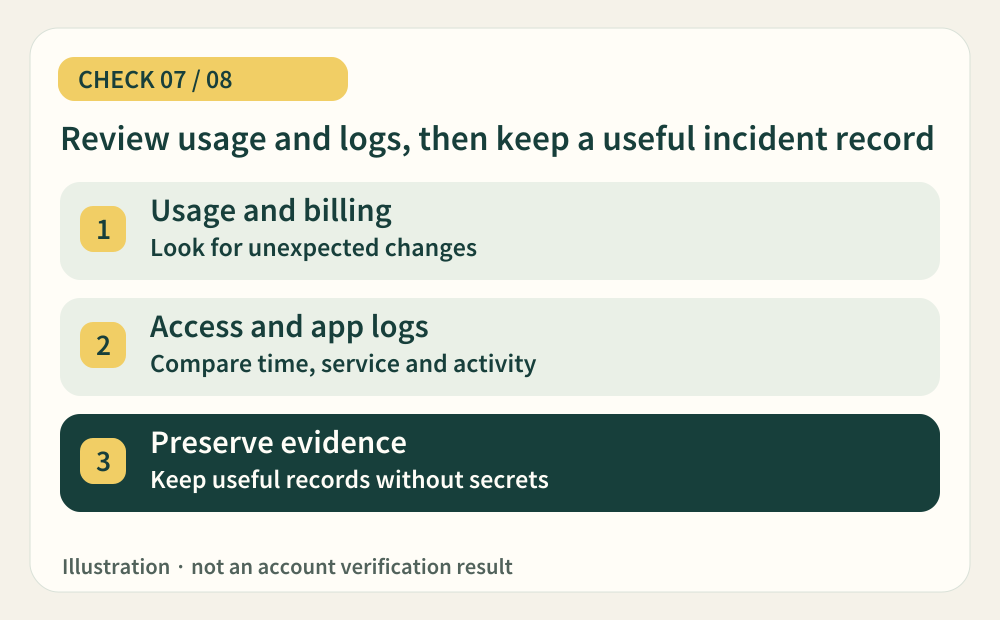
Compare provider usage and billing with application logs for unfamiliar requests, authentication failures or deployments. Do not share raw output containing credentials. Record the time zone, affected service and relevant request or billing identifiers. A quiet log does not establish that no unauthorized activity occurred. As an editorial workflow recommendation, keep one entry per finding with its owner, review window and next action so another person can continue the investigation.
- Where should you look?
- Provider Usage and Billing · Railway service logs · GitHub security history
- When can you tick this?
- Record the reviewed period, scope and findings, plus unreviewed areas and redacted evidence for support.
Official guidance 1 ↗ · Official guidance 2 ↗ · Official guidance 3 ↗
CHECK 08 / 8Verify the running service before ticking a check complete
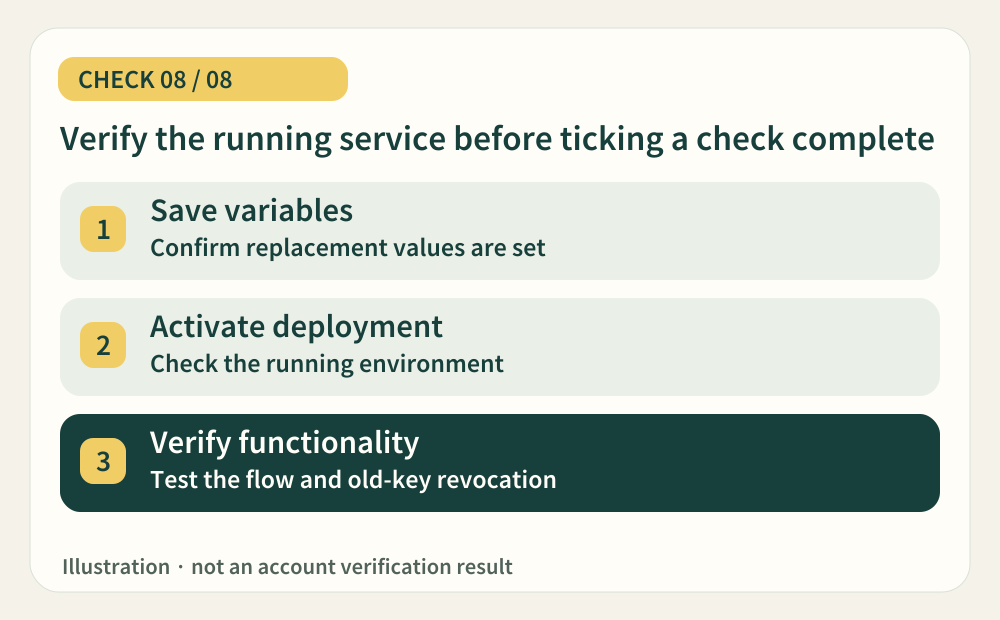
Track variable saving, deployment start, activation and successful functionality separately. When deployments become available, apply the relevant official recovery steps and exercise features that use the rotated credentials: sign-in, an AI request, a database read or an upload. We recommend prepared test accounts and sandboxes rather than creating real customer transactions. Keep evidence for each service. An unchanged codebase still needs verification if its running environment may hold old credentials.
- Where should you look?
- Current deployment status · active deployment and logs · prepared web or app test flows
- When can you tick this?
- Confirm functionality using replacement credentials and revocation of the old ones; keep blocked consumers pending or unverified.
Official guidance 1 ↗ · Official guidance 2 ↗ · Official guidance 3 ↗
Copy this prompt and paste it into your AI
Replace the brackets with your context. Names and relationships are enough; do not insert keys or passwords.
Sources & further reading
- https://blog.railway.com/p/security-disclosure-wednesday-october-21st
- https://status.railway.com/
- https://docs.railway.com/variables
- https://blog.railway.com/p/security-disclosure-recommendation-check-for-unexpected-openai-usage
- https://blog.railway.com/p/security-disclosure-recommendation-rotate-postgresql-database-credentials
- https://blog.railway.com/p/security-disclosure-recommendation-redeploy-buckets-and-reconnect-github-after-the-credential-reset
- https://blog.railway.com/p/security-disclosure-recommendation-check-for-anomalous-github-access
- https://docs.railway.com/observability/logs