File upload works. Have you checked who can see the files?
Check accepted formats, size limits, private storage, shared links, photo metadata and deletion. Eight illustrated checks for an app that receives files.
Last updated
Official sources checked:
Once a photo uploads and appears on screen, the feature looks finished. The next questions are where the original lives, who can open its address, and what remains after deletion. These initial checks use OWASP, MDN and official storage and imaging documentation. Limits shown in illustrations are examples for you to choose, not universal requirements. Use harmless synthetic photos and documents in your own test environment, and match accepted formats and sharing to what your app actually needs.
CHECK 01 / 8Do you accept only formats the feature needs?
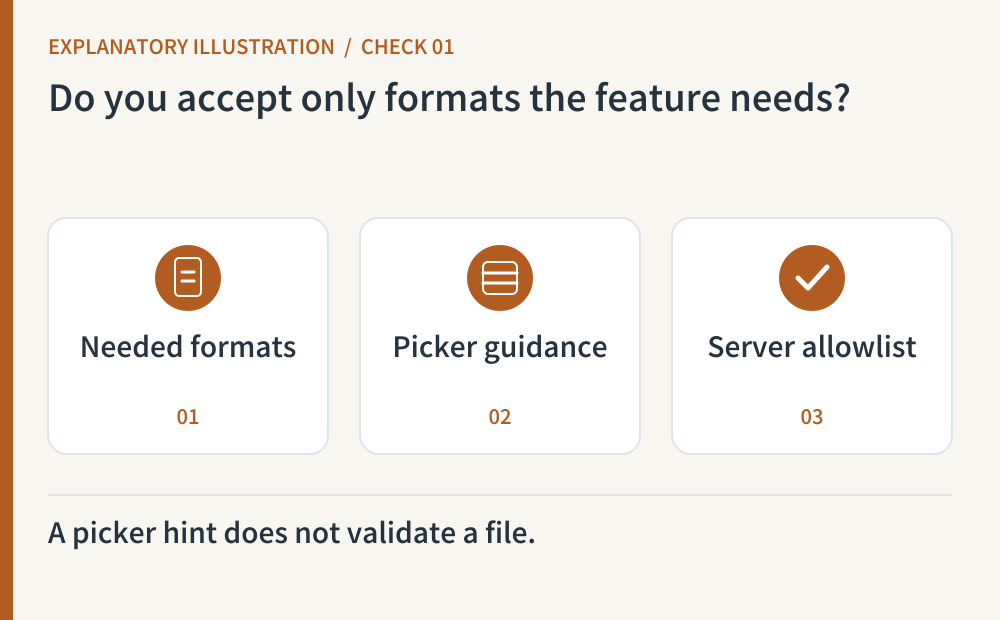
Start with images if the task is a profile photo. Supporting documents, video and archives adds different processing requirements. Explain accepted formats and compare a valid sample with a harmless unsupported file. The HTML accept attribute helps a person choose a file; MDN explicitly explains that it does not validate the upload. The server must still decide whether the submitted format is allowed.
- Where to look
- File picker · supported-format guidance · server allowlist
- When to tick it
- Needed and unsupported formats are defined, and the interface agrees with actual server decisions.
CHECK 02 / 8Do you inspect the content as well as the extension?
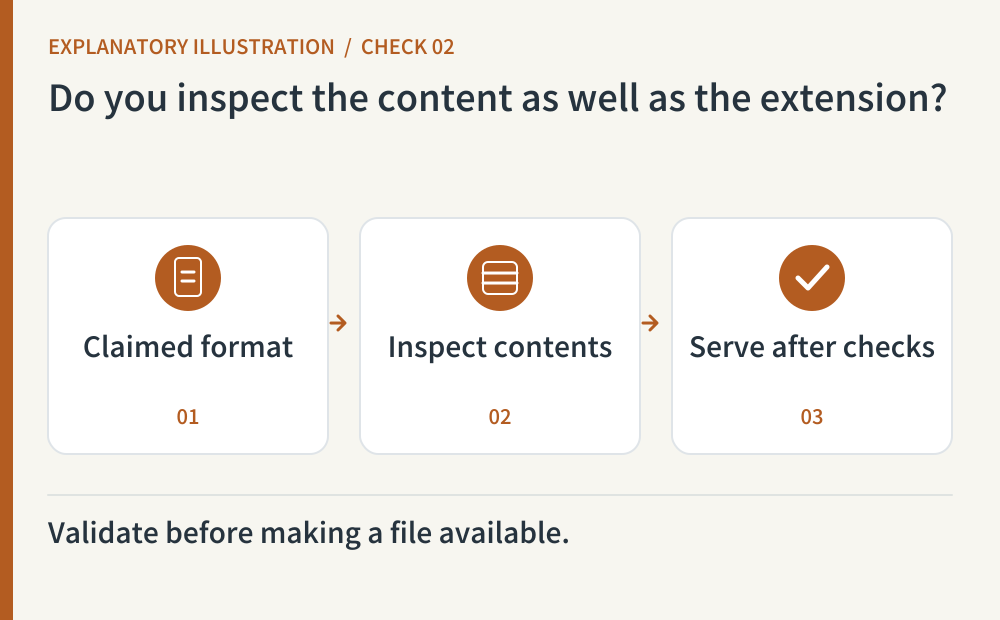
Neither a filename nor a caller-supplied Content-Type proves a file’s contents. Combine an allowlist with content checks and a maintained parser appropriate to the format. Depending on the risk, use protected scanning, document sanitization or image re-encoding, and keep unverified files private. No single check makes arbitrary uploads safe. Do not send confidential samples to a public scanning service as a shortcut.
- Where to look
- Server validation · maintained format-processing tools · pre-validation storage
- When to tick it
- Format and content checks run before exposure, and rejected uploads are neither published nor executed.
CHECK 03 / 8Do limits cover count, decoded size and processing time?
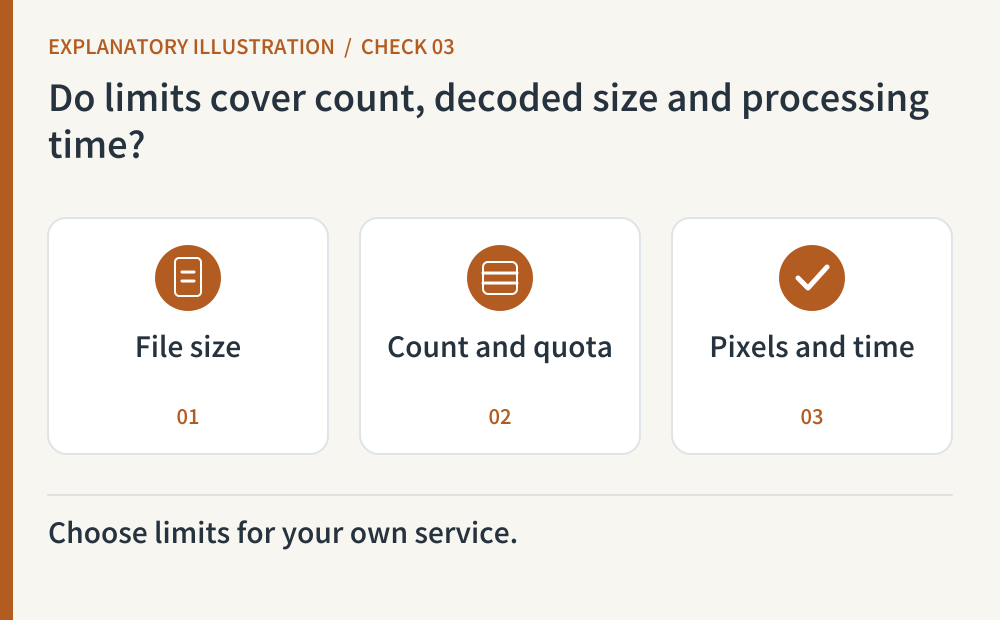
Choose per-file size, files per request, account storage and processing-time limits. Images can have excessive pixel dimensions even when compressed files look modest; archives also need a limit after decompression if you support them. Enforce limits server-side or at the storage layer, and explain how to retry a rejected upload. Use small samples around your chosen thresholds instead of stress-testing production.
- Where to look
- Upload and storage limits · image dimension checks · processing timeout · error guidance
- When to tick it
- Relevant size, count, storage and processing limits are enforced, with an observed over-limit response.
CHECK 04 / 8Can a signed-out visitor or another account open the original?
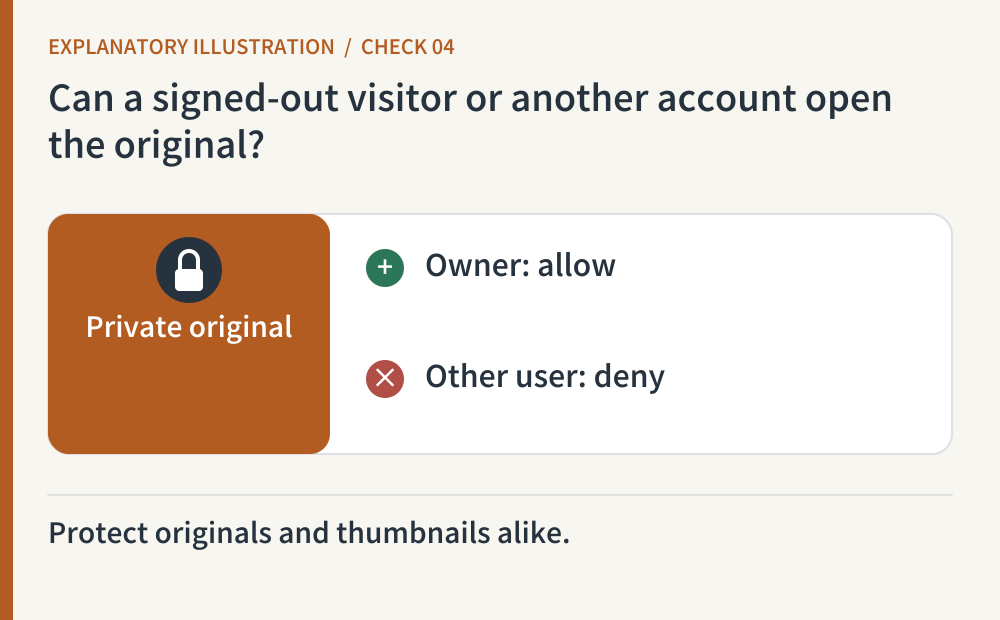
An app can hide a photo while its storage address remains public. Open A’s synthetic original and thumbnail as a signed-out visitor and as B. A random object name helps avoid collisions and easy guessing, but it is not permission enforcement. Keep intentional public assets separate from private uploads and check authorization where private content is served.
- Where to look
- Original and thumbnail URLs · storage public-access settings · signed-out and B-account responses
- When to tick it
- Unauthorized visitors cannot retrieve originals or derivatives that were meant to remain private.
CHECK 05 / 8Do you know when a shared link expires or can be revoked?
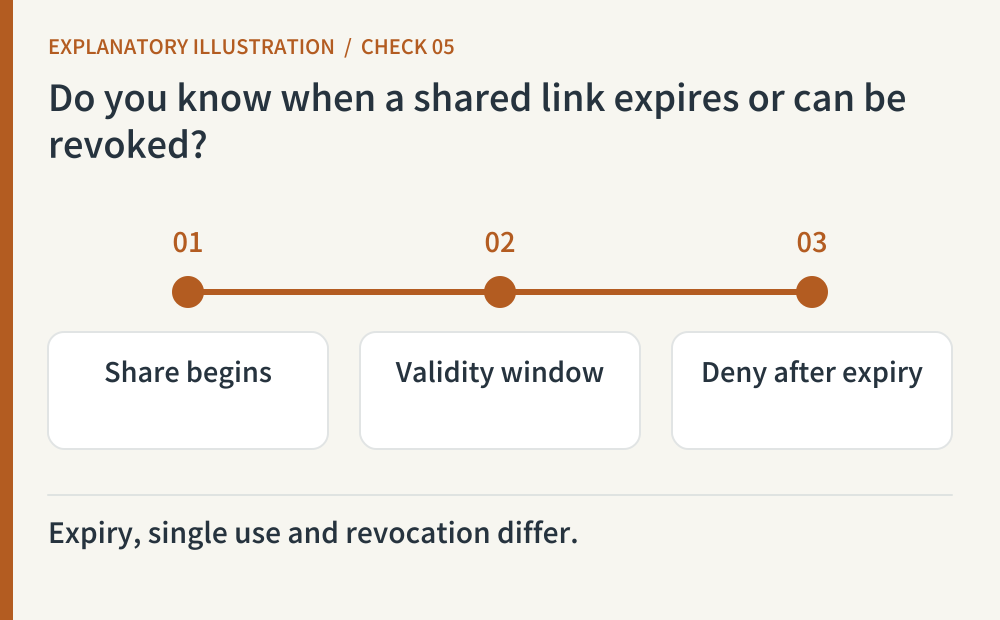
A presigned URL can often be used repeatedly by anyone holding it until expiry. Limit its object, operation and lifetime, then compare results before and after expiration. Do not assume that support for signed URLs means individual links can be revoked immediately. If early withdrawal matters, inspect an implementation that checks current sharing permission on each request. Explain that already downloaded copies cannot be retrieved.
- Where to look
- Shared-link configuration · before-and-after expiry responses · revocation design · provider documentation
- When to tick it
- The link’s object, lifetime, reuse and withdrawal behavior are observed and accurately explained.
CHECK 06 / 8What remains in photo metadata and filenames?
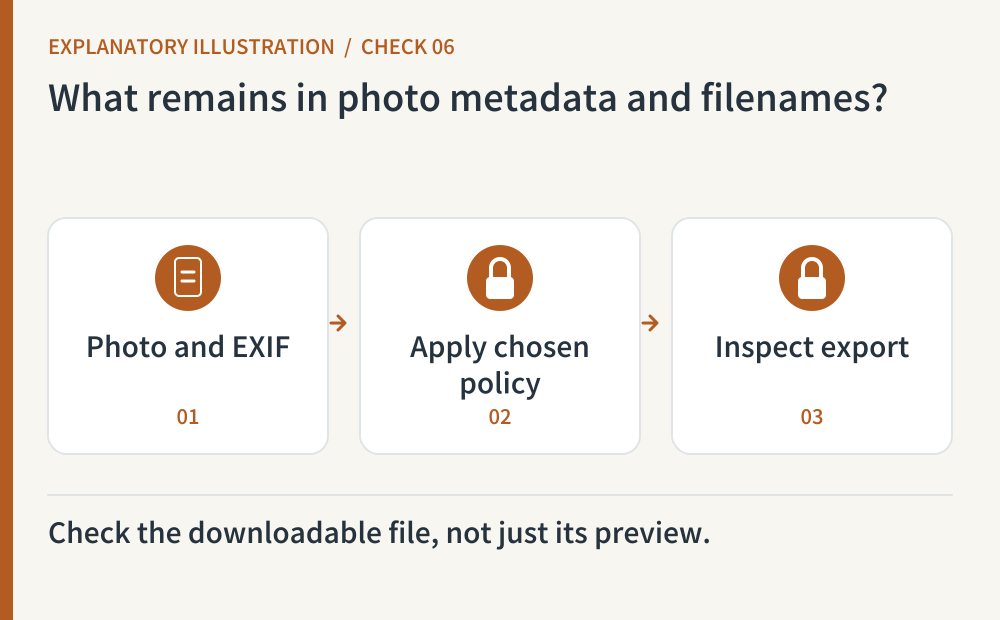
Photos may carry EXIF fields such as capture time, device and location. Choose what a public derivative should retain, then inspect the exported result using a synthetic sample with known metadata. Pillow documents format metadata and save behavior; stripping it is a processing choice you must verify. This does not remove names or faces visible in the picture. Check downloadable originals as well as thumbnails, and separate identifying filenames from storage keys.
- Where to look
- EXIF before and after conversion · downloadable original · filename and storage key · preview
- When to tick it
- A sample confirms the chosen disclosure policy for metadata, filenames and visible content.
CHECK 07 / 8What happens after an interruption or conversion failure?
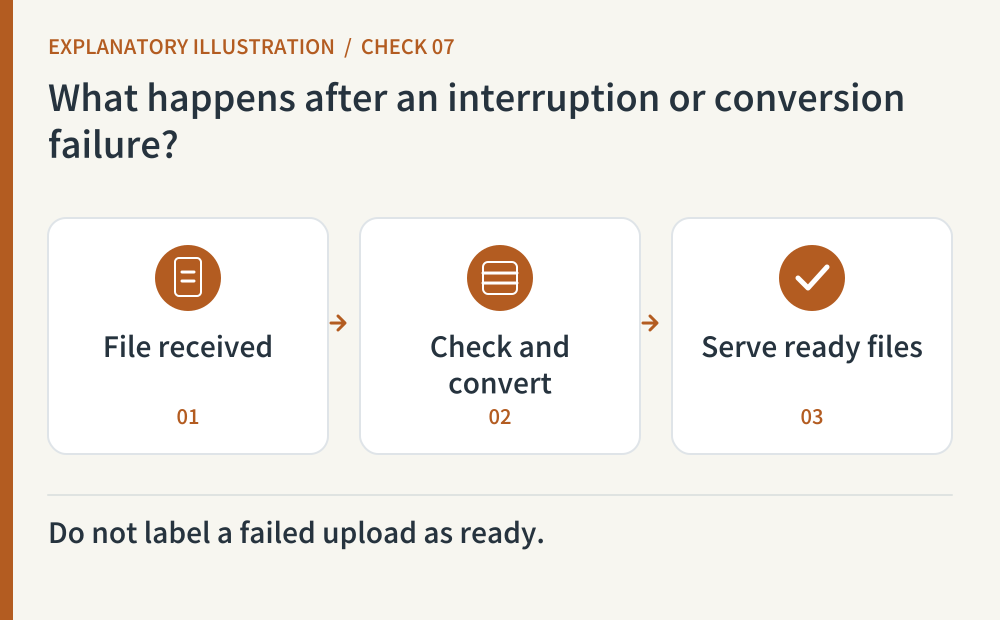
Cancel a harmless upload and retry it. Check that incomplete objects do not become public or produce duplicate records. Our suggested state model separates received, checking, failed and ready so the interface reports the real outcome. Decide whether supported documents should download or display inline. Content-Disposition helps describe that delivery behavior; it is not authorization or a substitute for file validation.
- Where to look
- Upload states · cancellation and retry · incomplete-object cleanup · download response headers
- When to tick it
- Incomplete or failed files are not presented as ready, and retry, cleanup and delivery behavior are verified.
CHECK 08 / 8Does deletion cover originals, previews and existing links?
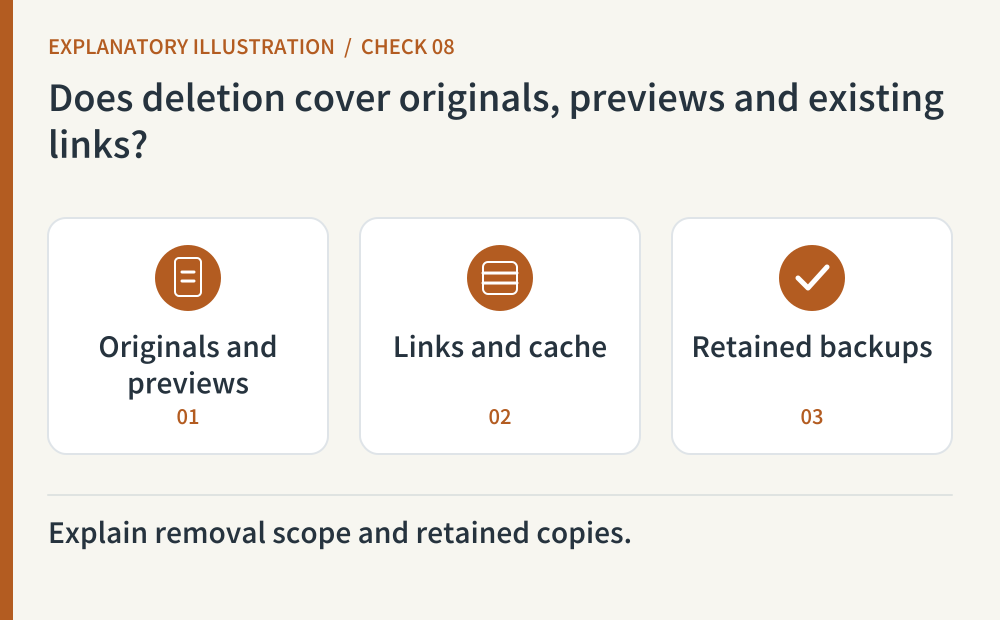
Delete a synthetic file, then request the original, derivatives and earlier shared URL again. Inspect caching policy as well as the app’s list. MDN explains HTTP cache directives; your deletion procedure must also account for storage and generated files. Backups may retain a protected copy until their retention period ends, so document that window and avoid re-exposing previously deleted records after a restore. Do not promise to erase copies that other people already downloaded.
- Where to look
- Deletion handler · derivatives · earlier links · cache headers · backup retention and restore procedure
- When to tick it
- Observed deletion covers serving paths, with remaining backup retention and restore-time suppression documented.
Copy this prompt and paste it into your AI
Replace the bracketed fields with your URL, tools and test environment. Copy the whole prompt to request all eight checks, observed results and remaining account-side work.
Sources & further reading
- https://developer.mozilla.org/en-US/docs/Web/HTML/Reference/Elements/input/file
- https://cheatsheetseries.owasp.org/cheatsheets/File_Upload_Cheat_Sheet.html
- https://cheatsheetseries.owasp.org/cheatsheets/Authorization_Cheat_Sheet.html
- https://developers.cloudflare.com/r2/api/s3/presigned-urls/
- https://pillow.readthedocs.io/en/stable/handbook/image-file-formats.html#jpeg
- https://developer.mozilla.org/en-US/docs/Web/HTTP/Reference/Headers/Content-Disposition
- https://developer.mozilla.org/en-US/docs/Web/HTTP/Reference/Headers/Cache-Control