You have a backup. Have you tried restoring it?
Check what is saved, where it lives, whether data and uploads fit together, and how to restore or roll back. Eight illustrated checks for a small website or app.
Last updated
Official sources checked:
A backup menu is easy to ignore while a site works. Delete the wrong record or break a deployment, though, and the useful question becomes: what can I recover, and how? These checks give a small website or app a practical recovery plan. GitHub, PostgreSQL and Cloudflare are examples; your provider determines availability, retention and cost. Numbers in the illustrations are examples, not promised recovery times. Rehearse in an isolated temporary environment using synthetic or suitably protected data.
CHECK 01 / 8Do you know what lives outside the code repository?
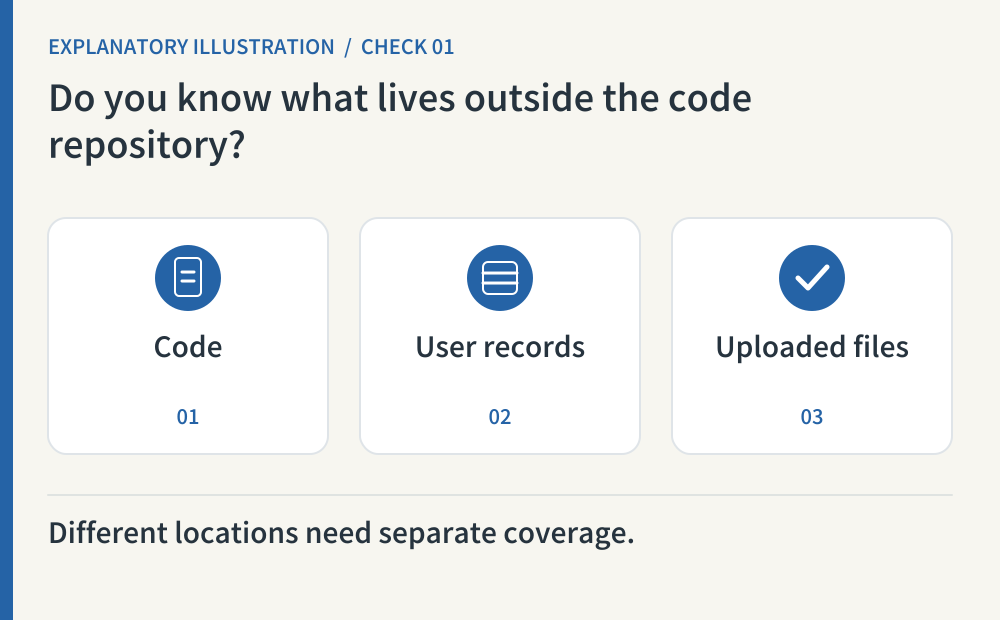
List code, article originals, database records, uploaded originals, thumbnails and hosting configuration. Put a storage location and export method beside each. A repository backup covers what is in that repository; it does not automatically collect a separate database or file service. This inventory is a suggested operating practice, so a small static site can mark unused components as not applicable with a reason.
- Where to look
- Repository files · database console · file storage · hosting and domain settings
- When to tick it
- Every required component has a location, backup method and owner; missing coverage is recorded.
CHECK 02 / 8How much recent data could you afford to lose?
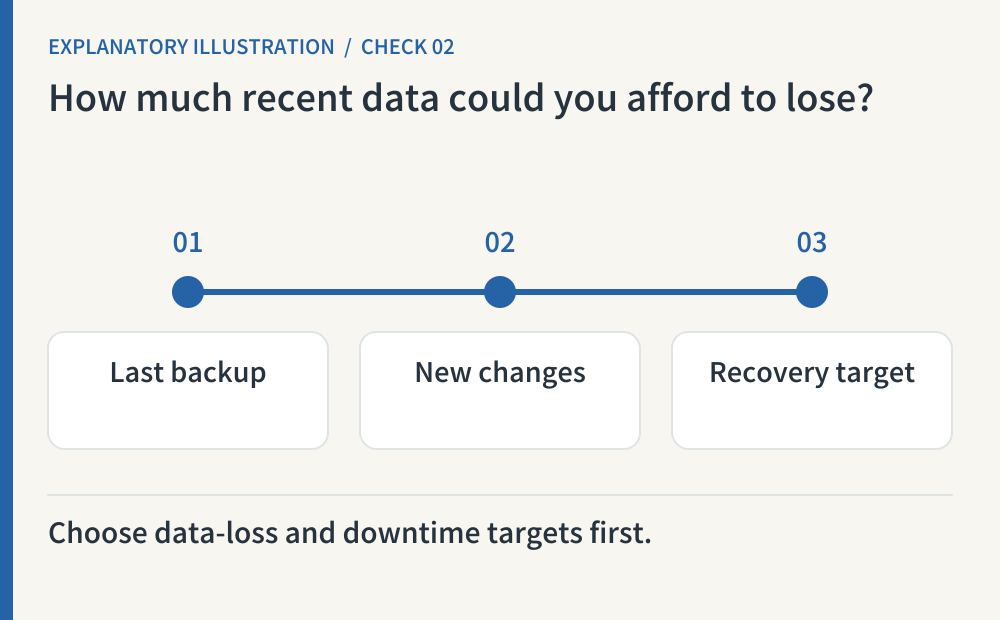
Choose two targets: how far back the restored data may be, and how long reopening may take. For example, yesterday evening and half a day are planning examples, not provider guarantees. A quiet blog and an app receiving new reservations need different targets. Compare your choice with the actual backup schedule and available restore points. PostgreSQL documents several backup approaches; it does not choose these business targets for you.
- Where to look
- Latest backup timestamp · available restore points · your recovery targets
- When to tick it
- You have written data-loss and downtime targets and compared them with the available recovery method.
CHECK 03 / 8Have you inspected the latest result, not just the schedule?
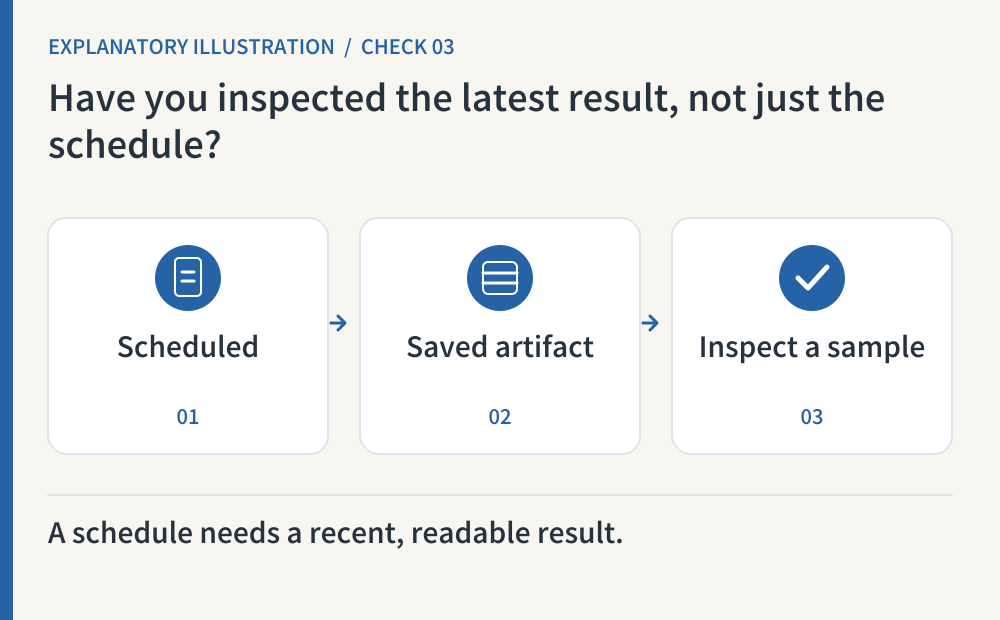
Check the latest run, timestamp, file size and a readable sample. Decide whether you need repository history as well as current files: a downloaded ZIP and a Git mirror have different scope. GitHub also documents separate considerations such as LFS data. Keep a simple failure alert or regular review so an old artifact cannot quietly pass as a current backup.
- Where to look
- Backup run history · actual artifacts · repository and LFS coverage
- When to tick it
- The latest artifact has an inspected timestamp, size and sample, plus a way to detect stale or failed backups.
CHECK 04 / 8Could you reach the backup if the original server were unavailable?
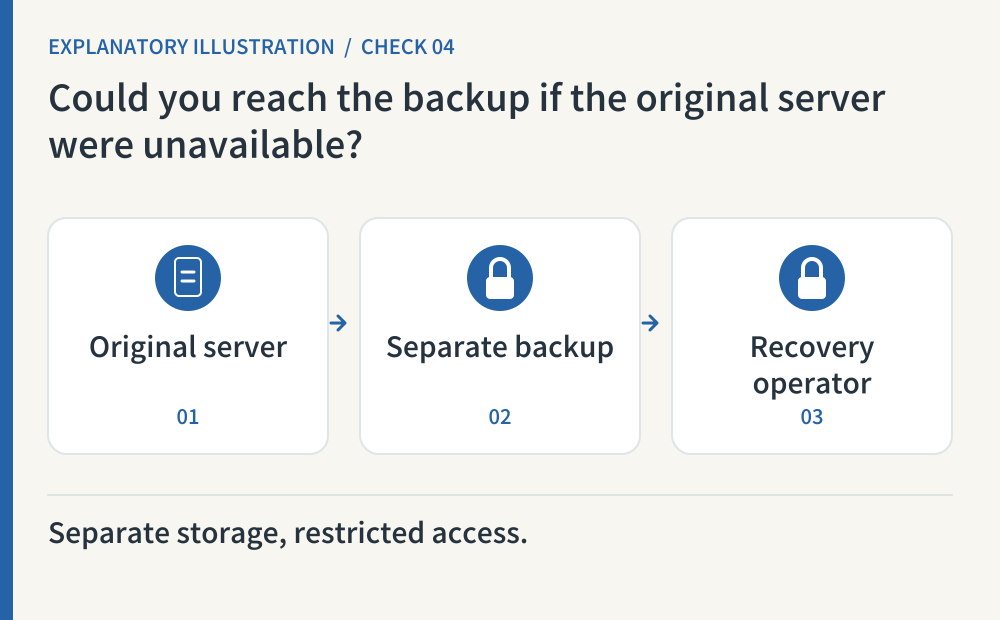
A copy on the same temporary disk can disappear with the application. Choose a separate storage location and check access from the recovery operator’s account. Protect the backup from public download, and keep a recoverable route to encryption keys where encryption is used. OWASP’s secrets guidance informs access and key handling; the separate-copy check is our practical recommendation. Never paste passwords or API keys into a public repository or audit report.
- Where to look
- Backup location · access controls · encryption and key recovery path
- When to tick it
- An authorized operator can read the copy without the original server, and public access and key exposure are prevented.
CHECK 05 / 8Will the database and uploaded files fit together?
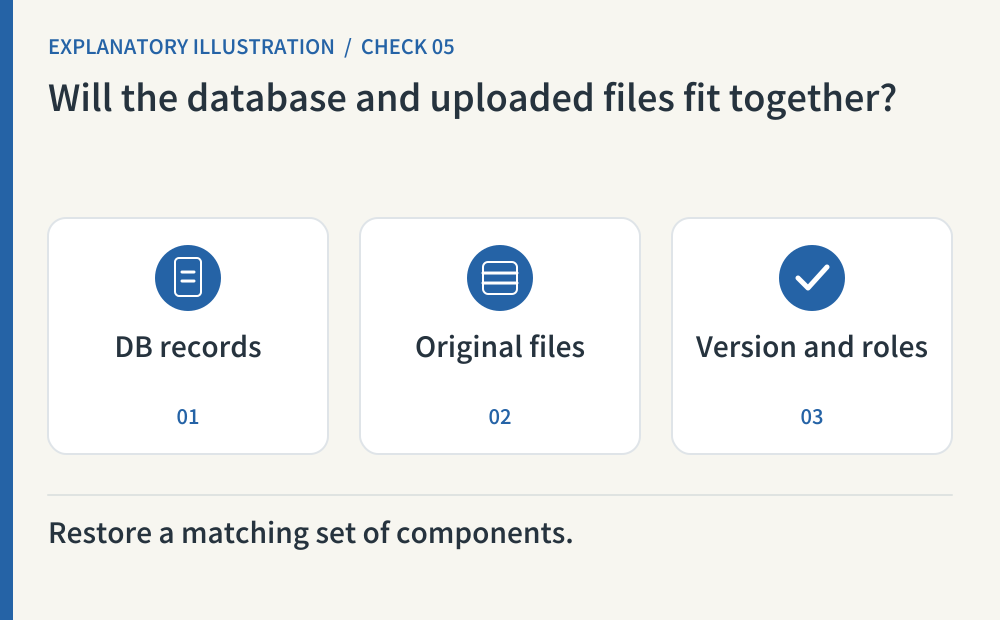
Restoring yesterday’s records beside an unrelated set of files can leave broken references. Record the data timestamp, file inventory and compatible app version as a recovery set. PostgreSQL’s pg_dump produces an internally consistent database export; it does not copy a separate upload service. Check roles, extensions, configuration and externally managed identity data separately. Treat missing components as gaps, rather than assuming the database archive contains the whole application.
- Where to look
- Database restore point · upload inventory · app version · identity-service coverage
- When to tick it
- Records and files match, and separate account, permission and configuration requirements are documented.
CHECK 06 / 8Have you restored into an isolated temporary environment?
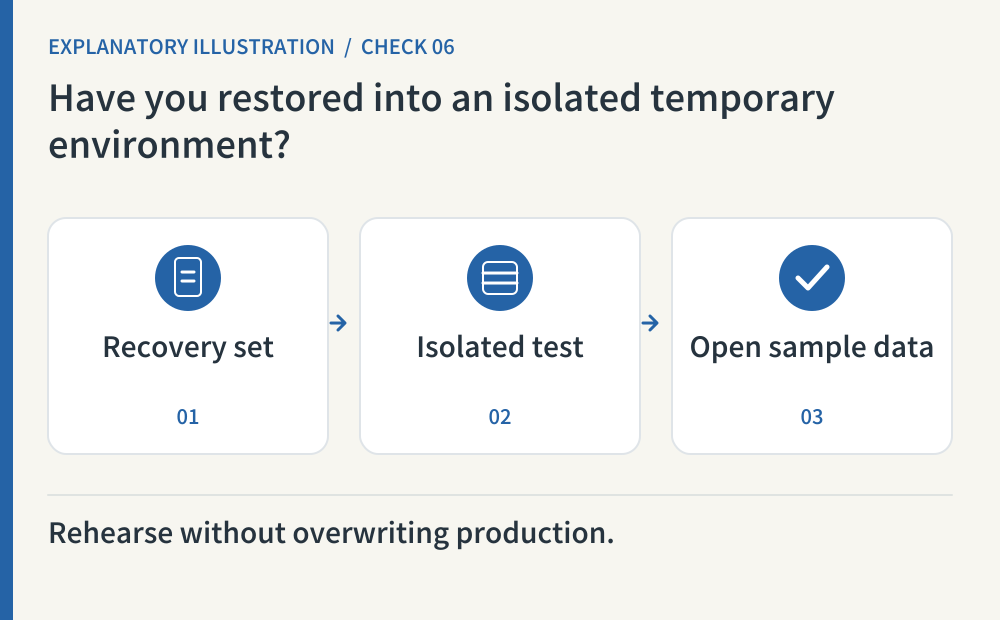
Load a backup into an empty test environment, then open a sample record and attachment through the app. Archive readability and application usability are different checks. Disable email, payments, social publishing and scheduled jobs before starting, and verify that the test app cannot write to production. Prefer synthetic data where possible. Record failures and remove a temporary environment containing sensitive data when the rehearsal is finished.
- Where to look
- Temporary database and test URL · restore log · sample screens · disabled outbound integrations
- When to tick it
- The rehearsal left production untouched, opened sample records and attachments, and sent no external actions.
CHECK 07 / 8Does rolling back code also roll back data?
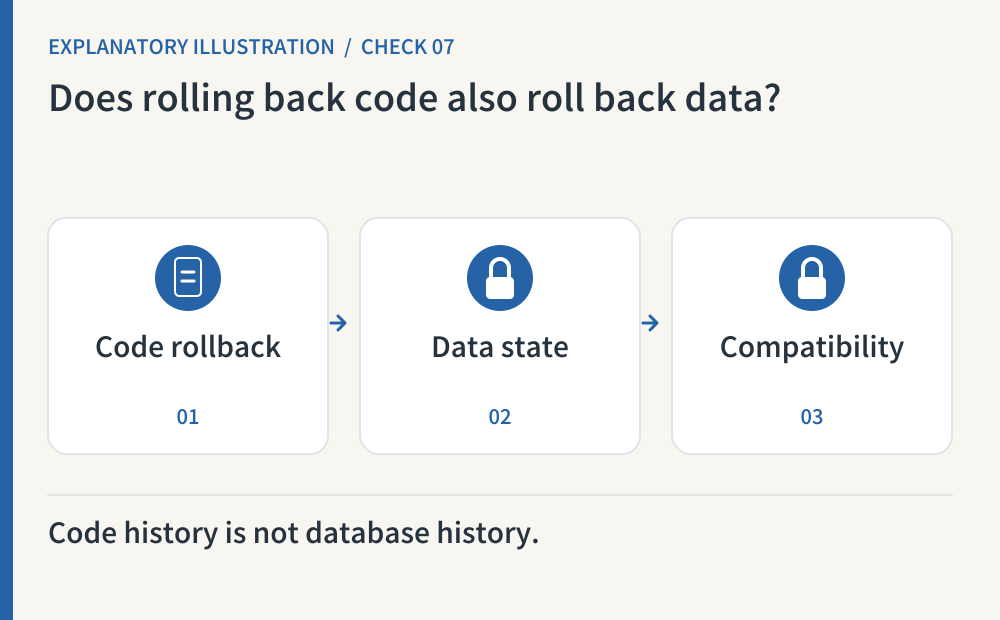
Treat deployment rollback and data restoration as separate operations. Cloudflare Workers versions do not track changes inside associated storage resources. A previous app version may also be incompatible with a newer database schema. Rehearse that combination before choosing an old release; a compatible forward fix may be preferable. Write down which code version works with which data state, rather than relying on the presence of a Rollback button.
- Where to look
- Deployment history · database schema changes · previous-version compatibility test
- When to tick it
- A rollback candidate is tested against the intended data state, with a separate restore or forward-fix route where needed.
CHECK 08 / 8Could someone follow your recovery instructions on a bad day?
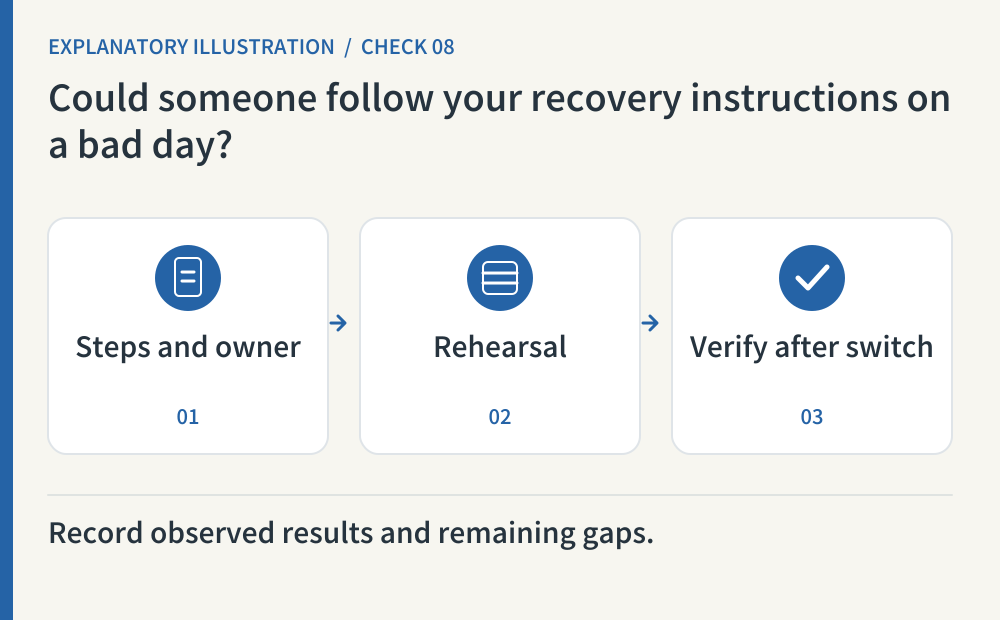
Write a short runbook with the operator, access route, chosen restore point, ordered steps and stop conditions. Our suggested order is to verify records, files and permissions at a test URL before an authorized production switch. Record the rehearsal date, actual elapsed time and unresolved gaps. After any real switch, check the public URL and core actions again, and account for recent changes that the selected backup could not recover.
- Where to look
- Recovery runbook · latest rehearsal record · before-and-after verification list
- When to tick it
- Another operator can follow the steps; stop conditions, observed rehearsal results and remaining data loss are recorded.
Copy this prompt and paste it into your AI
Replace the bracketed fields with your URL, tools and test environment. Copy the whole prompt to request all eight checks, observed results and remaining account-side work.
Sources & further reading
- https://docs.github.com/en/repositories/archiving-a-github-repository/backing-up-a-repository
- https://www.postgresql.org/docs/current/backup-dump.html
- https://cheatsheetseries.owasp.org/cheatsheets/Secrets_Management_Cheat_Sheet.html
- https://www.postgresql.org/docs/current/app-pgdump.html
- https://developers.cloudflare.com/workers/versions-and-deployments/
- https://developers.cloudflare.com/workers/versions-and-deployments/rollbacks/